

Step into the World of Animal Farm Life: Town Farming, a thrilling Simulation game from the house of Sparkling Society – Build Town City Building Games. Play this Android game on BlueStacks App Player and experience immersive gaming on PC or Mac.
About the Game
Animal Farm Life: Town Farming is a cozy, animal-first Simulation game where you turn a patch of countryside into a warm, bustling farm. You’ll plant fields, care for a barn full of cute critters, and slowly shape a place that feels lived-in and yours. Made by Sparkling Society – Build Town City Building Games, it’s easy to slip into for a few minutes or an hour—and it looks great on a bigger screen with BlueStacks if that’s your thing.
Game Features
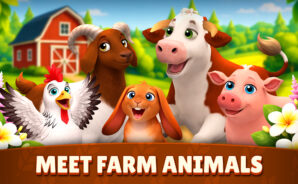
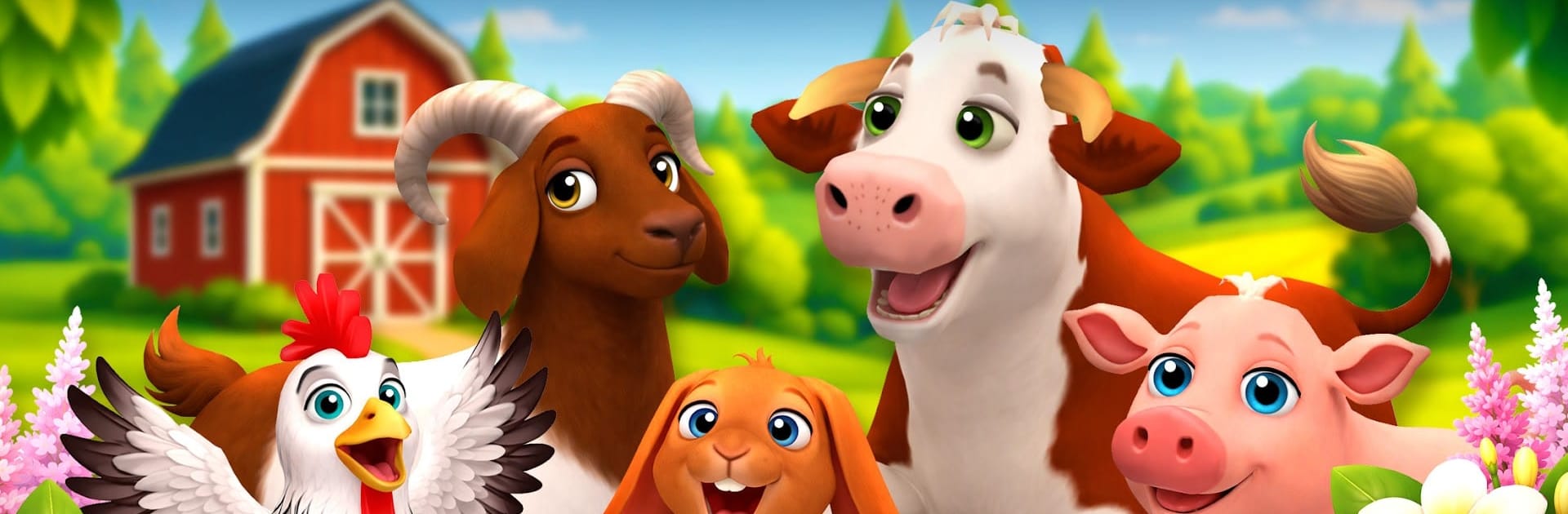
- Animal-first design: The animals are the stars here, with charming animations and little behaviors that make the farm feel alive.
- So many breeds: Discover 50+ breeds (with more on the way), from clucking regulars to woolly favorites, each bringing something different to your barnyard.
- Care and grow: Feed, clean, and look after your young animals as they grow into productive adults.
- Field to pantry: Plant crops, harvest at your pace, and turn raw ingredients into goods like dairy, eggs, and other farm staples.
- Orders and income: Pack up customer requests, earn cash, and put it right back into upgrades, new plots, and better housing for your herd.
- Build your style: Add buildings, paths, fences, and decorations to create a farm that feels uniquely yours—not just another grid.
- Seasonal fun: Hop into limited-time events and seasonal activities for extra rewards and fresh goals.
- Relaxed pacing: No rush, no stress—play how you like, whether you’re optimizing every minute or just checking in.
- Offline friendly: Keep farming even without a connection; perfect for quick sessions wherever you are.
Start your journey now. Download the game on BlueStacks, invite your friends, and march on a new adventure.