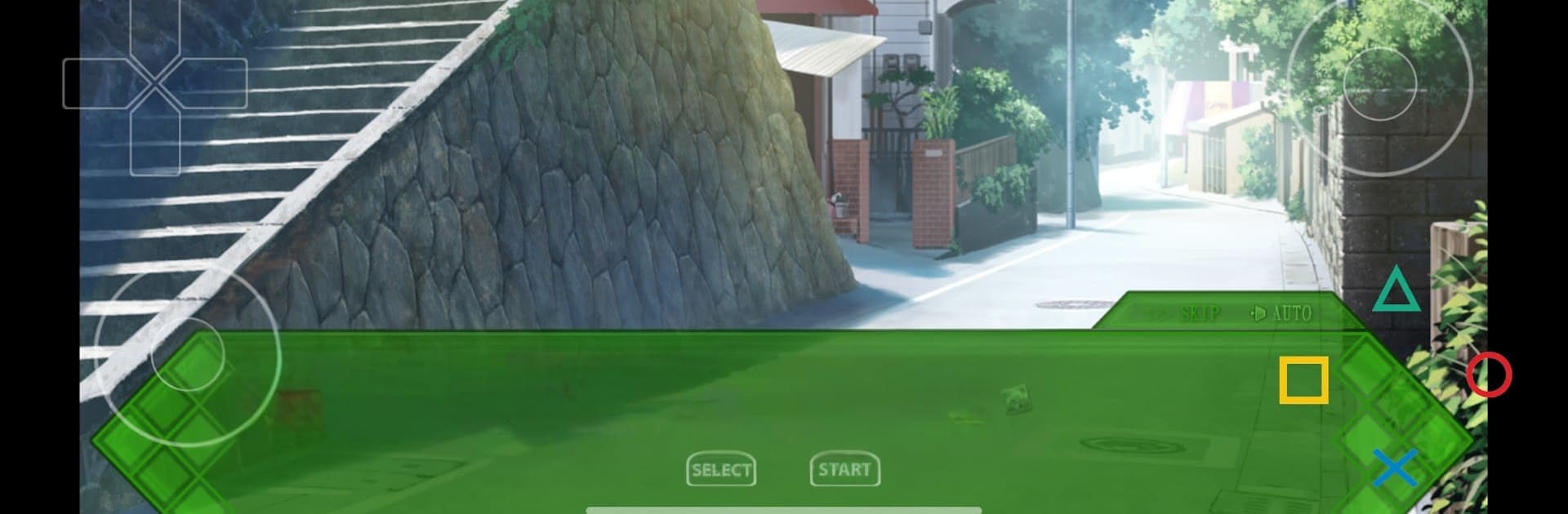
aX360e Free
aX360e Free

aX360e Free

Simulation

| aenu

Play on PC with BlueStacks or from our cloud

  • Overview
  • Game Features
  • How to Play

Page Modified On: April 21, 2026

Play aX360e Free on PC or Mac

Bring your A-game to aX360e Free, the Simulation game sensation from aenu. Give your gameplay the much-needed boost with precise game controls, high FPS graphics, and top-tier features on your PC or Mac with BlueStacks.

About the Game

aX360e Free is a bold Simulation project from aenu that brings a slice of Xbox 360-style play to Android. It’s an emulator, so results depend on your phone’s power, but when it clicks, it’s a fun throwback with modern touches. You bring the games, it handles the heavy lifting—and yes, it’s still growing and getting better with each update.

If you’d rather tinker on a bigger screen, aX360e Free also runs on BlueStacks, which makes testing layouts and controls a little comfier on PC.

Game Features

  • Xbox 360–Style Emulation: Boot up supported titles and explore a console-like experience on mobile, built with performance in mind and tuned for Android.
  • Bring Your Own Games (GOD/ISO): No games are included. Load your own legally obtained backups in GOD or ISO formats, with more formats planned down the road.
  • Vulkan Graphics Acceleration: Uses Vulkan to squeeze more from capable devices, helping visuals and performance where your hardware allows.
  • Customizable Controls: Move, resize, and tweak the virtual buttons until it feels right for your hands and your game.
  • Accessibility-Friendly: Works with TalkBack so more players can navigate and use the app comfortably.
  • Actively Evolving: Compatibility is a work in progress; some titles may not run or may be slow. Expect improvements and added format support over time.
  • Clear Device Requirements: Designed for arm64 devices running Android 9 or higher with Vulkan support—check your specs before you jump in.
  • Free with Optional Upgrade: This is the ad-supported edition. There’s an ad-free option if you prefer a cleaner setup and want to support development.

Slay your opponents with your epic moves. Play it your way on BlueStacks and dominate the battlefield.


Game Features

Enhancements

  • Macros
  • Multi Instance
  • Multi Instance Sync
  • Script
  • Enhancements
Macros

Macros

Automate the predictable in aX360e Free and transform your gameplay with Macros. Get access to inventive Macros in the BlueStacks Macro Community
Multi Instance

Multi Instance

Play aX360e Free on one window. And chat with your friend on the other. Press CTRL + Shift + 8 to open the Multi-Instance Manager. And start creating fresh instances or clone an existing one.
Multi Instance Sync

Multi Instance Sync

Play aX360e Free with the power of Multi-Instance Sync. Replicate what you are doing on the main instance on all other instances. Level up faster, play more.
Script

Script

Script your way to gaming glory in aX360e Free with BlueStacks Script. Write and run a set of commands to automate repeated tasks. Trigger the command by assigning it to any key.
Read More

How to Download and Play aX360e Free on PC or Mac

  • Download and install BlueStacks on your PC or Mac

  • Complete Google sign-in to access the Play Store, or do it later

  • Look for aX360e Free in the search bar at the top right corner

  • Click to install aX360e Free from the search results

  • Complete Google sign-in (if you skipped step 2) to install aX360e Free

  • Click the aX360e Free icon on the home screen to start playing

video
Watch Video

Minimum System Requirements

With BlueStacks 5, you can get started on a PC that fulfills the following requirements.

  • Operating System

    Microsoft Windows 7 or above, macOS 11 (Big Sur) or above

  • Processor

    Intel, AMD or Apple Silicon Processor

  • RAM

    at least 4GB

  • HDD

    10GB Free Disk Space

Note:

* You must be an Administrator on your PC. Up to date graphics drivers from Microsoft or the chipset vendor.

aX360e Free - FAQs

  • How to play aX360e Free on Windows PC & Mac?

    Play aX360e Free on your PC or Mac by following these simple steps.

    • Click on 'Play aX360e Free on PC’ to download BlueStacks
    • Install it and log-in to Google Play Store
    • Launch and play the game.
  • Why is BlueStacks the fastest and safest platform to play games on PC?

    BlueStacks respects your privacy and is always safe and secure to use. It does not carry any malware, spyware, or any sort of additional software that could harm your PC.

    It is engineered to optimize speed and performance for a seamless gaming experience.

  • What are aX360e Free PC requirements?

    Minimum requirement to run aX360e Free on your PC

    • OS: Microsoft Windows 7 or above MacOS 11 (Big Sur) or above
    • Processor: Intel, AMD or Apple Silicon Processor
    • RAM: Your PC must have at least 4GB of RAM. (Note that having 4GB or more disk space is not a substitute for RAM)
    • HDD: 10GB Free Disk Space.
    • You must be an Administrator on your PC.