Bus Driving Bangladesh Leak BD

Bus Driving Bangladesh Leak BD

Simulation

| Stroyed Studio

Play on PC with BlueStacks or from our cloud

  • Overview
  • Game Features
  • How to Play

Page Modified On: May 11, 2026

Play Bus Driving Bangladesh Leak BD on PC or Mac

Join millions to experience Bus Driving Bangladesh Leak BD, an exciting Simulation game from Stroyed Studio. With BlueStacks App Player, you are always a step ahead of your opponent, ready to outplay them with faster gameplay and better control with the mouse and keyboard on your PC or Mac.

About the Game

Grab the wheel and take on real Bangladeshi routes in Bus Driving Bangladesh Leak BD. This Simulation game from Stroyed Studio focuses on the everyday moments of bus work—busy town stops, calm rural stretches, and the weighty feel of a big vehicle under your hands. It’s a steady, skill-first driving experience where smooth handling, timing, and good road sense matter.

Game Features

  • True-to-place roads: Cruise through village lanes, crowded bazaars, and open highways inspired by locations across Bangladesh.
  • Easy, responsive controls: Steer, brake, and accelerate with touch-friendly inputs that feel natural right away.
  • Weighty, realistic handling: Sense the suspension roll, momentum, and braking distance that come with driving a full-size bus.
  • Lively local traffic: Share the road with vehicles that behave like real drivers—patient sometimes, pushy other times.
  • Pick up and drop off passengers: Pull in to bus stands, open the doors, and keep your riders happy and on schedule.
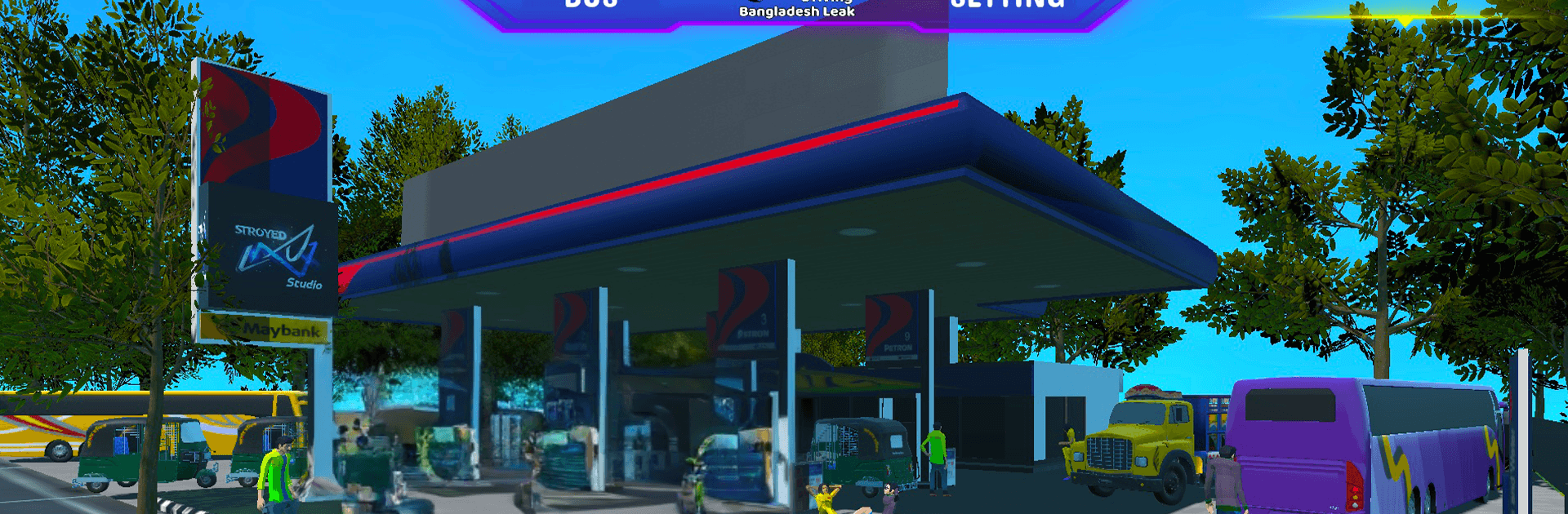
  • Watch the fuel: Keep an eye on the gauge and plan refills so your route doesn’t grind to a halt.
  • Iconic bus designs: Choose from detailed models inspired by familiar Bangladeshi fleets and paint jobs.
  • Scenic visuals on mobile: Enjoy crisp environments and clear road views tuned for smooth performance on a wide range of phones.
  • Play offline: No connection needed—run routes wherever you are, even without data.
  • PC-friendly via BlueStacks: Prefer a bigger screen and keyboard controls? You can fire it up on BlueStacks for a different way to drive.

Get ready for a buttery smooth, high-performance gaming action only on BlueStacks.

Game Features

Enhancements

  • Macros
  • Multi Instance
  • Multi Instance Sync
  • Script
  • Enhancements
Macros

Macros

Automate the predictable in Bus Driving Bangladesh Leak BD and transform your gameplay with Macros. Get access to inventive Macros in the BlueStacks Macro Community
Multi Instance

Multi Instance

Play Bus Driving Bangladesh Leak BD on one window. And chat with your friend on the other. Press CTRL + Shift + 8 to open the Multi-Instance Manager. And start creating fresh instances or clone an existing one.
Multi Instance Sync

Multi Instance Sync

Play Bus Driving Bangladesh Leak BD with the power of Multi-Instance Sync. Replicate what you are doing on the main instance on all other instances. Level up faster, play more.
Script

Script

Script your way to gaming glory in Bus Driving Bangladesh Leak BD with BlueStacks Script. Write and run a set of commands to automate repeated tasks. Trigger the command by assigning it to any key.
Read More

How to Download and Play Bus Driving Bangladesh Leak BD on PC or Mac

  • Download and install BlueStacks on your PC or Mac

  • Complete Google sign-in to access the Play Store, or do it later

  • Look for Bus Driving Bangladesh Leak BD in the search bar at the top right corner

  • Click to install Bus Driving Bangladesh Leak BD from the search results

  • Complete Google sign-in (if you skipped step 2) to install Bus Driving Bangladesh Leak BD

  • Click the Bus Driving Bangladesh Leak BD icon on the home screen to start playing

video
Watch Video

Minimum System Requirements

With BlueStacks 5, you can get started on a PC that fulfills the following requirements.

  • Operating System

    Microsoft Windows 7 or above, macOS 11 (Big Sur) or above

  • Processor

    Intel, AMD or Apple Silicon Processor

  • RAM

    at least 4GB

  • HDD

    10GB Free Disk Space

Note:

* You must be an Administrator on your PC. Up to date graphics drivers from Microsoft or the chipset vendor.

Bus Driving Bangladesh Leak BD - FAQs

  • How to play Bus Driving Bangladesh Leak BD on Windows PC & Mac?

    Play Bus Driving Bangladesh Leak BD on your PC or Mac by following these simple steps.

    • Click on 'Play Bus Driving Bangladesh Leak BD on PC’ to download BlueStacks
    • Install it and log-in to Google Play Store
    • Launch and play the game.
  • Why is BlueStacks the fastest and safest platform to play games on PC?

    BlueStacks respects your privacy and is always safe and secure to use. It does not carry any malware, spyware, or any sort of additional software that could harm your PC.

    It is engineered to optimize speed and performance for a seamless gaming experience.

  • What are Bus Driving Bangladesh Leak BD PC requirements?

    Minimum requirement to run Bus Driving Bangladesh Leak BD on your PC

    • OS: Microsoft Windows 7 or above MacOS 11 (Big Sur) or above
    • Processor: Intel, AMD or Apple Silicon Processor
    • RAM: Your PC must have at least 4GB of RAM. (Note that having 4GB or more disk space is not a substitute for RAM)
    • HDD: 10GB Free Disk Space.
    • You must be an Administrator on your PC.