Business Simulator 3 Idle

Business Simulator 3 Idle

Simulation

| jamboska

Play on PC with BlueStacks or from our cloud

  • Overview
  • Game Features
  • How to Play

Page Modified On: September 22, 2025

Play Business Simulator 3 Idle on PC or Mac

Join millions to experience Business Simulator 3 Idle, an exciting Simulation game from jamboska. With BlueStacks App Player, you are always a step ahead of your opponent, ready to outplay them with faster gameplay and better control with the mouse and keyboard on your PC or Mac.

About the Game

Business Simulator 3 Idle is a Simulation game from jamboska that turns building a business into a smart, satisfying rhythm. It’s an idle clicker at heart, but there’s plenty to think about: timing your sales, picking the right offers, and leaning on the right managers. Grow your empire, watch your name climb the in-game Vorbis magazine rankings, and tweak strategies as the numbers roll in.

Game Features

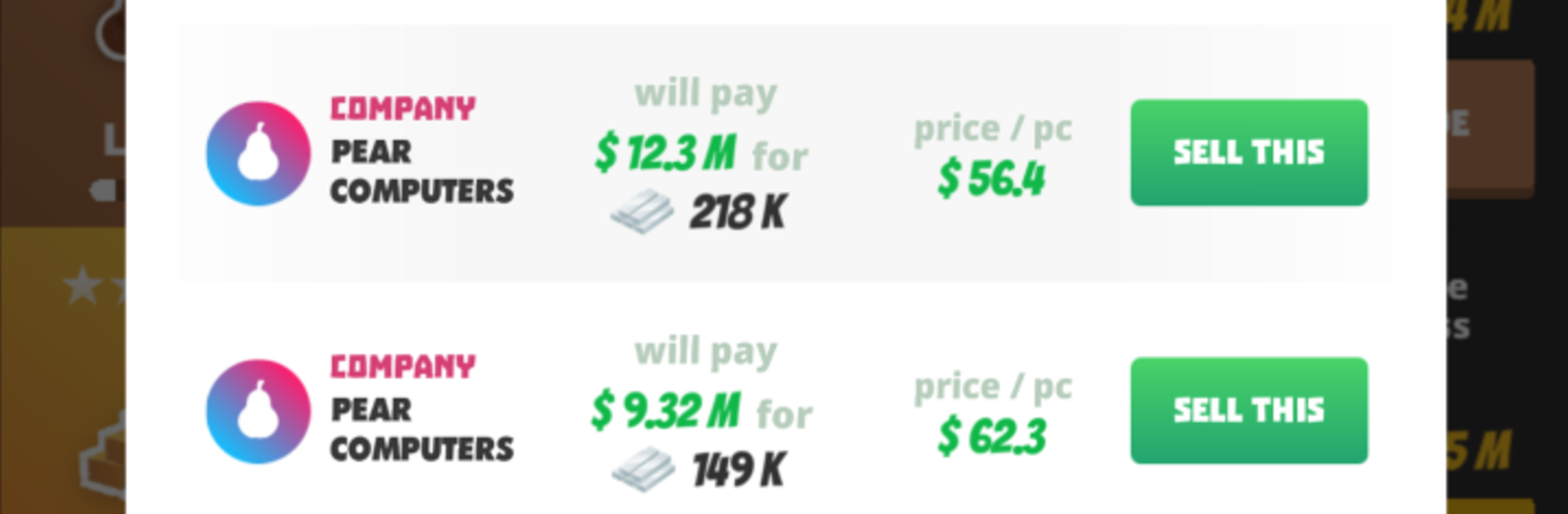
  • Smart trading: Compare offers from different fictional companies and sell when the price is right. Simple idea, big impact on your cash flow.
  • 12 distinct businesses: Expand across a dozen industries and unlock upgrades that actually change how you play, not just how fast numbers go up.
  • Managers with real skills: Hire a crew where each manager brings unique abilities—automation, boosts, or clever perks that stack in interesting ways.
  • Three bite-size mini-games: Short challenges break up the routine and deliver rewards, perfect when you want an active break from idle gains.
  • Missions and brainy tasks: Work through a hefty list of missions plus optional “desirability” assignments that ask you to plan ahead instead of just tapping.
  • Idle meets hands-on: Let it run when you’re busy, then jump in for bursts of decision-making. Progress feels steady without turning into a grind.
  • Vorbis rankings: Track your rise as an entrepreneur in the in-game Vorbis magazine and see how your strategy stacks up.
  • Plays great anywhere: Quick sessions or longer marathons both fit. Prefer a keyboard and bigger screen? It runs smoothly on BlueStacks.

Make your gaming sessions memorable with precise controls that give you an edge in close combats and visuals that pop up, bringing every character to life.


Game Features

Enhancements

  • Macros
  • Multi Instance
  • Multi Instance Sync
  • Script
  • Enhancements
Macros

Macros

Automate the predictable in Business Simulator 3 Idle and transform your gameplay with Macros. Get access to inventive Macros in the BlueStacks Macro Community
Multi Instance

Multi Instance

Play Business Simulator 3 Idle on one window. And chat with your friend on the other. Press CTRL + Shift + 8 to open the Multi-Instance Manager. And start creating fresh instances or clone an existing one.
Multi Instance Sync

Multi Instance Sync

Play Business Simulator 3 Idle with the power of Multi-Instance Sync. Replicate what you are doing on the main instance on all other instances. Level up faster, play more.
Script

Script

Script your way to gaming glory in Business Simulator 3 Idle with BlueStacks Script. Write and run a set of commands to automate repeated tasks. Trigger the command by assigning it to any key.
Read More

How to Download and Play Business Simulator 3 Idle on PC or Mac

  • Download and install BlueStacks on your PC or Mac

  • Complete Google sign-in to access the Play Store, or do it later

  • Look for Business Simulator 3 Idle in the search bar at the top right corner

  • Click to install Business Simulator 3 Idle from the search results

  • Complete Google sign-in (if you skipped step 2) to install Business Simulator 3 Idle

  • Click the Business Simulator 3 Idle icon on the home screen to start playing

video
Watch Video

Minimum System Requirements

With BlueStacks 5, you can get started on a PC that fulfills the following requirements.

  • Operating System

    Microsoft Windows 7 or above, macOS 11 (Big Sur) or above

  • Processor

    Intel, AMD or Apple Silicon Processor

  • RAM

    at least 4GB

  • HDD

    10GB Free Disk Space

Note:

* You must be an Administrator on your PC. Up to date graphics drivers from Microsoft or the chipset vendor.

Business Simulator 3 Idle - FAQs

  • How to play Business Simulator 3 Idle on Windows PC & Mac?

    Play Business Simulator 3 Idle on your PC or Mac by following these simple steps.

    • Click on 'Play Business Simulator 3 Idle on PC’ to download BlueStacks
    • Install it and log-in to Google Play Store
    • Launch and play the game.
  • Why is BlueStacks the fastest and safest platform to play games on PC?

    BlueStacks respects your privacy and is always safe and secure to use. It does not carry any malware, spyware, or any sort of additional software that could harm your PC.

    It is engineered to optimize speed and performance for a seamless gaming experience.

  • What are Business Simulator 3 Idle PC requirements?

    Minimum requirement to run Business Simulator 3 Idle on your PC

    • OS: Microsoft Windows 7 or above MacOS 11 (Big Sur) or above
    • Processor: Intel, AMD or Apple Silicon Processor
    • RAM: Your PC must have at least 4GB of RAM. (Note that having 4GB or more disk space is not a substitute for RAM)
    • HDD: 10GB Free Disk Space.
    • You must be an Administrator on your PC.