Smart Coach Bus Driving School Test: Metro City 18

Smart Coach Bus Driving School Test: Metro City 18

Simulation

| Wacky Studios -Parking, Racing & Talking 3D Games

Play on PC with BlueStacks or from our cloud

  • Overview
  • Game Features
  • How to Play

Page Modified On: August 17, 2026

Play Smart Coach Bus Driving School Test: Metro City 18 on PC or Mac

Smart Coach Bus Driving School Test: Metro City 18 brings the Simulation genre to life, and throws up exciting challenges for gamers. Developed by Wacky Studios -Parking, Racing & Talking 3D Games, this Android game is best experienced on BlueStacks, the World’s #1 app player for PC and Mac users.

About the Game

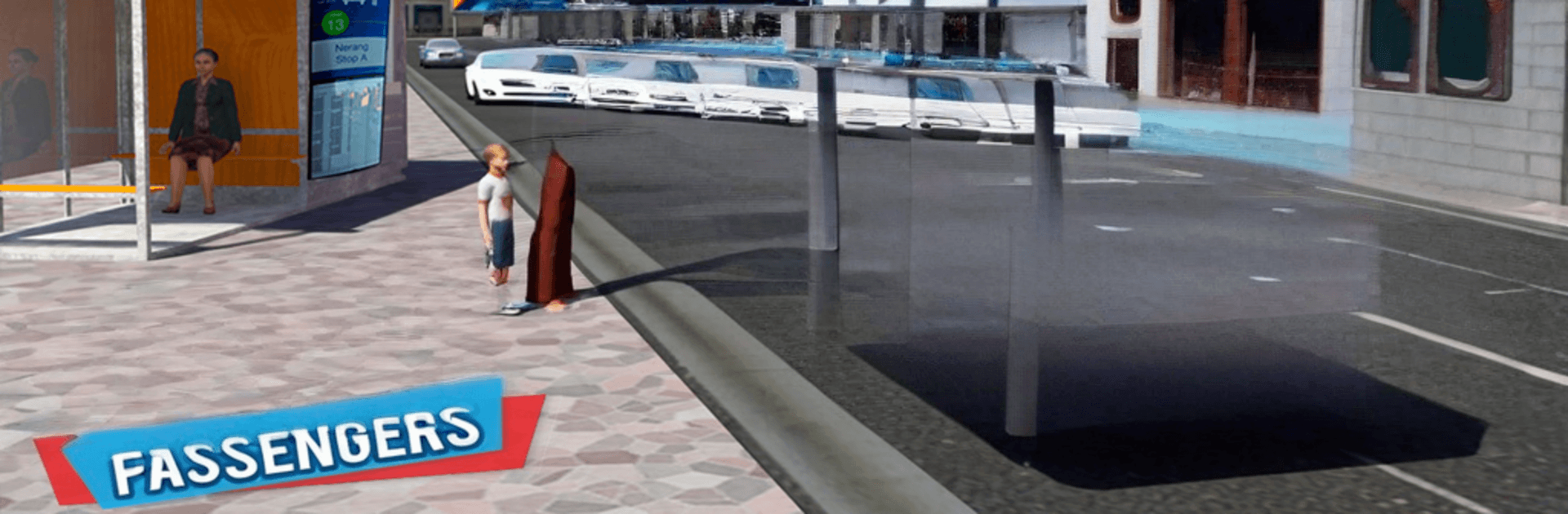
Smart Coach Bus Driving School Test: Metro City 18 is a Simulation game that puts you in the driver’s seat of big-city transit. It’s all about mastering articulated coaches, learning real road etiquette, and shuttling passengers across busy streets, suburbs, and highway ramps without breaking a sweat. Want a wider view and smoother control? You can also play it on PC with BlueStacks.

Game Features

  • Dual-Steering Challenge: Handle both the front and rear wheels of an articulated bus, threading tight corners and narrow streets with real finesse.
  • Real Driver Duties: Pick up at terminals, drop off at stations, and keep to your route while watching the clock, traffic lights, and impatient commuters.
  • Vehicles to Unlock: Work your way through a lineup that includes city coaches, double-deckers, school buses, and more—each with its own feel.
  • Cockpit Views & Cameras: Switch perspectives on the fly, check mirrors, and drive from detailed interiors that make every turn feel authentic.
  • Lively City Traffic: Share the road with taxis, luxury cars, police cruisers, and emergency trucks, all running on responsive AI and believable physics.
  • Open Metro Map: Cruise highways, weave through downtown, and tackle twisty suburban roads that test braking, timing, and turning radius.
  • Precision Handling: Experience weighty buses with smooth steering and braking tuned for big vehicles—perfect for threading rush-hour gaps.
  • Rules Matter: Stop at reds, yield when you should, and avoid fender-benders if you want clean runs and happy passengers.

Get ready for a buttery smooth, high-performance gaming action only on BlueStacks.

Game Features

Enhancements

  • Macros
  • Multi Instance
  • Multi Instance Sync
  • Script
  • Enhancements
Macros

Macros

Automate the predictable in Smart Coach Bus Driving School Test: Metro City 18 and transform your gameplay with Macros. Get access to inventive Macros in the BlueStacks Macro Community
Multi Instance

Multi Instance

Play Smart Coach Bus Driving School Test: Metro City 18 on one window. And chat with your friend on the other. Press CTRL + Shift + 8 to open the Multi-Instance Manager. And start creating fresh instances or clone an existing one.
Multi Instance Sync

Multi Instance Sync

Play Smart Coach Bus Driving School Test: Metro City 18 with the power of Multi-Instance Sync. Replicate what you are doing on the main instance on all other instances. Level up faster, play more.
Script

Script

Script your way to gaming glory in Smart Coach Bus Driving School Test: Metro City 18 with BlueStacks Script. Write and run a set of commands to automate repeated tasks. Trigger the command by assigning it to any key.
Read More

How to Download and Play Smart Coach Bus Driving School Test: Metro City 18 on PC or Mac

  • Download and install BlueStacks on your PC or Mac

  • Complete Google sign-in to access the Play Store, or do it later

  • Look for Smart Coach Bus Driving School Test: Metro City 18 in the search bar at the top right corner

  • Click to install Smart Coach Bus Driving School Test: Metro City 18 from the search results

  • Complete Google sign-in (if you skipped step 2) to install Smart Coach Bus Driving School Test: Metro City 18

  • Click the Smart Coach Bus Driving School Test: Metro City 18 icon on the home screen to start playing

video
Watch Video

Minimum System Requirements

With BlueStacks 5, you can get started on a PC that fulfills the following requirements.

  • Operating System

    Microsoft Windows 7 or above, macOS 11 (Big Sur) or above

  • Processor

    Intel, AMD or Apple Silicon Processor

  • RAM

    at least 4GB

  • HDD

    10GB Free Disk Space

Note:

* You must be an Administrator on your PC. Up to date graphics drivers from Microsoft or the chipset vendor.

Smart Coach Bus Driving School Test: Metro City 18 - FAQs

  • How to play Smart Coach Bus Driving School Test: Metro City 18 on Windows PC & Mac?

    Play Smart Coach Bus Driving School Test: Metro City 18 on your PC or Mac by following these simple steps.

    • Click on 'Play Smart Coach Bus Driving School Test: Metro City 18 on PC’ to download BlueStacks
    • Install it and log-in to Google Play Store
    • Launch and play the game.
  • Why is BlueStacks the fastest and safest platform to play games on PC?

    BlueStacks respects your privacy and is always safe and secure to use. It does not carry any malware, spyware, or any sort of additional software that could harm your PC.

    It is engineered to optimize speed and performance for a seamless gaming experience.

  • What are Smart Coach Bus Driving School Test: Metro City 18 PC requirements?

    Minimum requirement to run Smart Coach Bus Driving School Test: Metro City 18 on your PC

    • OS: Microsoft Windows 7 or above MacOS 11 (Big Sur) or above
    • Processor: Intel, AMD or Apple Silicon Processor
    • RAM: Your PC must have at least 4GB of RAM. (Note that having 4GB or more disk space is not a substitute for RAM)
    • HDD: 10GB Free Disk Space.
    • You must be an Administrator on your PC.