هجولة كورسا
هجولة كورسا

هجولة كورسا

Simulation

| NJD STUDIO

Play on PC with BlueStacks or from our cloud

  • Overview
  • Game Features
  • How to Play

Page Modified On: November 10, 2025

Play هجولة كورسا on PC or Mac

Explore a whole new adventure with هجولة كورسا, a Simulation game created by NJD STUDIO. Experience great gameplay with BlueStacks, the most popular gaming platform to play Android games on your PC or Mac.

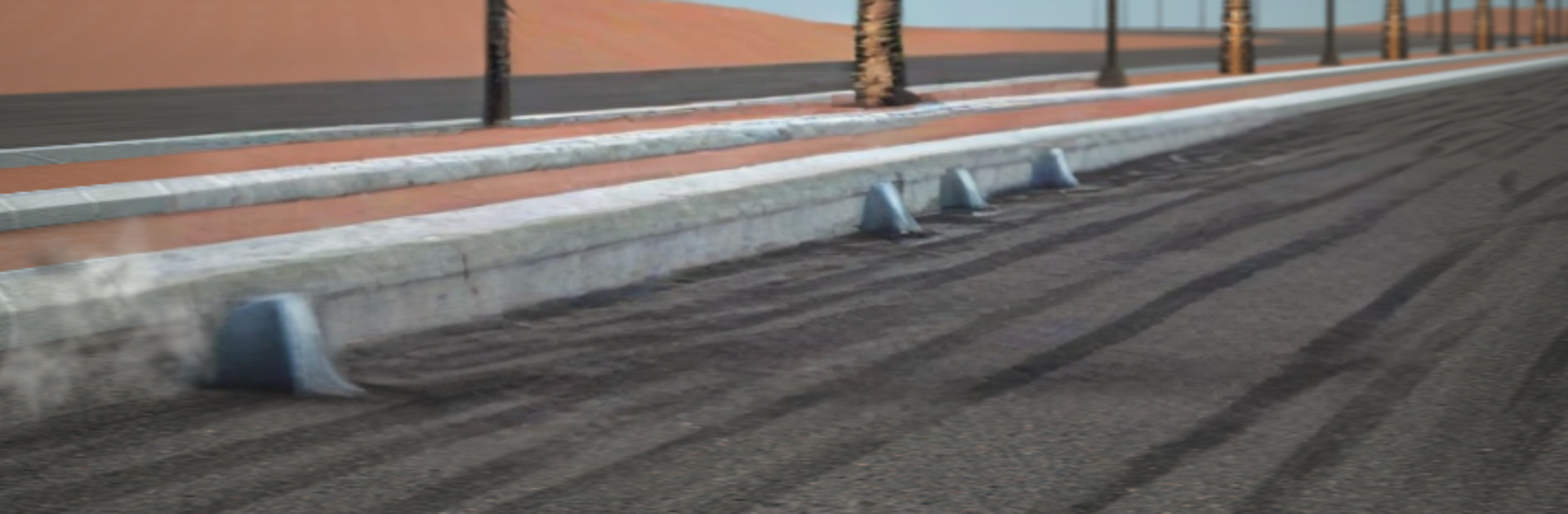
Hajwala Corsa feels like a straight-up drift playground. It focuses on sliding more than strict racing, so the fun is in holding long sideways lines, feathering the throttle, and keeping the car from snapping back. The cars lean into that tail-happy style, with quick weight shifts and big clouds of tire smoke, and there is a decent mix of recognizable shapes, from chunky sedans to light coupes. Each one reacts a little different, so swapping between them changes how early the rear steps out or how much countersteer is needed. There is simple customizing to make a ride look personal, paint and wheels and that kind of stuff, not a pile of menus that takes forever. Scoring leans on angle and control, and it rewards clean, connected drifts without turning it into homework.

On PC through BlueStacks, the keyboard setup actually helps. Throttle on W, steering on arrows or A/D, handbrake on space, it clicks fast, and the bigger screen makes reading the slide easier. The chase camera is the sweet spot and lets players judge angle without fighting the view. Physics sit on the arcade side, forgiving enough that a sloppy entry can still turn into a long drift, and resets are quick when it goes wrong. It suits anyone who wants to throw cars around open roads, chain drifts, and hear tires scream without getting lost in tuning spreadsheets or sim headaches.

Ready to top the leaderboard? We bet you do. Let precise controls and sharp visuals optimized on BlueStacks lead you to victory.


Game Features

Enhancements

  • Macros
  • Multi Instance
  • Multi Instance Sync
  • Script
  • Enhancements
Macros

Macros

Automate the predictable in هجولة كورسا and transform your gameplay with Macros. Get access to inventive Macros in the BlueStacks Macro Community
Multi Instance

Multi Instance

Play هجولة كورسا on one window. And chat with your friend on the other. Press CTRL + Shift + 8 to open the Multi-Instance Manager. And start creating fresh instances or clone an existing one.
Multi Instance Sync

Multi Instance Sync

Play هجولة كورسا with the power of Multi-Instance Sync. Replicate what you are doing on the main instance on all other instances. Level up faster, play more.
Script

Script

Script your way to gaming glory in هجولة كورسا with BlueStacks Script. Write and run a set of commands to automate repeated tasks. Trigger the command by assigning it to any key.
Read More

How to Download and Play هجولة كورسا on PC or Mac

  • Download and install BlueStacks on your PC or Mac

  • Complete Google sign-in to access the Play Store, or do it later

  • Look for هجولة كورسا in the search bar at the top right corner

  • Click to install هجولة كورسا from the search results

  • Complete Google sign-in (if you skipped step 2) to install هجولة كورسا

  • Click the هجولة كورسا icon on the home screen to start playing

video
Watch Video

Minimum System Requirements

With BlueStacks 5, you can get started on a PC that fulfills the following requirements.

  • Operating System

    Microsoft Windows 7 or above, macOS 11 (Big Sur) or above

  • Processor

    Intel, AMD or Apple Silicon Processor

  • RAM

    at least 4GB

  • HDD

    10GB Free Disk Space

Note:

* You must be an Administrator on your PC. Up to date graphics drivers from Microsoft or the chipset vendor.

هجولة كورسا - FAQs

  • How to play هجولة كورسا on Windows PC & Mac?

    Play هجولة كورسا on your PC or Mac by following these simple steps.

    • Click on 'Play هجولة كورسا on PC’ to download BlueStacks
    • Install it and log-in to Google Play Store
    • Launch and play the game.
  • Why is BlueStacks the fastest and safest platform to play games on PC?

    BlueStacks respects your privacy and is always safe and secure to use. It does not carry any malware, spyware, or any sort of additional software that could harm your PC.

    It is engineered to optimize speed and performance for a seamless gaming experience.

  • What are هجولة كورسا PC requirements?

    Minimum requirement to run هجولة كورسا on your PC

    • OS: Microsoft Windows 7 or above MacOS 11 (Big Sur) or above
    • Processor: Intel, AMD or Apple Silicon Processor
    • RAM: Your PC must have at least 4GB of RAM. (Note that having 4GB or more disk space is not a substitute for RAM)
    • HDD: 10GB Free Disk Space.
    • You must be an Administrator on your PC.