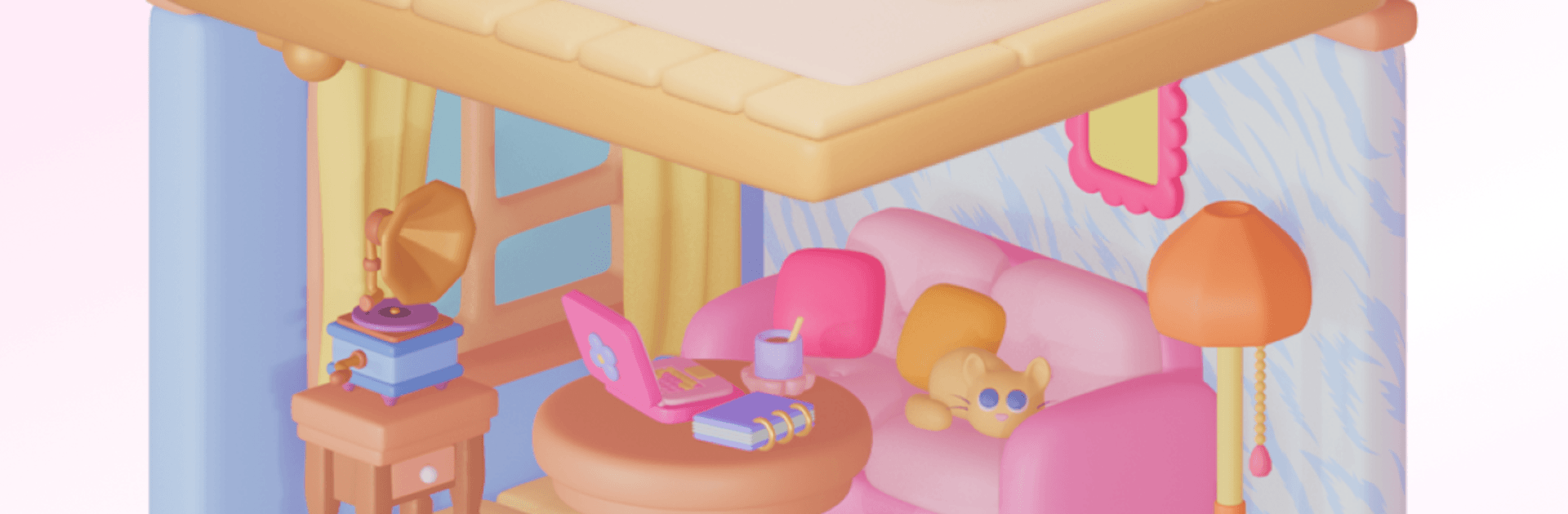


Cozy Home 3D: Rooms Paint Calm by Abovegames has plenty to keep you busy. BlueStacks lets you play it on PC or Mac with more screen space, better control, and fewer mobile limits.
About the Game
Cozy Home 3D: Rooms Paint Calm turns tiny, detailed rooms into your personal coloring playground, all in full 3D. Rotate each space, tap what you want to paint, and watch it transform with curated palettes and textures that make every corner feel thoughtfully designed. It’s a relaxed Simulation with a soothing, creative rhythm—easy to pick up for a few minutes or settle into for a longer session, and it plays nicely on BlueStacks if you prefer a bigger screen.
Game Features
- Touchable 3D rooms: Spin each miniature scene to reveal walls, floors, and decor you can color from every angle.
- Intuitive tap-to-paint: Tap a surface and fill it with color—no fuss, just satisfying, precise control.
- Curated palettes and textures: Use handpicked color sets and art textures that make your choices look cohesive and stylish.
- Flexible paint tools: Move between clean fills and textured looks to match the vibe you’re going for.
- Relaxing atmosphere: Cozy visuals, soft feedback, and an easy pace make coloring feel calm and unhurried.
- Interior-design vibes: Every scene feels like a tiny makeover project, from cute corners to complete room compositions.
- Offline coloring: No connection needed—perfect for quick creative breaks wherever you are.
- CozyHub sharing: Post your finished rooms and browse community creations to spark new ideas.
- Always something new: New rooms and interiors arrive over time, so your gallery keeps growing.
BlueStacks gives you more room to focus on the game and less time adjusting around mobile limitations.