Gaming Shop Tycoon: Idle Game

Gaming Shop Tycoon: Idle Game

Simulation

| BugC - Game Dev

Play on PC with BlueStacks or from our cloud

  • Overview
  • Game Features
  • How to Play

Page Modified On: September 08, 2026

Play Gaming Shop Tycoon: Idle Game on PC or Mac

Play Gaming Shop Tycoon: Idle Game by BugC – Game Dev on PC or Mac with BlueStacks. Use a bigger screen, mouse and keyboard controls, and smoother performance while you play.

About the Game

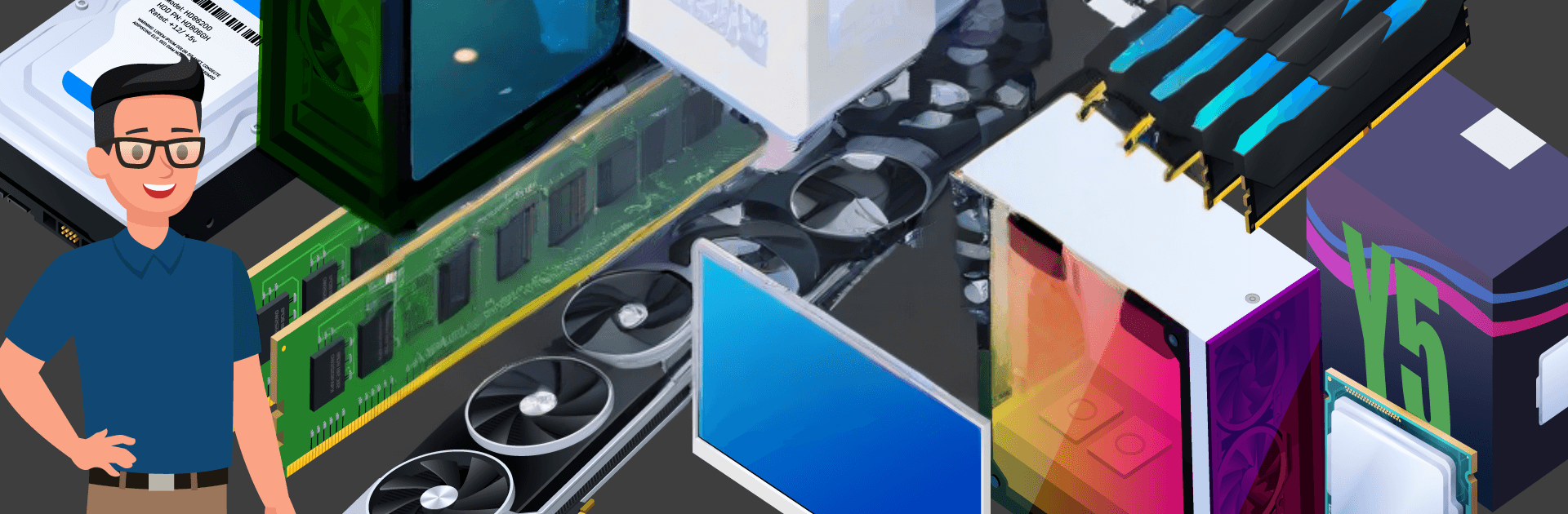
Gaming Shop Tycoon: Idle Game is a breezy, numbers-satisfying Simulation where you grow a tiny storefront into a must-visit hotspot for gamers, creators, and esports pros. You’ll stock the coolest gear, build custom PCs, and watch the cash roll in—even when you’re not actively playing. It runs comfortably on BlueStacks too, if you like managing your empire on a bigger screen.

Game Features

  • Start small, think big: Open with a modest shop and gradually turn it into a bustling destination filled with high-end rigs, sleek monitors, and must-have peripherals.
  • Real idle earnings: Your business keeps making money in the background, letting you hop back in to invest profits, smooth out bottlenecks, and keep momentum going.
  • Smart upgrades that matter: Expand floor space, improve facilities, and streamline checkout and service areas to boost efficiency and customer satisfaction.
  • Build dream machines: Mix and match components to assemble performance-balanced PCs that match budgets and preferences—then watch happy customers spread the word.
  • Stock the good stuff: Unlock new product lines—from graphics cards and pro keyboards to audio gear—and refresh your shelves to stay ahead of demand.
  • Read the room: Track customer feedback and shifting trends, then tweak pricing, displays, and promotions to keep rivals guessing.
  • Make your brand known: Partner with esports teams and creators to raise your profile and bring in high-value clients who love premium builds.
  • Easy to learn, surprisingly deep: Simple taps get you moving, but there’s plenty of strategy in timing upgrades, planning inventory, and scaling at the right pace.

BlueStacks gives you more room to focus on the game and less time adjusting around mobile limitations.


Game Features

Enhancements

  • Macros
  • Multi Instance
  • Multi Instance Sync
  • Script
  • Enhancements
Macros

Macros

Automate the predictable in Gaming Shop Tycoon: Idle Game and transform your gameplay with Macros. Get access to inventive Macros in the BlueStacks Macro Community
Multi Instance

Multi Instance

Play Gaming Shop Tycoon: Idle Game on one window. And chat with your friend on the other. Press CTRL + Shift + 8 to open the Multi-Instance Manager. And start creating fresh instances or clone an existing one.
Multi Instance Sync

Multi Instance Sync

Play Gaming Shop Tycoon: Idle Game with the power of Multi-Instance Sync. Replicate what you are doing on the main instance on all other instances. Level up faster, play more.
Script

Script

Script your way to gaming glory in Gaming Shop Tycoon: Idle Game with BlueStacks Script. Write and run a set of commands to automate repeated tasks. Trigger the command by assigning it to any key.
Read More

How to Download and Play Gaming Shop Tycoon: Idle Game on PC or Mac

  • Download and install BlueStacks on your PC or Mac

  • Complete Google sign-in to access the Play Store, or do it later

  • Look for Gaming Shop Tycoon: Idle Game in the search bar at the top right corner

  • Click to install Gaming Shop Tycoon: Idle Game from the search results

  • Complete Google sign-in (if you skipped step 2) to install Gaming Shop Tycoon: Idle Game

  • Click the Gaming Shop Tycoon: Idle Game icon on the home screen to start playing

video
Watch Video

Minimum System Requirements

With BlueStacks 5, you can get started on a PC that fulfills the following requirements.

  • Operating System

    Microsoft Windows 7 or above, macOS 11 (Big Sur) or above

  • Processor

    Intel, AMD or Apple Silicon Processor

  • RAM

    at least 4GB

  • HDD

    10GB Free Disk Space

Note:

* You must be an Administrator on your PC. Up to date graphics drivers from Microsoft or the chipset vendor.

Gaming Shop Tycoon: Idle Game - FAQs

  • How to play Gaming Shop Tycoon: Idle Game on Windows PC & Mac?

    Play Gaming Shop Tycoon: Idle Game on your PC or Mac by following these simple steps.

    • Click on 'Play Gaming Shop Tycoon: Idle Game on PC’ to download BlueStacks
    • Install it and log-in to Google Play Store
    • Launch and play the game.
  • Why is BlueStacks the fastest and safest platform to play games on PC?

    BlueStacks respects your privacy and is always safe and secure to use. It does not carry any malware, spyware, or any sort of additional software that could harm your PC.

    It is engineered to optimize speed and performance for a seamless gaming experience.

  • What are Gaming Shop Tycoon: Idle Game PC requirements?

    Minimum requirement to run Gaming Shop Tycoon: Idle Game on your PC

    • OS: Microsoft Windows 7 or above MacOS 11 (Big Sur) or above
    • Processor: Intel, AMD or Apple Silicon Processor
    • RAM: Your PC must have at least 4GB of RAM. (Note that having 4GB or more disk space is not a substitute for RAM)
    • HDD: 10GB Free Disk Space.
    • You must be an Administrator on your PC.