
Perfect Cleaning Makeover ASMR

Perfect Cleaning Makeover ASMR

Simulation

| KHANG DUY COMPANY

Play on PC with BlueStacks or from our cloud

  • Overview
  • Game Features
  • How to Play

Page Modified On: October 12, 2026

Play Perfect Cleaning Makeover ASMR on PC or Mac

Bring your A-game to Perfect Cleaning Makeover ASMR, the Simulation game sensation from KHANG DUY COMPANY. Give your gameplay the much-needed boost with precise game controls, high FPS graphics, and top-tier features on your PC or Mac with BlueStacks.

About the Game

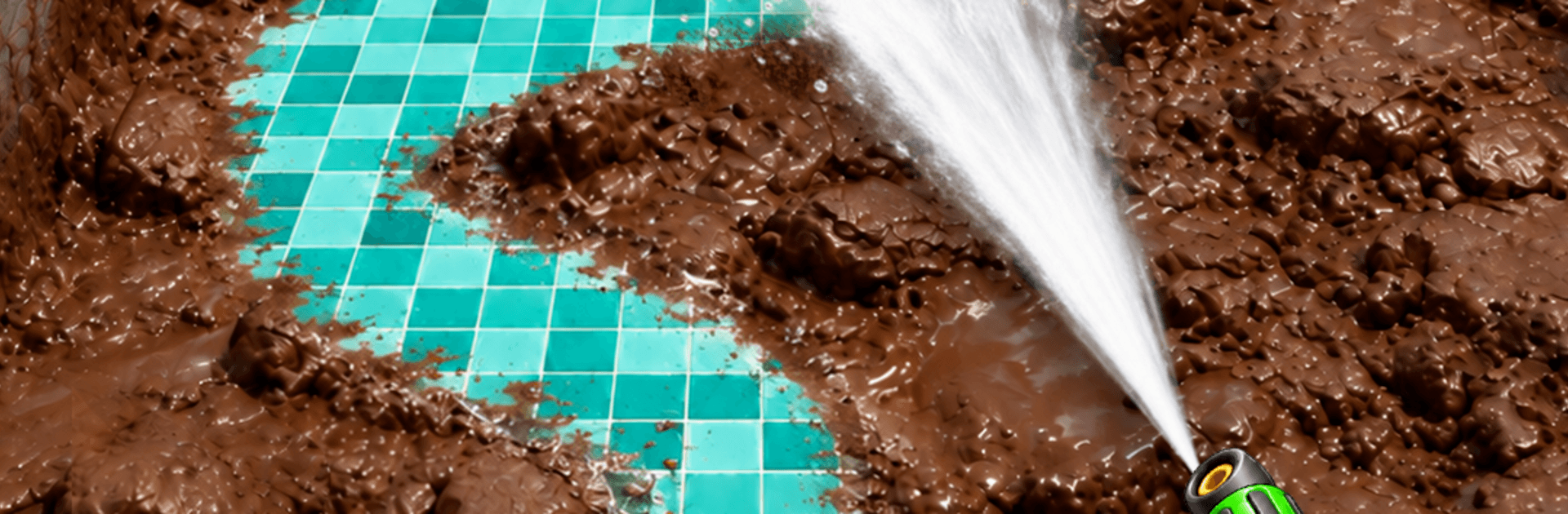
Perfect Cleaning Makeover ASMR is a calm, hands-on Simulation where you turn grimy, forgotten things into satisfyingly spotless keepsakes. Every swipe, spray, and polish pairs with soothing ASMR audio, making each task oddly addictive and genuinely relaxing. It also plays nicely on BlueStacks if you like bigger visuals and clean, punchy sound.

Game Features

  • Satisfying ASMR audio: Hear crisp splashes, gentle scrubs, and soft brushes that sync perfectly with every action.
  • Simple, tactile controls: Tap, hold, and slide to wash, brush, scrape, and buff; it feels intuitive from the first item you clean.
  • Realistic cleaning effects: Watch grime lift, suds build, and surfaces shine as you reveal the original look piece by piece.
  • Repair and restore: Tighten screws, replace parts, and mend worn pieces to bring old tools and household items back to life.
  • No timers, no rush: Take your time without countdowns or pressure, whether you’ve got two minutes or twenty.
  • Varied messes and materials: Tackle dusty corners, muddy gear, stained cookware, and more—each one needs a different approach.
  • A toolkit that matters: Swap between sponges, brushes, sprayers, and polishers to match the job and get the best finish.
  • Chill, stress-relieving flow: Short, focused tasks and gentle feedback help you unwind after a long day, one clean swipe at a time.

Get ready for a buttery smooth, high-performance gaming action only on BlueStacks.

Game Features

Enhancements

  • Macros
  • Multi Instance
  • Multi Instance Sync
  • Script
  • Enhancements
Macros

Macros

Automate the predictable in Perfect Cleaning Makeover ASMR and transform your gameplay with Macros. Get access to inventive Macros in the BlueStacks Macro Community
Multi Instance

Multi Instance

Play Perfect Cleaning Makeover ASMR on one window. And chat with your friend on the other. Press CTRL + Shift + 8 to open the Multi-Instance Manager. And start creating fresh instances or clone an existing one.
Multi Instance Sync

Multi Instance Sync

Play Perfect Cleaning Makeover ASMR with the power of Multi-Instance Sync. Replicate what you are doing on the main instance on all other instances. Level up faster, play more.
Script

Script

Script your way to gaming glory in Perfect Cleaning Makeover ASMR with BlueStacks Script. Write and run a set of commands to automate repeated tasks. Trigger the command by assigning it to any key.
Read More

How to Download and Play Perfect Cleaning Makeover ASMR on PC or Mac

  • Download and install BlueStacks on your PC or Mac

  • Complete Google sign-in to access the Play Store, or do it later

  • Look for Perfect Cleaning Makeover ASMR in the search bar at the top right corner

  • Click to install Perfect Cleaning Makeover ASMR from the search results

  • Complete Google sign-in (if you skipped step 2) to install Perfect Cleaning Makeover ASMR

  • Click the Perfect Cleaning Makeover ASMR icon on the home screen to start playing

video
Watch Video

Minimum System Requirements

With BlueStacks 5, you can get started on a PC that fulfills the following requirements.

  • Operating System

    Microsoft Windows 7 or above, macOS 11 (Big Sur) or above

  • Processor

    Intel, AMD or Apple Silicon Processor

  • RAM

    at least 4GB

  • HDD

    10GB Free Disk Space

Note:

* You must be an Administrator on your PC. Up to date graphics drivers from Microsoft or the chipset vendor.

Perfect Cleaning Makeover ASMR - FAQs

  • How to play Perfect Cleaning Makeover ASMR on Windows PC & Mac?

    Play Perfect Cleaning Makeover ASMR on your PC or Mac by following these simple steps.

    • Click on 'Play Perfect Cleaning Makeover ASMR on PC’ to download BlueStacks
    • Install it and log-in to Google Play Store
    • Launch and play the game.
  • Why is BlueStacks the fastest and safest platform to play games on PC?

    BlueStacks respects your privacy and is always safe and secure to use. It does not carry any malware, spyware, or any sort of additional software that could harm your PC.

    It is engineered to optimize speed and performance for a seamless gaming experience.

  • What are Perfect Cleaning Makeover ASMR PC requirements?

    Minimum requirement to run Perfect Cleaning Makeover ASMR on your PC

    • OS: Microsoft Windows 7 or above MacOS 11 (Big Sur) or above
    • Processor: Intel, AMD or Apple Silicon Processor
    • RAM: Your PC must have at least 4GB of RAM. (Note that having 4GB or more disk space is not a substitute for RAM)
    • HDD: 10GB Free Disk Space.
    • You must be an Administrator on your PC.








