Pizza Shop Tycoon
Pizza Shop Tycoon

Pizza Shop Tycoon

Simulation

| iJoyGame

Play on PC with BlueStacks or from our cloud

  • Overview
  • Game Features
  • How to Play

Page Modified On: December 26, 2025

Play Pizza Shop Tycoon on PC or Mac

Bring your A-game to Pizza Shop Tycoon, the Simulation game sensation from iJoyGame. Give your gameplay the much-needed boost with precise game controls, high FPS graphics, and top-tier features on your PC or Mac with BlueStacks.

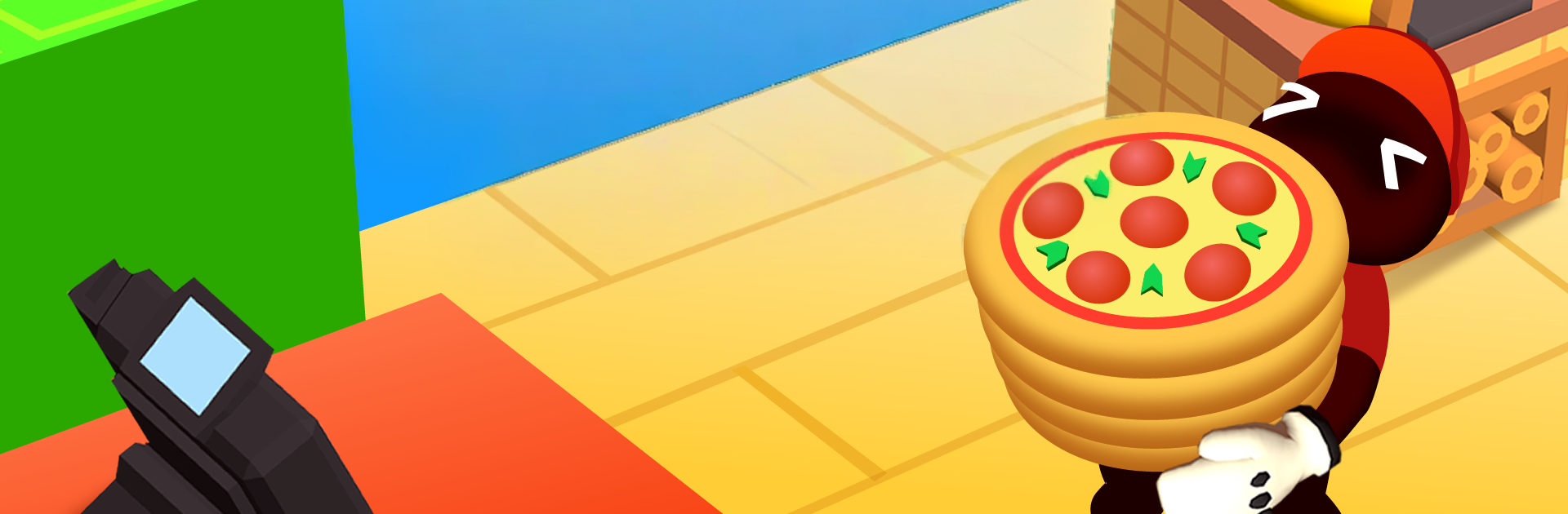
Pizza Shop Tycoon is a chill management game that turns a tiny pizzeria into a busy spot, then a full chain if someone sticks with it. Players start with one oven and a single table, shuffling between making dough, stacking toppings, baking pies, and wiping down after customers. The rhythm builds fast. Cash from the rush goes into another table, an extra machine, or better stations, and watching the floor go from quiet to packed feels satisfying without being stressful. It is easy to understand what to do next, but the kitchen can get crowded if timing slips. That is where staff matter. Cooks and servers can be hired and trained, and once their skills go up, the whole place runs smoother and trash does not pile up.

Progress is steady. The shop expands room by room, new equipment unlocks new menu bits, and the layout starts to matter because walking time really adds up. After the first store feels tight, the game opens more locations and the whole chain starts to hum, city after city. It stays focused on practical choices rather than heavy spreadsheets, more about flow and upgrade order than math headaches. On PC with BlueStacks, the point and click control makes juggling stations and menus simple, and the bigger screen helps keep track when the dining area gets busy. Players who enjoy watching a small business grow piece by piece will find that slow build here, a little relaxing, a little frantic, and a lot of pizzas.

Slay your opponents with your epic moves. Play it your way on BlueStacks and dominate the battlefield.


Game Features

Enhancements

  • Macros
  • Multi Instance
  • Multi Instance Sync
  • Script
  • Enhancements
Macros

Macros

Automate the predictable in Pizza Shop Tycoon and transform your gameplay with Macros. Get access to inventive Macros in the BlueStacks Macro Community
Multi Instance

Multi Instance

Play Pizza Shop Tycoon on one window. And chat with your friend on the other. Press CTRL + Shift + 8 to open the Multi-Instance Manager. And start creating fresh instances or clone an existing one.
Multi Instance Sync

Multi Instance Sync

Play Pizza Shop Tycoon with the power of Multi-Instance Sync. Replicate what you are doing on the main instance on all other instances. Level up faster, play more.
Script

Script

Script your way to gaming glory in Pizza Shop Tycoon with BlueStacks Script. Write and run a set of commands to automate repeated tasks. Trigger the command by assigning it to any key.
Read More

How to Download and Play Pizza Shop Tycoon on PC or Mac

  • Download and install BlueStacks on your PC or Mac

  • Complete Google sign-in to access the Play Store, or do it later

  • Look for Pizza Shop Tycoon in the search bar at the top right corner

  • Click to install Pizza Shop Tycoon from the search results

  • Complete Google sign-in (if you skipped step 2) to install Pizza Shop Tycoon

  • Click the Pizza Shop Tycoon icon on the home screen to start playing

video
Watch Video

Minimum System Requirements

With BlueStacks 5, you can get started on a PC that fulfills the following requirements.

  • Operating System

    Microsoft Windows 7 or above, macOS 11 (Big Sur) or above

  • Processor

    Intel, AMD or Apple Silicon Processor

  • RAM

    at least 4GB

  • HDD

    10GB Free Disk Space

Note:

* You must be an Administrator on your PC. Up to date graphics drivers from Microsoft or the chipset vendor.

Pizza Shop Tycoon - FAQs

  • How to play Pizza Shop Tycoon on Windows PC & Mac?

    Play Pizza Shop Tycoon on your PC or Mac by following these simple steps.

    • Click on 'Play Pizza Shop Tycoon on PC’ to download BlueStacks
    • Install it and log-in to Google Play Store
    • Launch and play the game.
  • Why is BlueStacks the fastest and safest platform to play games on PC?

    BlueStacks respects your privacy and is always safe and secure to use. It does not carry any malware, spyware, or any sort of additional software that could harm your PC.

    It is engineered to optimize speed and performance for a seamless gaming experience.

  • What are Pizza Shop Tycoon PC requirements?

    Minimum requirement to run Pizza Shop Tycoon on your PC

    • OS: Microsoft Windows 7 or above MacOS 11 (Big Sur) or above
    • Processor: Intel, AMD or Apple Silicon Processor
    • RAM: Your PC must have at least 4GB of RAM. (Note that having 4GB or more disk space is not a substitute for RAM)
    • HDD: 10GB Free Disk Space.
    • You must be an Administrator on your PC.