
Projeto Grau 2
Projeto Grau 2

Projeto Grau 2

Simulation

| Insanity Group

Play on PC with BlueStacks or from our cloud

  • Overview
  • Game Features
  • How to Play

Page Modified On: November 18, 2026

Play Projeto Grau 2 on PC or Mac

Explore a whole new adventure with Projeto Grau 2, a Simulation game created by Insanity Group. Experience great gameplay with BlueStacks, the most popular gaming platform to play Android games on your PC or Mac.

About the Game

Projeto Grau 2 throws you into an open-city playground built for two-wheeled showboating and street cruising. It’s a Simulation where throttle control, braking, and balance decide whether you cruise clean or scrape asphalt. Explore at your own pace, pick up gigs to fund your next ride, and tune every detail in the garage. Prefer a roomier view? Running it on BlueStacks keeps the whole city in sight without making a fuss about it.

Game Features

  • Open-city playground: Roam on foot, hop on a motorcycle, or grab a car and thread through avenues, alleys, and long straights with working traffic lights, AI vehicles, day–night cycles, and shifting weather.
  • Stunt-first physics: Nail wheelies, hold stoppies, light up burnouts, and balance with a foot to the ground—everything reacts to your inputs, so precision actually matters.
  • Jobs that pay: Take app deliveries, freight runs, electrician work, lumberjack tasks, and fruit drops to stack cash for bikes, cars, and upgrades.
  • GPS on your side: Use the minimap with a built-in route to find shops, job points, and your next stretch of smooth pavement.
  • Garage and workshop depth: Store multiple rides, swap wheels and tires, adjust suspension and camber, refresh the paint, add decals, and even drop a car audio setup in the trunk.
  • Bikes and cars, your call: Pick from street-ready motorcycles and cars to buy or rent, then preview each one in 3D before committing.
  • Controls your way: Move and resize the on-screen controls and tweak sensitivity until the bike feels just right.
  • Keep stunts in-game: Enjoy the daredevil vibe here—gear up in real life and respect traffic laws where it counts.

Start your journey now. Download the game on BlueStacks, invite your friends, and march on a new adventure.
Game Features

Enhancements

  • Macros
  • Multi Instance
  • Multi Instance Sync
  • Script
  • Enhancements
Macros

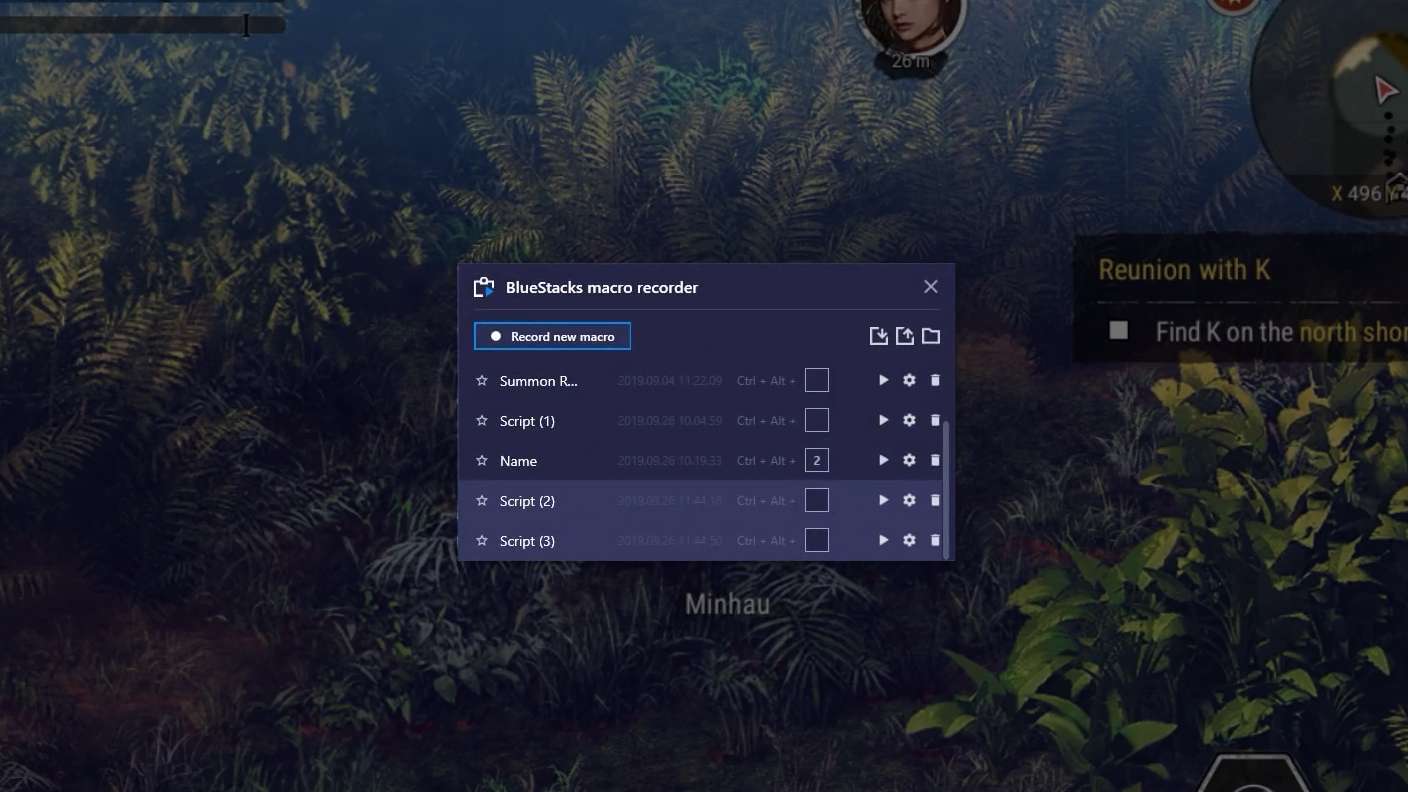
Macros

Automate the predictable in Projeto Grau 2 and transform your gameplay with Macros. Get access to inventive Macros in the BlueStacks Macro Community
Multi Instance

Multi Instance

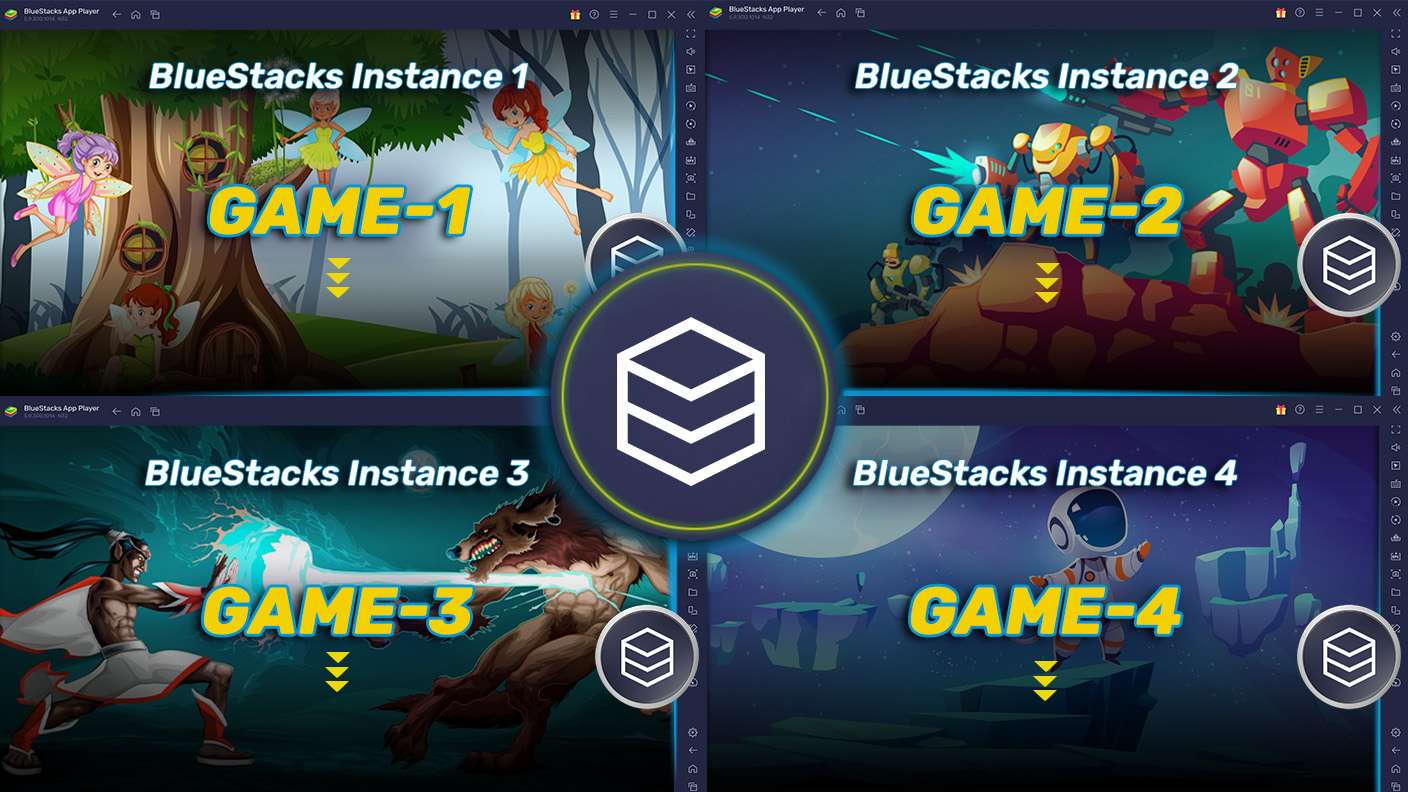
Play Projeto Grau 2 on one window. And chat with your friend on the other. Press CTRL + Shift + 8 to open the Multi-Instance Manager. And start creating fresh instances or clone an existing one.
Multi Instance Sync

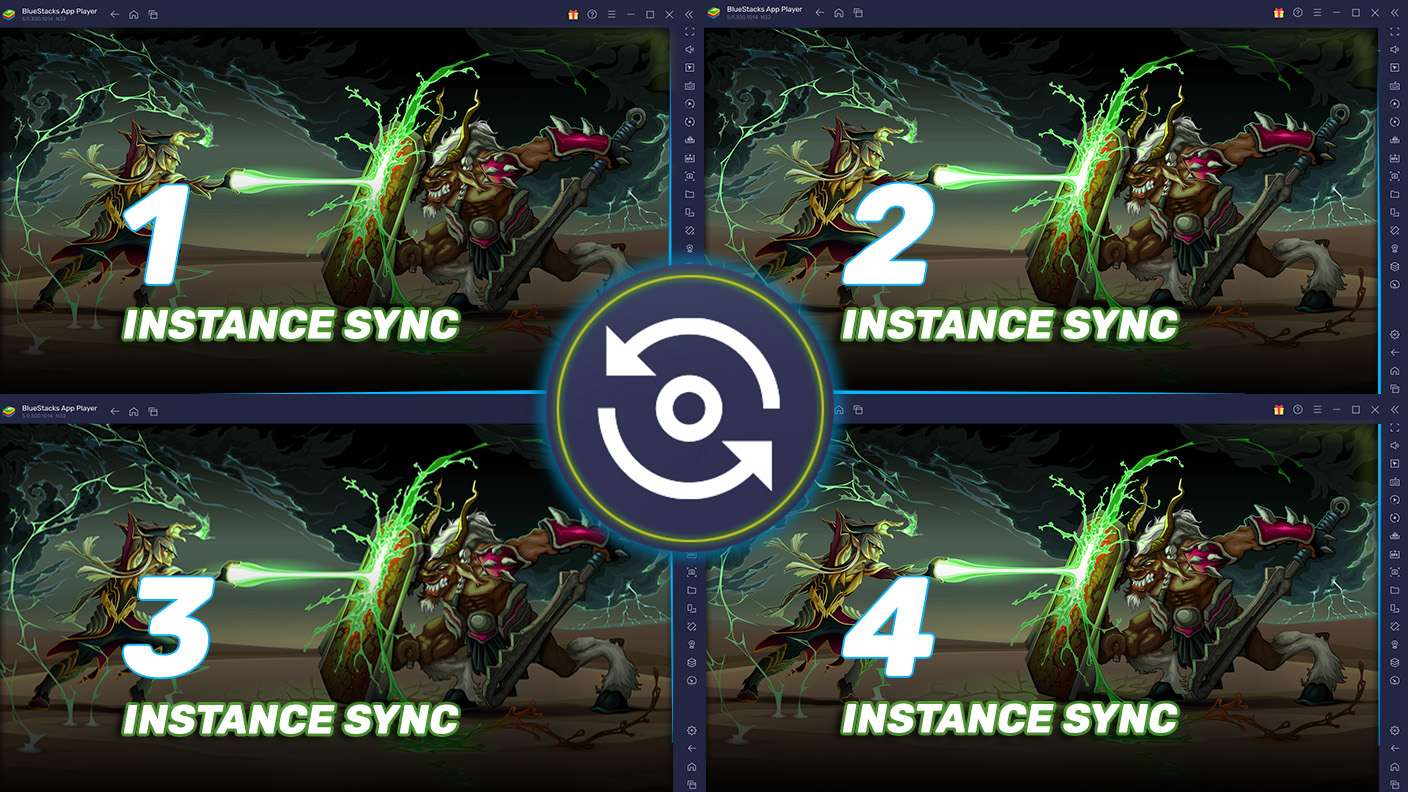
Multi Instance Sync

Play Projeto Grau 2 with the power of Multi-Instance Sync. Replicate what you are doing on the main instance on all other instances. Level up faster, play more.
Script

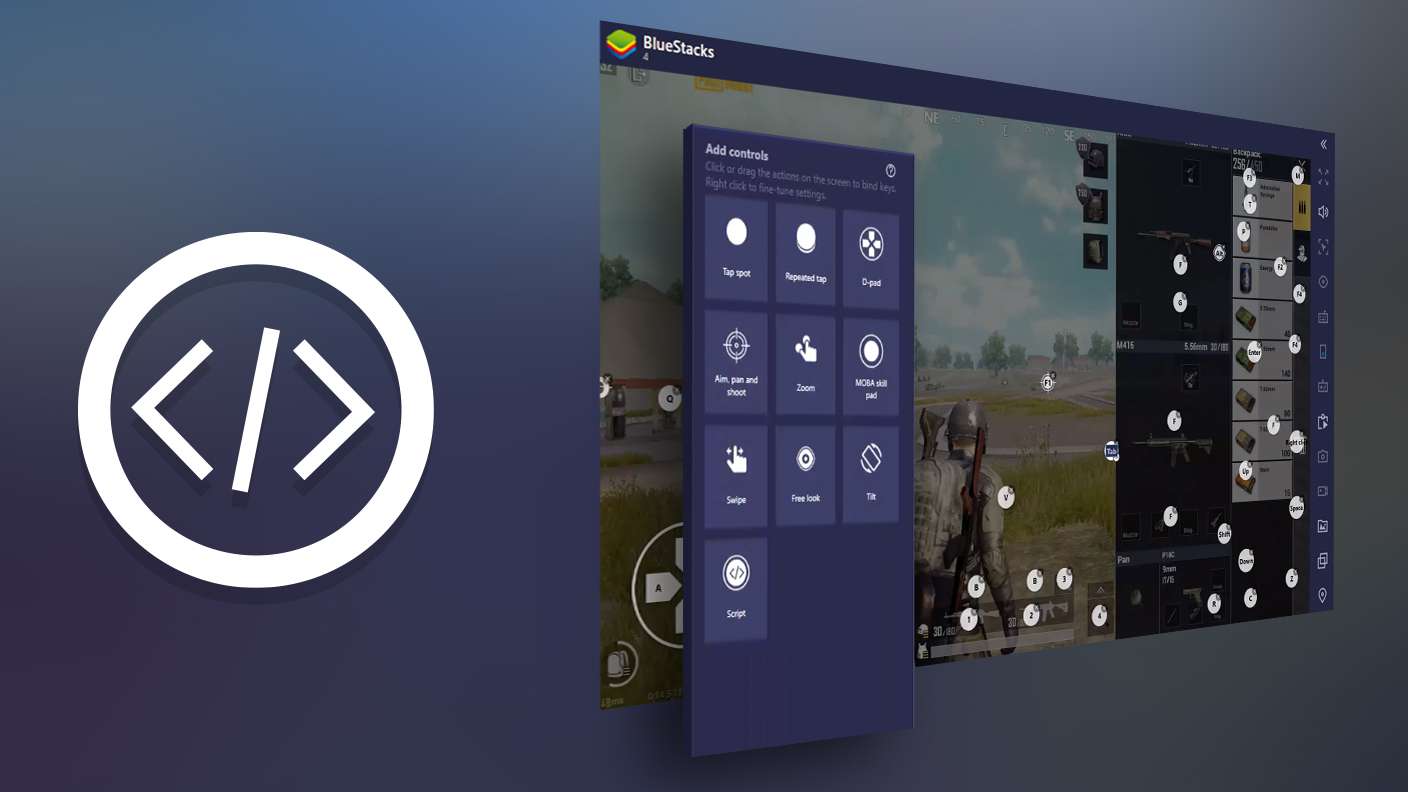
Script

Script your way to gaming glory in Projeto Grau 2 with BlueStacks Script. Write and run a set of commands to automate repeated tasks. Trigger the command by assigning it to any key.
Read More

How to Download and Play Projeto Grau 2 on PC or Mac

  • Download and install BlueStacks on your PC or Mac

  • Complete Google sign-in to access the Play Store, or do it later

  • Look for Projeto Grau 2 in the search bar at the top right corner

  • Click to install Projeto Grau 2 from the search results

  • Complete Google sign-in (if you skipped step 2) to install Projeto Grau 2

  • Click the Projeto Grau 2 icon on the home screen to start playing

video
Watch Video

Minimum System Requirements

With BlueStacks 5, you can get started on a PC that fulfills the following requirements.

  • Operating System

    Microsoft Windows 7 or above, macOS 11 (Big Sur) or above

  • Processor

    Intel, AMD or Apple Silicon Processor

  • RAM

    at least 4GB

  • HDD

    10GB Free Disk Space

Note:

* You must be an Administrator on your PC. Up to date graphics drivers from Microsoft or the chipset vendor.

Projeto Grau 2 - FAQs

  • How to play Projeto Grau 2 on Windows PC & Mac?

    Play Projeto Grau 2 on your PC or Mac by following these simple steps.

    • Click on 'Play Projeto Grau 2 on PC’ to download BlueStacks
    • Install it and log-in to Google Play Store
    • Launch and play the game.
  • Why is BlueStacks the fastest and safest platform to play games on PC?

    BlueStacks respects your privacy and is always safe and secure to use. It does not carry any malware, spyware, or any sort of additional software that could harm your PC.

    It is engineered to optimize speed and performance for a seamless gaming experience.

  • What are Projeto Grau 2 PC requirements?

    Minimum requirement to run Projeto Grau 2 on your PC

    • OS: Microsoft Windows 7 or above MacOS 11 (Big Sur) or above
    • Processor: Intel, AMD or Apple Silicon Processor
    • RAM: Your PC must have at least 4GB of RAM. (Note that having 4GB or more disk space is not a substitute for RAM)
    • HDD: 10GB Free Disk Space.
    • You must be an Administrator on your PC.