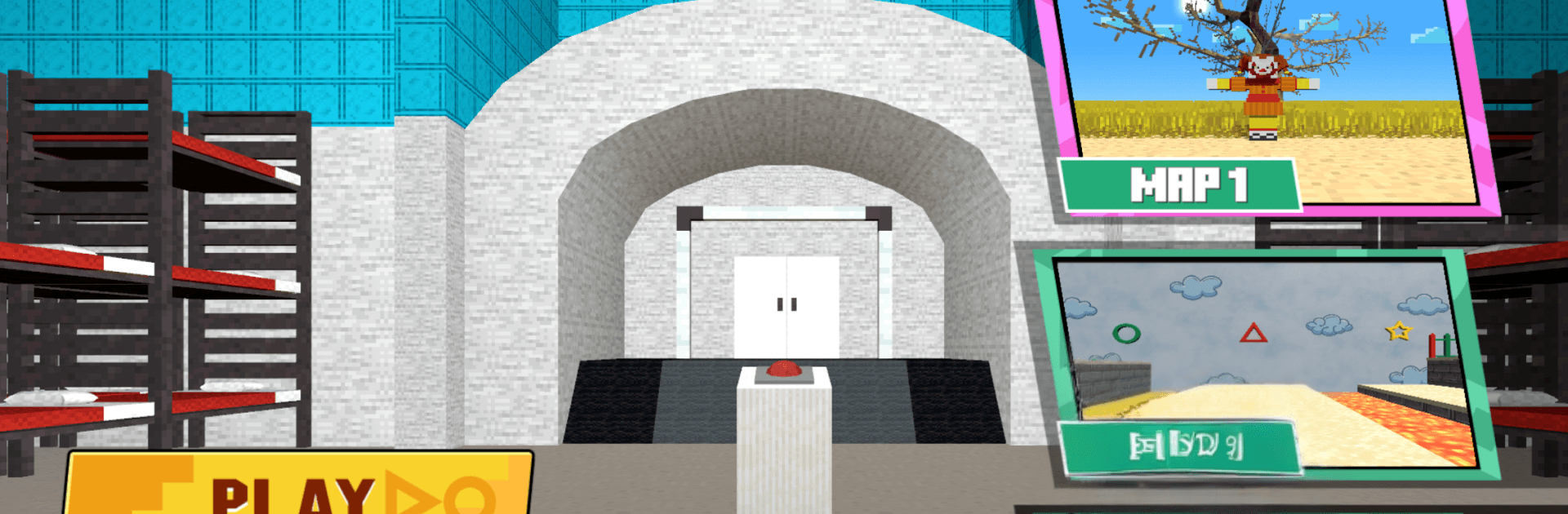
Ragdoll Sandbox: 456 Survival

Ragdoll Sandbox: 456 Survival

Simulation

| 64-642-8152

Play on PC with BlueStacks or from our cloud

  • Overview
  • Game Features
  • How to Play

Page Modified On: May 25, 2026

Play Ragdoll Sandbox: 456 Survival on PC or Mac

Explore a whole new adventure with Ragdoll Sandbox: 456 Survival, a Simulation game created by 64-642-8152. Experience great gameplay with BlueStacks, the most popular gaming platform to play Android games on your PC or Mac.

About the Game

Ragdoll Sandbox: 456 Survival is a physics playground where chaos is the whole point. Set up your own little lab of mayhem, toss a ragdoll into the mix, and watch the physics engine turn simple ideas into hilarious chain reactions. It’s a relaxed Simulation experience with a darkly comic streak—perfect for tinkering, testing, and laughing at the unexpected. Prefer a bigger screen and keyboard? It also plays nicely on BlueStacks.

Game Features

  • Build Your Scenes: Pick your ragdoll, drop in props and tools, and sketch out any scenario you can dream up—from goofy contraptions to downright devious setups.
  • Tinker with Physics: Nudge gravity, apply forces, spark explosions, and stack hazards. The results swing from slapstick to spectacular in seconds.
  • Creative Destruction: Embrace the dark humor. Trigger elaborate traps or simple pratfalls and see what unfolds when everything goes a little too right (or wrong).
  • Advanced Ragdoll Engine: Enjoy natural joint movement, convincing collisions, and chain reactions that feel surprisingly real for something so ridiculous.
  • Unlock New Toys: Progress to earn fresh gadgets, traps, and abilities, then fold them into even wilder experiments.
  • Sandbox Freedom: No timers, no pressure, no strict goals—just pure experimentation at your pace.
  • Iterate and Improve: Watch how your setup plays out, make a tweak, try again, and chase that perfect sequence of glorious chaos.
  • Quick, Simple Controls: Drag, drop, rotate, and pin objects with ease, then reset fast to keep the ideas flowing.

Get ready for a buttery smooth, high-performance gaming action only on BlueStacks.

Game Features

Enhancements

  • Macros
  • Multi Instance
  • Multi Instance Sync
  • Script
  • Enhancements
Macros

Macros

Automate the predictable in Ragdoll Sandbox: 456 Survival and transform your gameplay with Macros. Get access to inventive Macros in the BlueStacks Macro Community
Multi Instance

Multi Instance

Play Ragdoll Sandbox: 456 Survival on one window. And chat with your friend on the other. Press CTRL + Shift + 8 to open the Multi-Instance Manager. And start creating fresh instances or clone an existing one.
Multi Instance Sync

Multi Instance Sync

Play Ragdoll Sandbox: 456 Survival with the power of Multi-Instance Sync. Replicate what you are doing on the main instance on all other instances. Level up faster, play more.
Script

Script

Script your way to gaming glory in Ragdoll Sandbox: 456 Survival with BlueStacks Script. Write and run a set of commands to automate repeated tasks. Trigger the command by assigning it to any key.
Read More

How to Download and Play Ragdoll Sandbox: 456 Survival on PC or Mac

  • Download and install BlueStacks on your PC or Mac

  • Complete Google sign-in to access the Play Store, or do it later

  • Look for Ragdoll Sandbox: 456 Survival in the search bar at the top right corner

  • Click to install Ragdoll Sandbox: 456 Survival from the search results

  • Complete Google sign-in (if you skipped step 2) to install Ragdoll Sandbox: 456 Survival

  • Click the Ragdoll Sandbox: 456 Survival icon on the home screen to start playing

video
Watch Video

Minimum System Requirements

With BlueStacks 5, you can get started on a PC that fulfills the following requirements.

  • Operating System

    Microsoft Windows 7 or above, macOS 11 (Big Sur) or above

  • Processor

    Intel, AMD or Apple Silicon Processor

  • RAM

    at least 4GB

  • HDD

    10GB Free Disk Space

Note:

* You must be an Administrator on your PC. Up to date graphics drivers from Microsoft or the chipset vendor.

Ragdoll Sandbox: 456 Survival - FAQs

  • How to play Ragdoll Sandbox: 456 Survival on Windows PC & Mac?

    Play Ragdoll Sandbox: 456 Survival on your PC or Mac by following these simple steps.

    • Click on 'Play Ragdoll Sandbox: 456 Survival on PC’ to download BlueStacks
    • Install it and log-in to Google Play Store
    • Launch and play the game.
  • Why is BlueStacks the fastest and safest platform to play games on PC?

    BlueStacks respects your privacy and is always safe and secure to use. It does not carry any malware, spyware, or any sort of additional software that could harm your PC.

    It is engineered to optimize speed and performance for a seamless gaming experience.

  • What are Ragdoll Sandbox: 456 Survival PC requirements?

    Minimum requirement to run Ragdoll Sandbox: 456 Survival on your PC

    • OS: Microsoft Windows 7 or above MacOS 11 (Big Sur) or above
    • Processor: Intel, AMD or Apple Silicon Processor
    • RAM: Your PC must have at least 4GB of RAM. (Note that having 4GB or more disk space is not a substitute for RAM)
    • HDD: 10GB Free Disk Space.
    • You must be an Administrator on your PC.