
Russian Village Life

Russian Village Life

Simulation

| Sulyan Sulyanov

Play on PC with BlueStacks or from our cloud

  • Overview
  • Game Features
  • How to Play

Page Modified On: August 31, 2026

Play Russian Village Life on PC or Mac

Explore a whole new adventure with Russian Village Life, a Simulation game created by Sulyan Sulyanov. Experience great gameplay with BlueStacks, the most popular gaming platform to play Android games on your PC or Mac.

About the Game

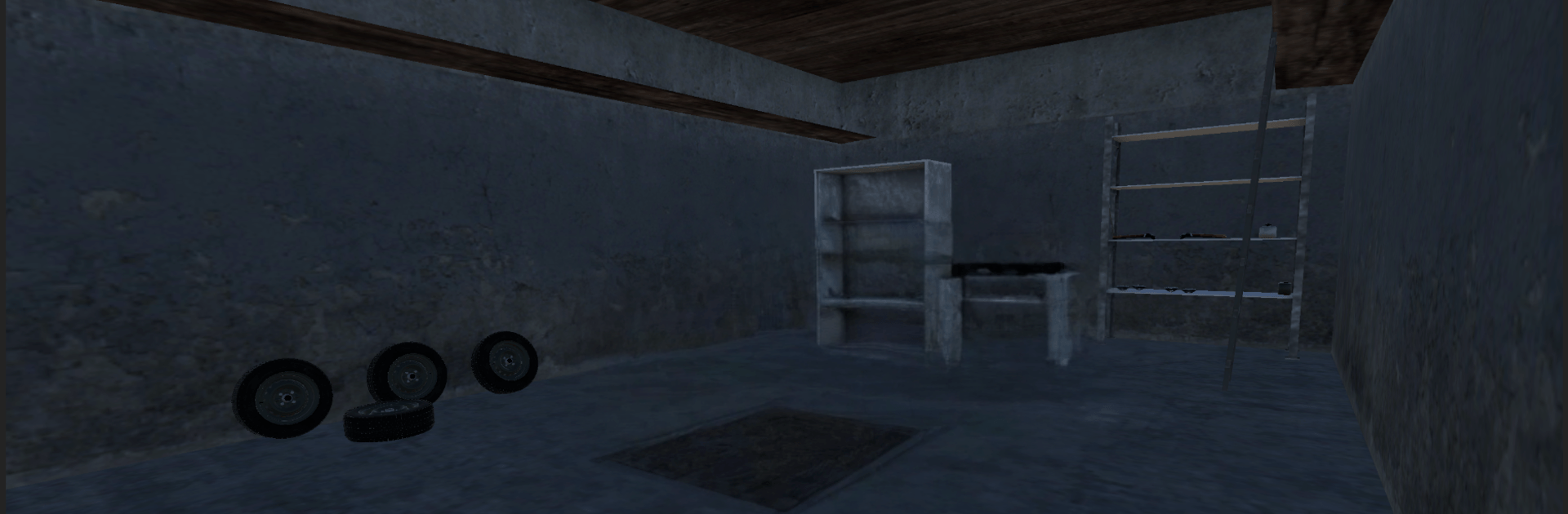
Russian Village Life drops you into a quiet countryside where everyday routines actually matter. It’s a grounded Simulation about earning an honest buck, wrenching on your own ride, and keeping yourself fed while you build a simple life from the ground up. Want a bigger screen and smoother controls? It feels great on BlueStacks, too.

Game Features

  • Hands-on car building: Start with a beater and piece it together yourself—hunt for parts, bolt things on, and get it roadworthy one step at a time.
  • Realistic driving feel: Physics make every trip count, from how your car handles to how fast the tank drains, so planning a route (and your budget) actually pays off.
  • Work, earn, repeat: Pick up jobs around the village, stack some cash, and decide what’s next—fuel, groceries, or that shiny part you’ve been eyeing.
  • Everyday essentials: Keep it real by buying food and water, balancing your needs with your savings so you don’t stall your progress.
  • Small-town freedom: Wander the village, visit local spots, check the garage, and make your own routine without being pushed in a single direction.
  • Save for something better: Start modest, then move up—tune your current car or grind toward new wheels when you’re ready.
  • Clean visuals, smooth vibe: Crisp graphics and solid physics make even short sessions feel satisfying, whether you’re tinkering or taking a sunset drive.

Get ready for a buttery smooth, high-performance gaming action only on BlueStacks.

Game Features

Enhancements

  • Macros
  • Multi Instance
  • Multi Instance Sync
  • Script
  • Enhancements
Macros

Macros

Automate the predictable in Russian Village Life and transform your gameplay with Macros. Get access to inventive Macros in the BlueStacks Macro Community
Multi Instance

Multi Instance

Play Russian Village Life on one window. And chat with your friend on the other. Press CTRL + Shift + 8 to open the Multi-Instance Manager. And start creating fresh instances or clone an existing one.
Multi Instance Sync

Multi Instance Sync

Play Russian Village Life with the power of Multi-Instance Sync. Replicate what you are doing on the main instance on all other instances. Level up faster, play more.
Script

Script

Script your way to gaming glory in Russian Village Life with BlueStacks Script. Write and run a set of commands to automate repeated tasks. Trigger the command by assigning it to any key.
Read More

How to Download and Play Russian Village Life on PC or Mac

  • Download and install BlueStacks on your PC or Mac

  • Complete Google sign-in to access the Play Store, or do it later

  • Look for Russian Village Life in the search bar at the top right corner

  • Click to install Russian Village Life from the search results

  • Complete Google sign-in (if you skipped step 2) to install Russian Village Life

  • Click the Russian Village Life icon on the home screen to start playing

video
Watch Video

Minimum System Requirements

With BlueStacks 5, you can get started on a PC that fulfills the following requirements.

  • Operating System

    Microsoft Windows 7 or above, macOS 11 (Big Sur) or above

  • Processor

    Intel, AMD or Apple Silicon Processor

  • RAM

    at least 4GB

  • HDD

    10GB Free Disk Space

Note:

* You must be an Administrator on your PC. Up to date graphics drivers from Microsoft or the chipset vendor.

Russian Village Life - FAQs

  • How to play Russian Village Life on Windows PC & Mac?

    Play Russian Village Life on your PC or Mac by following these simple steps.

    • Click on 'Play Russian Village Life on PC’ to download BlueStacks
    • Install it and log-in to Google Play Store
    • Launch and play the game.
  • Why is BlueStacks the fastest and safest platform to play games on PC?

    BlueStacks respects your privacy and is always safe and secure to use. It does not carry any malware, spyware, or any sort of additional software that could harm your PC.

    It is engineered to optimize speed and performance for a seamless gaming experience.

  • What are Russian Village Life PC requirements?

    Minimum requirement to run Russian Village Life on your PC

    • OS: Microsoft Windows 7 or above MacOS 11 (Big Sur) or above
    • Processor: Intel, AMD or Apple Silicon Processor
    • RAM: Your PC must have at least 4GB of RAM. (Note that having 4GB or more disk space is not a substitute for RAM)
    • HDD: 10GB Free Disk Space.
    • You must be an Administrator on your PC.








