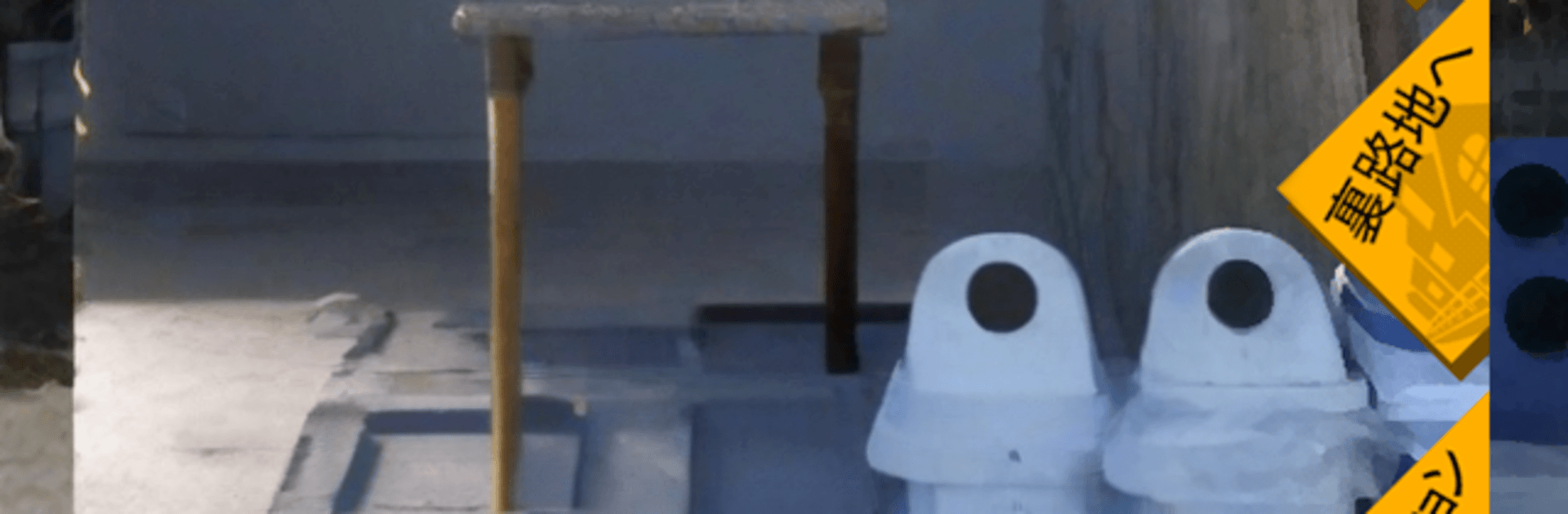
自動販売機 缶コレクション  缶コレ! 小銭を拾って自販機で缶を買い集めよう

自動販売機 缶コレクション 缶コレ! 小銭を拾って自販機で缶を買い集めよう

Simulation

| RucKyGAMES

Play on PC with BlueStacks or from our cloud

  • Overview
  • Game Features
  • How to Play

Page Modified On: August 10, 2026

Play 自動販売機 缶コレクション 缶コレ! 小銭を拾って自販機で缶を買い集めよう on PC or Mac

Explore a whole new adventure with 自動販売機 缶コレクション 缶コレ! 小銭を拾って自販機で缶を買い集めよう, a Simulation game created by RucKyGAMES. Experience great gameplay with BlueStacks, the most popular gaming platform to play Android games on your PC or Mac.

About the Game

自動販売機 缶コレクション 缶コレ! 小銭を拾って自販機で缶を買い集めよう is a quirky, low-stress Simulation about turning pocket change into a full-blown can collection. Roam around vending machines, snag lost coins, and blow your newfound fortune on all kinds of cans—some familiar, some suspiciously familiar. It’s strangely soothing, a little mischievous, and perfect for short sessions. Prefer a bigger screen? It plays comfortably on BlueStacks too.

Game Features

  • Vending machine hunt: Check coin returns, peek under machines, and use whatever you find to buy new cans. Certain cans seem to show up more on specific days—worth a daily look.
  • Back-alley favors: Wander into side streets to meet odd characters who crave particular cans. Hand one over and you might walk away a bit richer or luckier.
  • Can collection album: Browse everything you’ve snagged in a tidy gallery with bite-sized info. Half the fun is just admiring your growing shelf.
  • Odd-job mini-games: Knock out quick, simple tasks—like setting fallen cans upright—to earn spending money. Great when you’ve got a minute to kill.
  • No real money needed: Treat it like a vending machine simulator where the only currency is in-game change. Your wallet’s safe.
  • Weekly rhythms: Keep an eye on the day-of-week patterns to chase specific finds and round out sets.
  • Snappy loop: Scrounge, spend, collect, repeat. It’s easy to dip in, try your luck, and see what today’s machines are hiding.
  • Handy menu hub: Hop into mini-games and other bits from a catch-all menu spot—everything you need, right where it makes sense.

BlueStacks gives you more room to focus on the game and less time adjusting around mobile limitations.


Game Features

Enhancements

  • Macros
  • Multi Instance
  • Multi Instance Sync
  • Script
  • Enhancements
Macros

Macros

Automate the predictable in 自動販売機 缶コレクション 缶コレ! 小銭を拾って自販機で缶を買い集めよう and transform your gameplay with Macros. Get access to inventive Macros in the BlueStacks Macro Community
Multi Instance

Multi Instance

Play 自動販売機 缶コレクション 缶コレ! 小銭を拾って自販機で缶を買い集めよう on one window. And chat with your friend on the other. Press CTRL + Shift + 8 to open the Multi-Instance Manager. And start creating fresh instances or clone an existing one.
Multi Instance Sync

Multi Instance Sync

Play 自動販売機 缶コレクション 缶コレ! 小銭を拾って自販機で缶を買い集めよう with the power of Multi-Instance Sync. Replicate what you are doing on the main instance on all other instances. Level up faster, play more.
Script

Script

Script your way to gaming glory in 自動販売機 缶コレクション 缶コレ! 小銭を拾って自販機で缶を買い集めよう with BlueStacks Script. Write and run a set of commands to automate repeated tasks. Trigger the command by assigning it to any key.
Read More

How to Download and Play 自動販売機 缶コレクション 缶コレ! 小銭を拾って自販機で缶を買い集めよう on PC or Mac

  • Download and install BlueStacks on your PC or Mac

  • Complete Google sign-in to access the Play Store, or do it later

  • Look for 自動販売機 缶コレクション 缶コレ! 小銭を拾って自販機で缶を買い集めよう in the search bar at the top right corner

  • Click to install 自動販売機 缶コレクション 缶コレ! 小銭を拾って自販機で缶を買い集めよう from the search results

  • Complete Google sign-in (if you skipped step 2) to install 自動販売機 缶コレクション 缶コレ! 小銭を拾って自販機で缶を買い集めよう

  • Click the 自動販売機 缶コレクション 缶コレ! 小銭を拾って自販機で缶を買い集めよう icon on the home screen to start playing

video
Watch Video

Minimum System Requirements

With BlueStacks 5, you can get started on a PC that fulfills the following requirements.

  • Operating System

    Microsoft Windows 7 or above, macOS 11 (Big Sur) or above

  • Processor

    Intel, AMD or Apple Silicon Processor

  • RAM

    at least 4GB

  • HDD

    10GB Free Disk Space

Note:

* You must be an Administrator on your PC. Up to date graphics drivers from Microsoft or the chipset vendor.

自動販売機 缶コレクション 缶コレ! 小銭を拾って自販機で缶を買い集めよう - FAQs

  • How to play 自動販売機 缶コレクション 缶コレ! 小銭を拾って自販機で缶を買い集めよう on Windows PC & Mac?

    Play 自動販売機 缶コレクション 缶コレ! 小銭を拾って自販機で缶を買い集めよう on your PC or Mac by following these simple steps.

    • Click on 'Play 自動販売機 缶コレクション 缶コレ! 小銭を拾って自販機で缶を買い集めよう on PC’ to download BlueStacks
    • Install it and log-in to Google Play Store
    • Launch and play the game.
  • Why is BlueStacks the fastest and safest platform to play games on PC?

    BlueStacks respects your privacy and is always safe and secure to use. It does not carry any malware, spyware, or any sort of additional software that could harm your PC.

    It is engineered to optimize speed and performance for a seamless gaming experience.

  • What are 自動販売機 缶コレクション 缶コレ! 小銭を拾って自販機で缶を買い集めよう PC requirements?

    Minimum requirement to run 自動販売機 缶コレクション 缶コレ! 小銭を拾って自販機で缶を買い集めよう on your PC

    • OS: Microsoft Windows 7 or above MacOS 11 (Big Sur) or above
    • Processor: Intel, AMD or Apple Silicon Processor
    • RAM: Your PC must have at least 4GB of RAM. (Note that having 4GB or more disk space is not a substitute for RAM)
    • HDD: 10GB Free Disk Space.
    • You must be an Administrator on your PC.