Weaphones™ Gun Sim Vol2 Armory

Weaphones™ Gun Sim Vol2 Armory

Simulation

| OranginalPlan

Play on PC with BlueStacks or from our cloud

  • Overview
  • Game Features
  • How to Play

Page Modified On: November 03, 2025

Play Weaphones™ Gun Sim Vol2 Armory on PC or Mac

From the innovators and creators at OranginalPlan, Weaphones™ Gun Sim Vol2 Armory is another fun addition to the World of Simulation games. Go beyond your mobile screen and play it bigger and better on your PC or Mac. An immersive experience awaits you.

About the Game

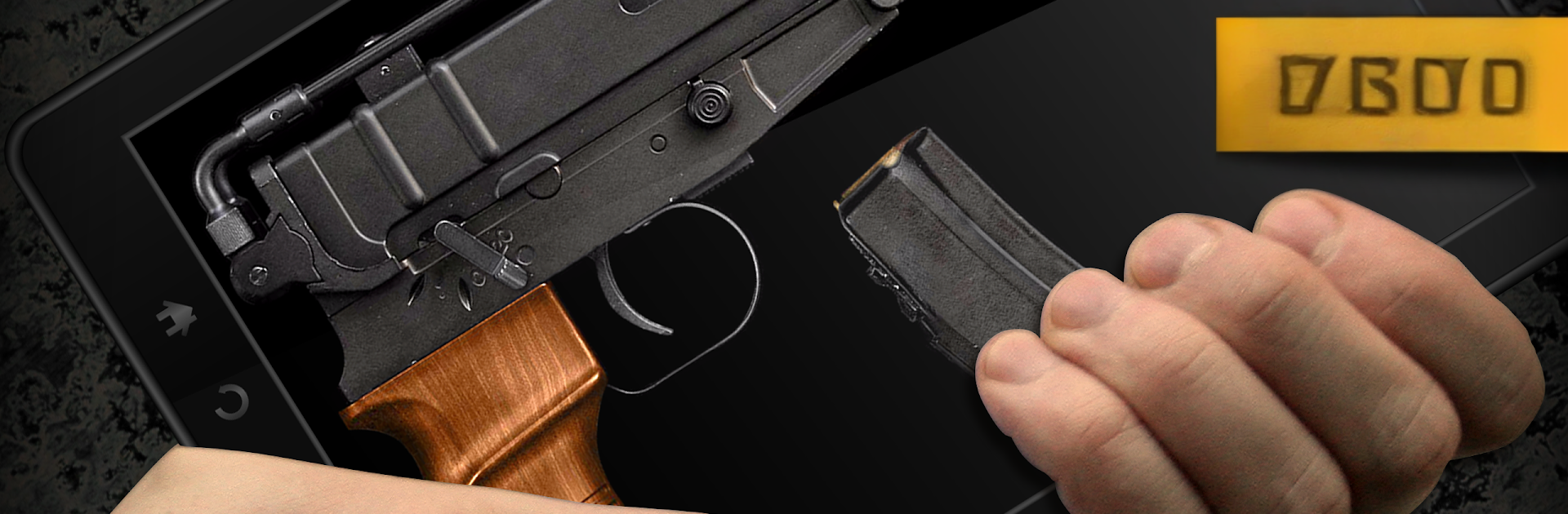
Weaphones™ Gun Sim Vol2 Armory from OranginalPlan is a hands-on playground for firearm fans and curious tinkerers alike. Your screen turns into a fully interactive piece of hardware—rack slides, flip safeties, clear stoppages, and feel the kick with punchy audio and visual effects. It’s a Simulation experience that’s part toy box, part technical demo, and surprisingly satisfying to mess with for a few minutes… or a few hours.

Game Features

  • Touch-first controls: Grab, tap, and swipe to operate every lever, latch, and magazine. Multi-touch lets you manage two-handed actions like a pro.
  • Real-world behavior: Load rounds, chamber properly, manage heat, and deal with the occasional jam—because that’s part of the job.
  • Big sensory punch: Crisp sound, muzzle flash, smoke, and believable recoil keep each shot snappy. Motion input adds fun tricks like tilt-to-reload.
  • Layout that fits you: Lefty flip, rotate 180°, resize, and move the whole setup so the controls sit exactly where your fingers want them.
  • Tweakable rules: Toggle unlimited ammo, switch on auto-reload, experiment with slow-mo on pistols, or keep it strict and manual.
  • Clear status readout: A handy indicator tells you why a gun isn’t firing—empty mag, safety on, not chambered—no guesswork.
  • Learn by doing: Every weapon includes a detailed, step-by-step animated walkthrough so you can master the workflow fast.
  • Daily test drives: Check out a rotating set of freebie guns and see what clicks before you settle into favorites.
  • Clean, detailed look: Full HD models and textures make metal, wood, and polymer pop without clutter.
  • A stacked armory: Pistols, revolvers, SMGs, assault rifles, marksman rifles, LMGs, semi-auto and bolt-action snipers, pump and auto shotguns, plus a chunky grenade launcher.
  • Community-shaped additions: Future pieces of the arsenal lean on what players want to see next.
  • Play on a bigger screen: Prefer PC? You can run it with BlueStacks and keep every tap and toggle feeling tight.

Make your gaming sessions memorable with precise controls that give you an edge in close combats and visuals that pop up, bringing every character to life.


Game Features

Enhancements

  • Macros
  • Multi Instance
  • Multi Instance Sync
  • Script
  • Enhancements
Macros

Macros

Automate the predictable in Weaphones™ Gun Sim Vol2 Armory and transform your gameplay with Macros. Get access to inventive Macros in the BlueStacks Macro Community
Multi Instance

Multi Instance

Play Weaphones™ Gun Sim Vol2 Armory on one window. And chat with your friend on the other. Press CTRL + Shift + 8 to open the Multi-Instance Manager. And start creating fresh instances or clone an existing one.
Multi Instance Sync

Multi Instance Sync

Play Weaphones™ Gun Sim Vol2 Armory with the power of Multi-Instance Sync. Replicate what you are doing on the main instance on all other instances. Level up faster, play more.
Script

Script

Script your way to gaming glory in Weaphones™ Gun Sim Vol2 Armory with BlueStacks Script. Write and run a set of commands to automate repeated tasks. Trigger the command by assigning it to any key.
Read More

How to Download and Play Weaphones™ Gun Sim Vol2 Armory on PC or Mac

  • Download and install BlueStacks on your PC or Mac

  • Complete Google sign-in to access the Play Store, or do it later

  • Look for Weaphones™ Gun Sim Vol2 Armory in the search bar at the top right corner

  • Click to install Weaphones™ Gun Sim Vol2 Armory from the search results

  • Complete Google sign-in (if you skipped step 2) to install Weaphones™ Gun Sim Vol2 Armory

  • Click the Weaphones™ Gun Sim Vol2 Armory icon on the home screen to start playing

video
Watch Video

Minimum System Requirements

With BlueStacks 5, you can get started on a PC that fulfills the following requirements.

  • Operating System

    Microsoft Windows 7 or above, macOS 11 (Big Sur) or above

  • Processor

    Intel, AMD or Apple Silicon Processor

  • RAM

    at least 4GB

  • HDD

    10GB Free Disk Space

Note:

* You must be an Administrator on your PC. Up to date graphics drivers from Microsoft or the chipset vendor.

Weaphones™ Gun Sim Vol2 Armory - FAQs

  • How to play Weaphones™ Gun Sim Vol2 Armory on Windows PC & Mac?

    Play Weaphones™ Gun Sim Vol2 Armory on your PC or Mac by following these simple steps.

    • Click on 'Play Weaphones™ Gun Sim Vol2 Armory on PC’ to download BlueStacks
    • Install it and log-in to Google Play Store
    • Launch and play the game.
  • Why is BlueStacks the fastest and safest platform to play games on PC?

    BlueStacks respects your privacy and is always safe and secure to use. It does not carry any malware, spyware, or any sort of additional software that could harm your PC.

    It is engineered to optimize speed and performance for a seamless gaming experience.

  • What are Weaphones™ Gun Sim Vol2 Armory PC requirements?

    Minimum requirement to run Weaphones™ Gun Sim Vol2 Armory on your PC

    • OS: Microsoft Windows 7 or above MacOS 11 (Big Sur) or above
    • Processor: Intel, AMD or Apple Silicon Processor
    • RAM: Your PC must have at least 4GB of RAM. (Note that having 4GB or more disk space is not a substitute for RAM)
    • HDD: 10GB Free Disk Space.
    • You must be an Administrator on your PC.