Amberfog for VK
Amberfog for VK

Amberfog for VK

Social

| Amberfog

Play on PC with BlueStacks or from our cloud

  • Overview
  • How to Download

Page Modified On: August 26, 2025

Run Amberfog for VK on PC or Mac

Upgrade your experience. Try Amberfog for VK, the fantastic Social app from Amberfog, from the comfort of your laptop, PC, or Mac, only on BlueStacks.

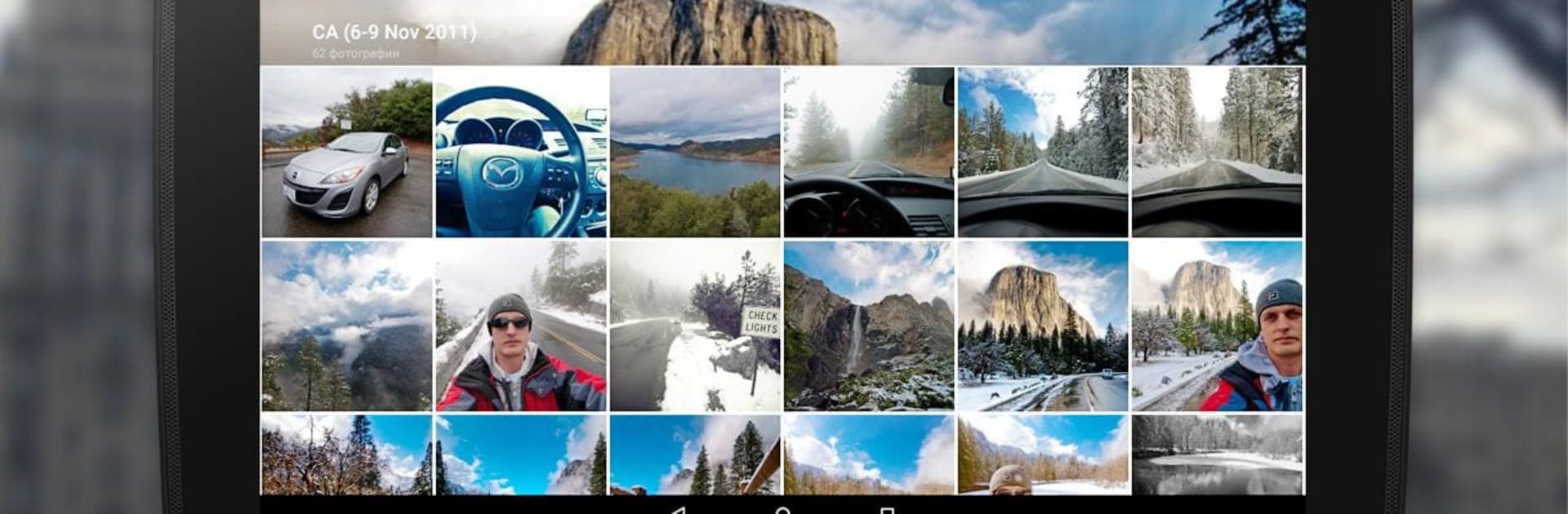
This one feels like a cleaner, faster VK client that has been tidied up for a PC screen. The interface is modern and simple, matching Material Design so menus and buttons make sense without hunting around. Invisible mode is a nice touch for anyone who wants to read and not show up as online, and using more than one account is easy which helps when juggling personal and group pages. There is pin code protection if privacy matters, and a handful of themes to switch how it looks so it does not feel the same every day. The messenger is straightforward, supports group chats, and sharing photos or leaving comments is quick enough that it rarely interrupts what the user is doing.

On BlueStacks it runs smoothly and the layout stretches out well on a larger screen, so everything feels less cramped than on a phone. One small convenience is that it avoids forcing the user to jump into a profile to check friend activity, which saves time. Do note that it does not allow streaming music from the app, so if someone is coming for built in tracks that will not be there. Overall it reads like a solid VK client that focuses on privacy and simple, everyday use rather than flashy extras.

Switch to BlueStacks and make the most of your apps on your PC or Mac.

How to Download and Run Amberfog for VK on PC or Mac

  • Download and install BlueStacks on your PC or Mac

  • Complete Google sign-in to access the Play Store, or do it later

  • Look for Amberfog for VK in the search bar at the top right corner

  • Click to install Amberfog for VK from the search results

  • Complete Google sign-in (if you skipped step 2) to install Amberfog for VK

  • Click the Amberfog for VK icon on the home screen to start playing

video
Watch Video

Minimum System Requirements

With BlueStacks 5, you can get started on a PC that fulfills the following requirements.

  • Operating System

    Microsoft Windows 7 or above, macOS 11 (Big Sur) or above

  • Processor

    Intel, AMD or Apple Silicon Processor

  • RAM

    at least 4GB

  • HDD

    10GB Free Disk Space

Note:

* You must be an Administrator on your PC. Up to date graphics drivers from Microsoft or the chipset vendor.

Amberfog for VK - FAQs

  • How to Run Amberfog for VK on Windows PC & Mac?

    Run Amberfog for VK on your PC or Mac by following these simple steps.

    • Click on ‘Download Amberfog for VK on PC’ to download BlueStacks
    • Install it and log-in to Google Play Store
    • Launch and run the app.
  • Why is BlueStacks the fastest and safest platform to play games on PC?

    BlueStacks respects your privacy and is always safe and secure to use. It does not carry any malware, spyware, or any sort of additional software that could harm your PC.

    It is engineered to optimize speed and performance for a seamless gaming experience.

  • What are Amberfog for VK PC requirements?

    Minimum requirement to run Amberfog for VK on your PC

    • OS: Microsoft Windows 7 and above:
    • Processor: Intel or AMD Processor:
    • RAM: Your PC must have at least 2GB of RAM. (Note that having 2GB or more disk space is not a substitute for RAM):
    • HDD: 5GB Free Disk Space.
    • You must be an Administrator on your PC.