Eurofurence
Eurofurence

Eurofurence

Social

| Eurofurence e.V.

Play on PC with BlueStacks or from our cloud

  • Overview
  • How to Download

Page Modified On: September 05, 2025

Run Eurofurence on PC or Mac

Get freedom from your phone’s obvious limitations. Use Eurofurence, made by Eurofurence e.V., a Social app on your PC or Mac with BlueStacks, and level up your experience.

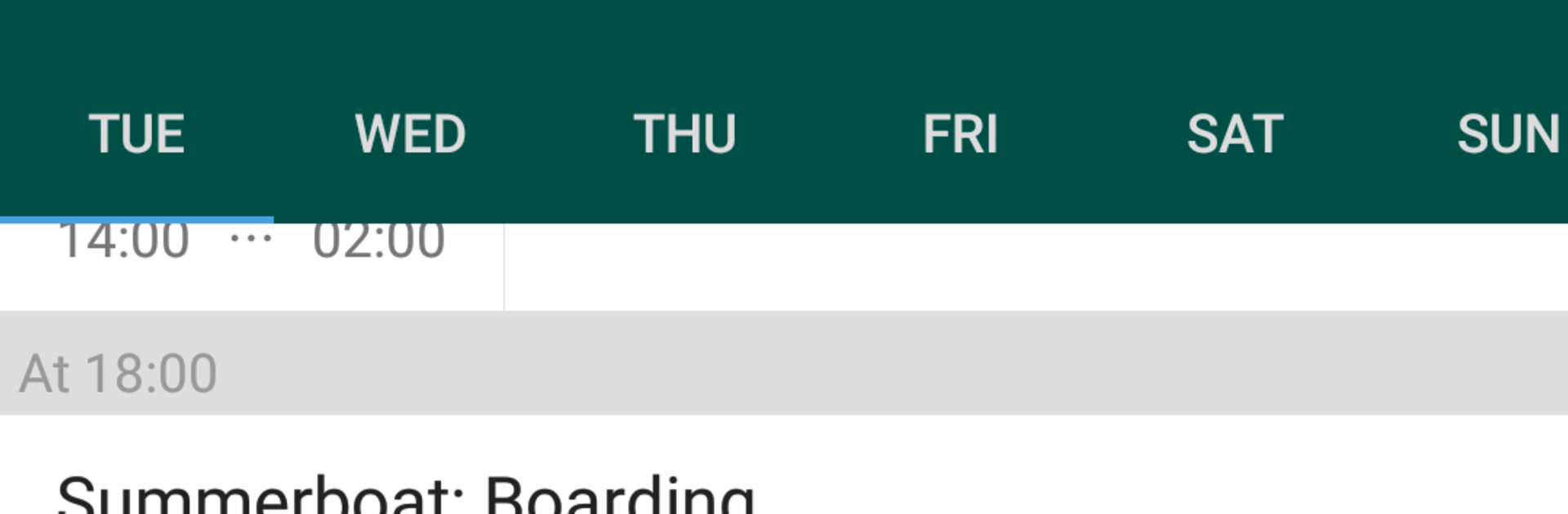
Eurofurence feels like a straightforward travel buddy for the convention in Berlin, made for anyone who wants to keep plans tidy without digging through a dozen links. The whole thing centers on a clean schedule that shows what is happening, when it starts, and which room it is in. Events are easy to scan and it is simple to check details so deciding where to go next does not become a guessing game. There is also a full list of official dealers with what they bring, so browsing merch or planning a quick run to a favorite table is not a hassle. The app sticks to useful info and avoids fluff, which makes it calm to use during a busy day.

On PC with BlueStacks, it works well as a second screen plan. The bigger display makes the timetable and dealer list easier to read, and switching between tabs with a mouse feels quick. It is handy to park the app beside chat or maps, glance at what is coming up, then move on. It suits both first timers and regulars who just want a reliable pocket schedule. It is not trying to reinvent anything, it just keeps the convention organized, and that stands out. They seem to keep improving the content over time, so it does not feel stale.

BlueStacks gives you the much-needed freedom to experience your favorite apps on a bigger screen. Get it now.


How to Download and Run Eurofurence on PC or Mac

  • Download and install BlueStacks on your PC or Mac

  • Complete Google sign-in to access the Play Store, or do it later

  • Look for Eurofurence in the search bar at the top right corner

  • Click to install Eurofurence from the search results

  • Complete Google sign-in (if you skipped step 2) to install Eurofurence

  • Click the Eurofurence icon on the home screen to start playing

video
Watch Video

Minimum System Requirements

With BlueStacks 5, you can get started on a PC that fulfills the following requirements.

  • Operating System

    Microsoft Windows 7 or above, macOS 11 (Big Sur) or above

  • Processor

    Intel, AMD or Apple Silicon Processor

  • RAM

    at least 4GB

  • HDD

    10GB Free Disk Space

Note:

* You must be an Administrator on your PC. Up to date graphics drivers from Microsoft or the chipset vendor.

Eurofurence - FAQs

  • How to Run Eurofurence on Windows PC & Mac?

    Run Eurofurence on your PC or Mac by following these simple steps.

    • Click on ‘Download Eurofurence on PC’ to download BlueStacks
    • Install it and log-in to Google Play Store
    • Launch and run the app.
  • Why is BlueStacks the fastest and safest platform to play games on PC?

    BlueStacks respects your privacy and is always safe and secure to use. It does not carry any malware, spyware, or any sort of additional software that could harm your PC.

    It is engineered to optimize speed and performance for a seamless gaming experience.

  • What are Eurofurence PC requirements?

    Minimum requirement to run Eurofurence on your PC

    • OS: Microsoft Windows 7 and above:
    • Processor: Intel or AMD Processor:
    • RAM: Your PC must have at least 2GB of RAM. (Note that having 2GB or more disk space is not a substitute for RAM):
    • HDD: 5GB Free Disk Space.
    • You must be an Administrator on your PC.