Иркутскэнергосбыт
Иркутскэнергосбыт

Иркутскэнергосбыт

Social

| Иркутскэнергосбыт

Play on PC with BlueStacks or from our cloud

  • Overview
  • How to Download

Page Modified On: October 24, 2025

Run Иркутскэнергосбыт on PC or Mac

Multitask effortlessly on your PC or Mac as you try out Иркутскэнергосбыт, a Social app by Иркутскэнергосбыт on BlueStacks.

Иркутскэнергосбыт feels like a straightforward control panel for an electricity account, not a flashy thing, just clean and to the point. It opens to the important stuff first, the balance and any debt that needs paying, with a simple way to settle it without digging through extra screens. The layout is calm and easy to read, so someone who only checks bills once a month would not feel lost. It is utility first, fluff second.

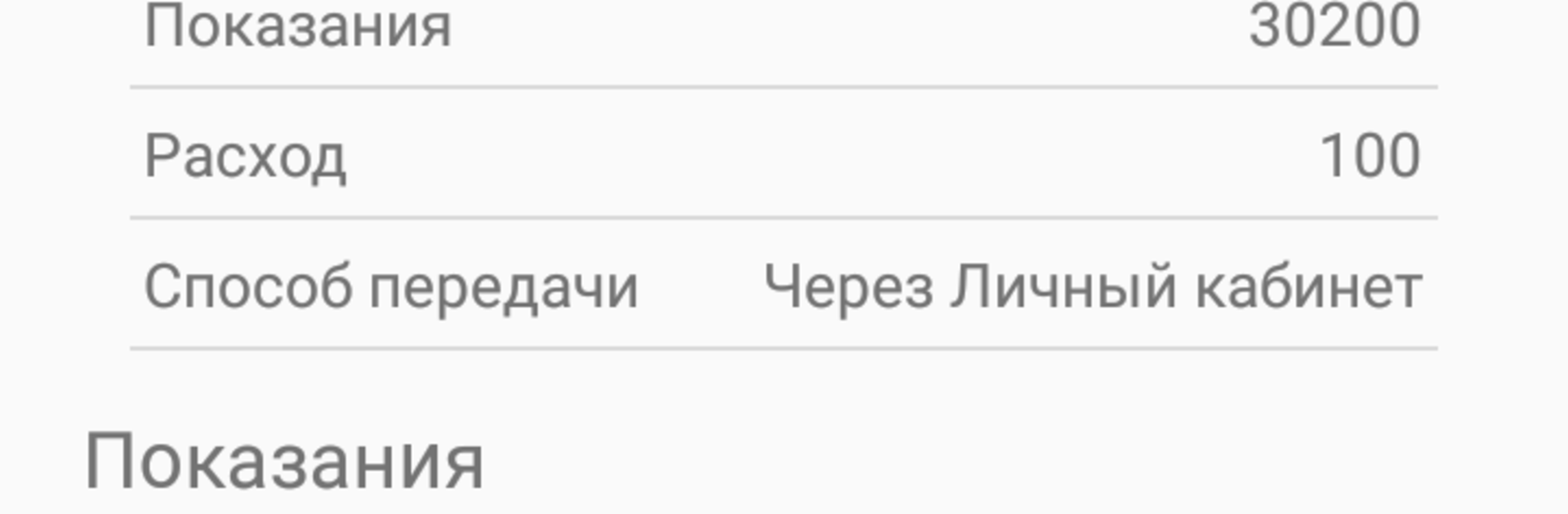
The useful bits stand out. Meter readings can be sent right inside the app, so no calls, no separate forms. Multiple personal accounts can be linked together, which helps if there is a home, a parent’s place, or a small rental to watch over. SMS and email alerts can be switched on, so the app gives gentle reminders before deadlines or when something changes. There is also a built in place to ask a question, which feels quicker than browsing a website for the right contact. On a PC with BlueStacks it works fine, the bigger screen makes the numbers and fields easier to check, and typing readings or addresses with a keyboard is simply faster. Nothing fancy is hiding here, just the basics done clearly, which is honestly what a bill app should be.

BlueStacks gives you the much-needed freedom to experience your favorite apps on a bigger screen. Get it now.


How to Download and Run Иркутскэнергосбыт on PC or Mac

  • Download and install BlueStacks on your PC or Mac

  • Complete Google sign-in to access the Play Store, or do it later

  • Look for Иркутскэнергосбыт in the search bar at the top right corner

  • Click to install Иркутскэнергосбыт from the search results

  • Complete Google sign-in (if you skipped step 2) to install Иркутскэнергосбыт

  • Click the Иркутскэнергосбыт icon on the home screen to start playing

video
Watch Video

Minimum System Requirements

With BlueStacks 5, you can get started on a PC that fulfills the following requirements.

  • Operating System

    Microsoft Windows 7 or above, macOS 11 (Big Sur) or above

  • Processor

    Intel, AMD or Apple Silicon Processor

  • RAM

    at least 4GB

  • HDD

    10GB Free Disk Space

Note:

* You must be an Administrator on your PC. Up to date graphics drivers from Microsoft or the chipset vendor.

Иркутскэнергосбыт - FAQs

  • How to Run Иркутскэнергосбыт on Windows PC & Mac?

    Run Иркутскэнергосбыт on your PC or Mac by following these simple steps.

    • Click on ‘Download Иркутскэнергосбыт on PC’ to download BlueStacks
    • Install it and log-in to Google Play Store
    • Launch and run the app.
  • Why is BlueStacks the fastest and safest platform to play games on PC?

    BlueStacks respects your privacy and is always safe and secure to use. It does not carry any malware, spyware, or any sort of additional software that could harm your PC.

    It is engineered to optimize speed and performance for a seamless gaming experience.

  • What are Иркутскэнергосбыт PC requirements?

    Minimum requirement to run Иркутскэнергосбыт on your PC

    • OS: Microsoft Windows 7 and above:
    • Processor: Intel or AMD Processor:
    • RAM: Your PC must have at least 2GB of RAM. (Note that having 2GB or more disk space is not a substitute for RAM):
    • HDD: 5GB Free Disk Space.
    • You must be an Administrator on your PC.