Dívida Aberta
Dívida Aberta

Dívida Aberta

Social

| Governo do Brasil

Play on PC with BlueStacks or from our cloud

  • Overview
  • How to Download

Page Modified On: October 23, 2025

Run Dívida Aberta on PC or Mac

Multitask effortlessly on your PC or Mac as you try out Dívida Aberta, a Social app by Governo do Brasil on BlueStacks.

About the App

Dívida Aberta, from Governo do Brasil, is a Social tool that puts public debt information at your fingertips. Look up who’s listed with outstanding federal or FGTS debts, explore by location or industry, and get a clear view of what’s going on around you. Prefer a bigger screen for maps and lists? It also works great on BlueStacks.

App Features

  • Quick search: Start on the home screen and look up by name, CPF, or CNPJ. You’ll also see the biggest debtors near you right away.
  • QR code check: Scan the QR code on a nota fiscal to quickly find out if the business you visited has any irregular debts.
  • Powerful filters: Narrow results by debt type (FGTS, labor fines, criminal, electoral, social security, other tax or non-tax), State, Municipality, economic activity (CNAE), and even a custom value range.
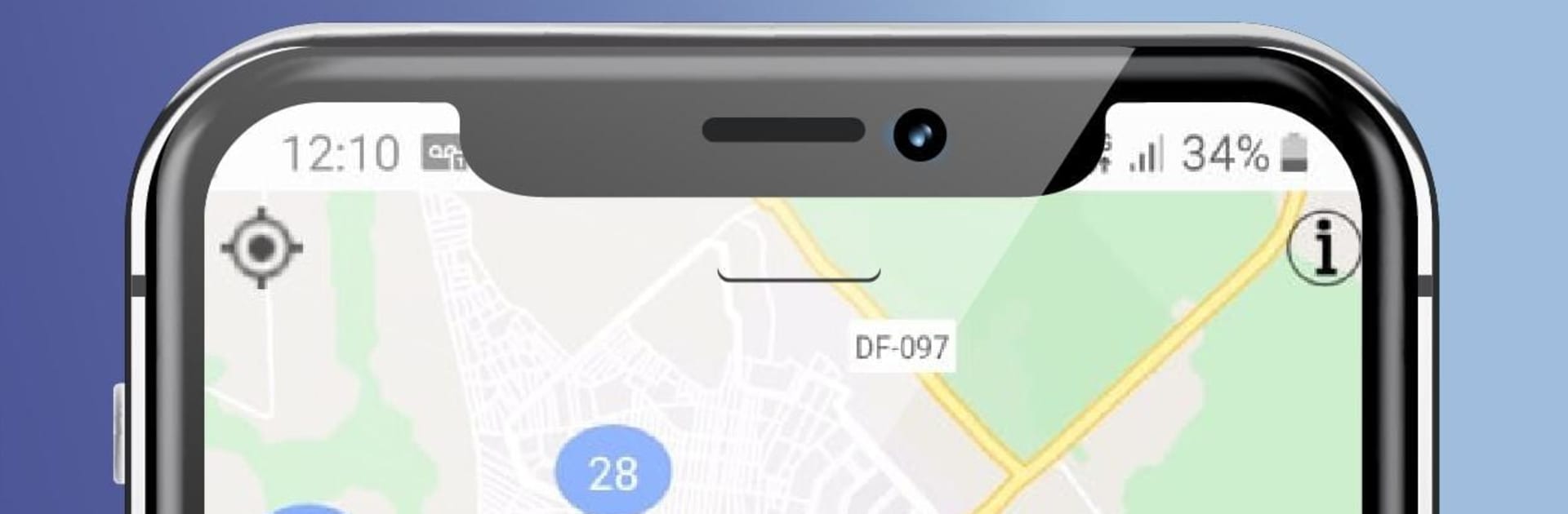
  • Map view: View companies with debts on an interactive map. Cluster numbers show how many are in each area. Individuals aren’t shown on the map to protect privacy.
  • Sort the way you want: Order results by highest debt first or alphabetically—your choice.
  • Address confirmation: Help the PGFN by confirming whether a listed company still operates at the address shown, supporting credit recovery efforts.
  • Informative banners: See timely notices and context while you browse, so you always know what you’re looking at.
  • Handle your own debts: With a direct link to REGULARIZE, you can check, pay, negotiate installments, or dispute what you owe online—no in-person visit needed.

Switch to BlueStacks and make the most of your apps on your PC or Mac.

How to Download and Run Dívida Aberta on PC or Mac

  • Download and install BlueStacks on your PC or Mac

  • Complete Google sign-in to access the Play Store, or do it later

  • Look for Dívida Aberta in the search bar at the top right corner

  • Click to install Dívida Aberta from the search results

  • Complete Google sign-in (if you skipped step 2) to install Dívida Aberta

  • Click the Dívida Aberta icon on the home screen to start playing

video
Watch Video

Minimum System Requirements

With BlueStacks 5, you can get started on a PC that fulfills the following requirements.

  • Operating System

    Microsoft Windows 7 or above, macOS 11 (Big Sur) or above

  • Processor

    Intel, AMD or Apple Silicon Processor

  • RAM

    at least 4GB

  • HDD

    10GB Free Disk Space

Note:

* You must be an Administrator on your PC. Up to date graphics drivers from Microsoft or the chipset vendor.

Dívida Aberta - FAQs

  • How to Run Dívida Aberta on Windows PC & Mac?

    Run Dívida Aberta on your PC or Mac by following these simple steps.

    • Click on ‘Download Dívida Aberta on PC’ to download BlueStacks
    • Install it and log-in to Google Play Store
    • Launch and run the app.
  • Why is BlueStacks the fastest and safest platform to play games on PC?

    BlueStacks respects your privacy and is always safe and secure to use. It does not carry any malware, spyware, or any sort of additional software that could harm your PC.

    It is engineered to optimize speed and performance for a seamless gaming experience.

  • What are Dívida Aberta PC requirements?

    Minimum requirement to run Dívida Aberta on your PC

    • OS: Microsoft Windows 7 and above:
    • Processor: Intel or AMD Processor:
    • RAM: Your PC must have at least 2GB of RAM. (Note that having 2GB or more disk space is not a substitute for RAM):
    • HDD: 5GB Free Disk Space.
    • You must be an Administrator on your PC.