VK Admin (Beta)
VK Admin (Beta)

VK Admin (Beta)

Social

| VK.com

Play on PC with BlueStacks or from our cloud

  • Overview
  • How to Download

Page Modified On: October 23, 2025

Run VK Admin (Beta) on PC or Mac

Why limit yourself to your small screen on the phone? Run VK Admin (Beta), an app by VK.com, best experienced on your PC or Mac with BlueStacks, the world’s #1 Android emulator.

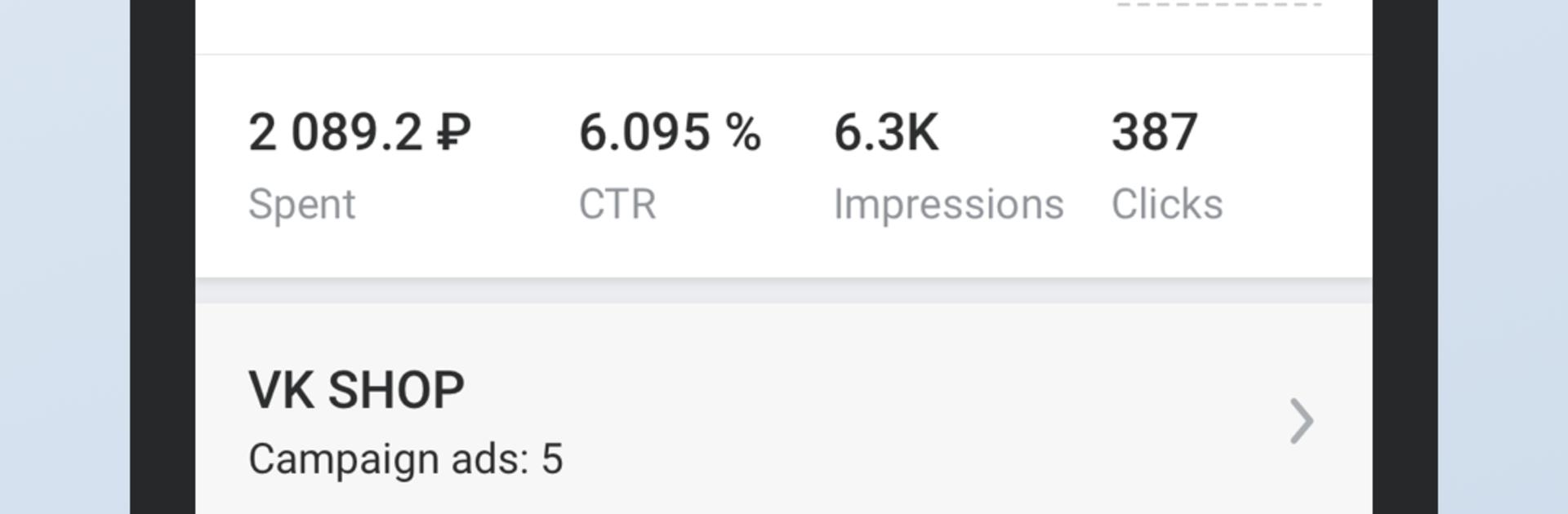
VK Admin feels like a clean control room for VK communities. Everything sits in one place so a person can talk to clients and followers as the community, not as a personal profile. Messages land in a tidy inbox, switching between chats is quick, and sending files or product details feels straightforward. It is not flashy, it is practical. The app keeps group management close at hand too. Change the cover or avatar to refresh the look, update basic info, and keep the team list under control by adding or removing managers when needed. Real-time stats sit a tap away, so reach and activity do not feel like guesses, they are right there updating while posts roll out.

On BlueStacks, it behaves like a desktop dashboard without the fuss. Typing long replies with a keyboard is faster, and having a wider view helps when checking numbers and editing product cards. Someone running a shop inside VK can add or tweak products, prices, and descriptions without digging through menus for ages, then check how that change affects the numbers almost right away. It is marked Beta, so a tiny rough edge can pop up here or there, but nothing deal-breaking so far. The overall flow makes day-to-day admin less of a juggle, more of a quick routine that gets out of the way.

Ready to experience VK Admin (Beta) on a bigger screen, in all its glory? Download BlueStacks now.


How to Download and Run VK Admin (Beta) on PC or Mac

  • Download and install BlueStacks on your PC or Mac

  • Complete Google sign-in to access the Play Store, or do it later

  • Look for VK Admin (Beta) in the search bar at the top right corner

  • Click to install VK Admin (Beta) from the search results

  • Complete Google sign-in (if you skipped step 2) to install VK Admin (Beta)

  • Click the VK Admin (Beta) icon on the home screen to start playing

video
Watch Video

Minimum System Requirements

With BlueStacks 5, you can get started on a PC that fulfills the following requirements.

  • Operating System

    Microsoft Windows 7 or above, macOS 11 (Big Sur) or above

  • Processor

    Intel, AMD or Apple Silicon Processor

  • RAM

    at least 4GB

  • HDD

    10GB Free Disk Space

Note:

* You must be an Administrator on your PC. Up to date graphics drivers from Microsoft or the chipset vendor.

VK Admin (Beta) - FAQs

  • How to Run VK Admin (Beta) on Windows PC & Mac?

    Run VK Admin (Beta) on your PC or Mac by following these simple steps.

    • Click on ‘Download VK Admin (Beta) on PC’ to download BlueStacks
    • Install it and log-in to Google Play Store
    • Launch and run the app.
  • Why is BlueStacks the fastest and safest platform to play games on PC?

    BlueStacks respects your privacy and is always safe and secure to use. It does not carry any malware, spyware, or any sort of additional software that could harm your PC.

    It is engineered to optimize speed and performance for a seamless gaming experience.

  • What are VK Admin (Beta) PC requirements?

    Minimum requirement to run VK Admin (Beta) on your PC

    • OS: Microsoft Windows 7 and above:
    • Processor: Intel or AMD Processor:
    • RAM: Your PC must have at least 2GB of RAM. (Note that having 2GB or more disk space is not a substitute for RAM):
    • HDD: 5GB Free Disk Space.
    • You must be an Administrator on your PC.