
Airsoft Force Tracking

Airsoft Force Tracking

Sports

| Seethersky Labs

Play on PC with BlueStacks or from our cloud

  • Overview
  • How to Download

Page Modified On: June 30, 2026

Run Airsoft Force Tracking on PC or Mac

Bring your A-game to Airsoft Force Tracking, the Sports app sensation from Seethersky Labs. Give your gameplay the much-needed boost with precise game controls, high FPS graphics, and top-tier features on your PC or Mac with BlueStacks.

About the App

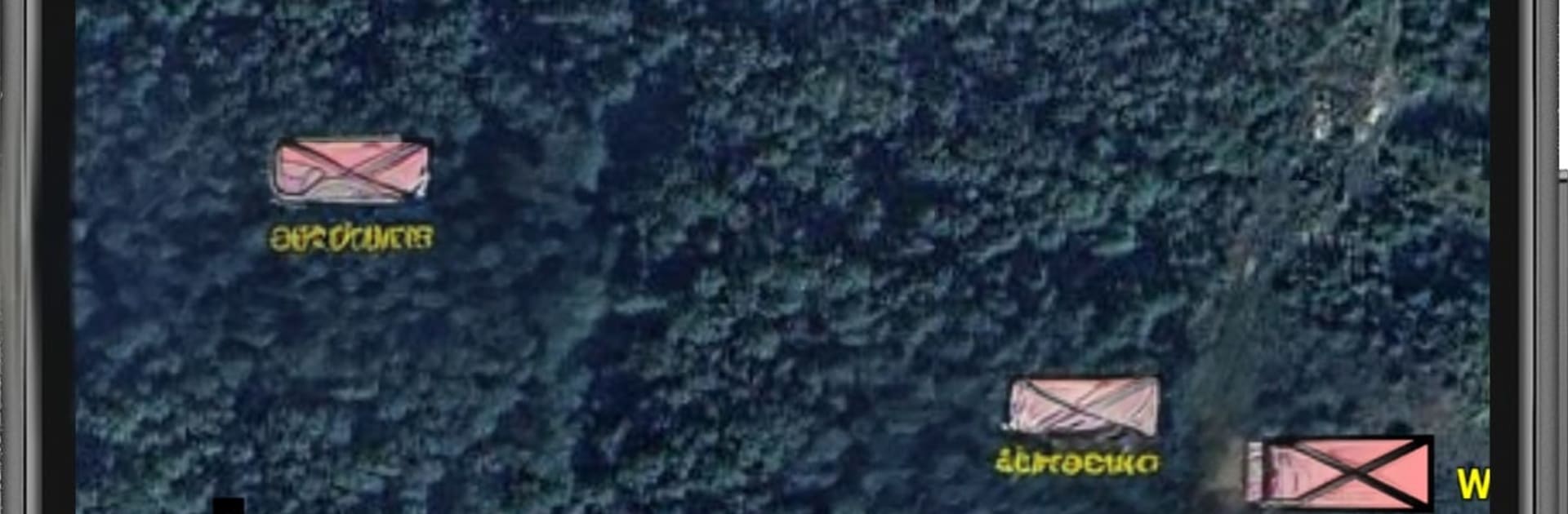
Airsoft Force Tracking is a Sports tool built for players who like clean comms, smart routes, and solid teamwork on the field. It turns your phone into a tactical buddy, helping squads stick together, mark objectives, and navigate without the chaos. Want a quick way to see where everyone is and where you’re headed next? That’s exactly the idea here.

App Features

  • Real-time location sharing: Choose who can see your position and keep your squad synced during push-and-hold moments or long flanks.
  • Multi-squad coordination: Manage several branches or teams at once, so leaders can track movement and call adjustments without guesswork.
  • Purpose-built game maps: Use dedicated maps tailored for airsoft play, giving you a clear view of lanes, cover spots, and rally areas.
  • Custom POIs and objectives: Drop points for spawn zones, rendezvous spots, med stations, or anything your scenario needs, and update them as the game evolves.
  • Multiple coordinate formats: Work with DMS, GCS, or MGRS—handy for milsim fields and players who prefer grid references.
  • Built-in compass: Get fast bearings and align your team without fumbling between apps.
  • Role-play modules: Add lightweight RPG-style elements to your matches—assign roles, support scenario rules, and keep everyone on the same page.
  • Smooth on bigger screens: Prefer planning routes or reviewing maps at your desk? Run Airsoft Force Tracking on BlueStacks for a roomier view before game day.

BlueStacks gives you more room to focus on the app and less time adjusting around mobile limitations.


How to Download and Run Airsoft Force Tracking on PC or Mac

  • Download and install BlueStacks on your PC or Mac

  • Complete Google sign-in to access the Play Store, or do it later

  • Look for Airsoft Force Tracking in the search bar at the top right corner

  • Click to install Airsoft Force Tracking from the search results

  • Complete Google sign-in (if you skipped step 2) to install Airsoft Force Tracking

  • Click the Airsoft Force Tracking icon on the home screen to start playing

video
Watch Video

Minimum System Requirements

With BlueStacks 5, you can get started on a PC that fulfills the following requirements.

  • Operating System

    Microsoft Windows 7 or above, macOS 11 (Big Sur) or above

  • Processor

    Intel, AMD or Apple Silicon Processor

  • RAM

    at least 4GB

  • HDD

    10GB Free Disk Space

Note:

* You must be an Administrator on your PC. Up to date graphics drivers from Microsoft or the chipset vendor.

Airsoft Force Tracking - FAQs

  • How to Run Airsoft Force Tracking on Windows PC & Mac?

    Run Airsoft Force Tracking on your PC or Mac by following these simple steps.

    • Click on ‘Download Airsoft Force Tracking on PC’ to download BlueStacks
    • Install it and log-in to Google Play Store
    • Launch and run the app.
  • Why is BlueStacks the fastest and safest platform to play games on PC?

    BlueStacks respects your privacy and is always safe and secure to use. It does not carry any malware, spyware, or any sort of additional software that could harm your PC.

    It is engineered to optimize speed and performance for a seamless gaming experience.

  • What are Airsoft Force Tracking PC requirements?

    Minimum requirement to run Airsoft Force Tracking on your PC

    • OS: Microsoft Windows 7 and above:
    • Processor: Intel or AMD Processor:
    • RAM: Your PC must have at least 2GB of RAM. (Note that having 2GB or more disk space is not a substitute for RAM):
    • HDD: 5GB Free Disk Space.
    • You must be an Administrator on your PC.



