
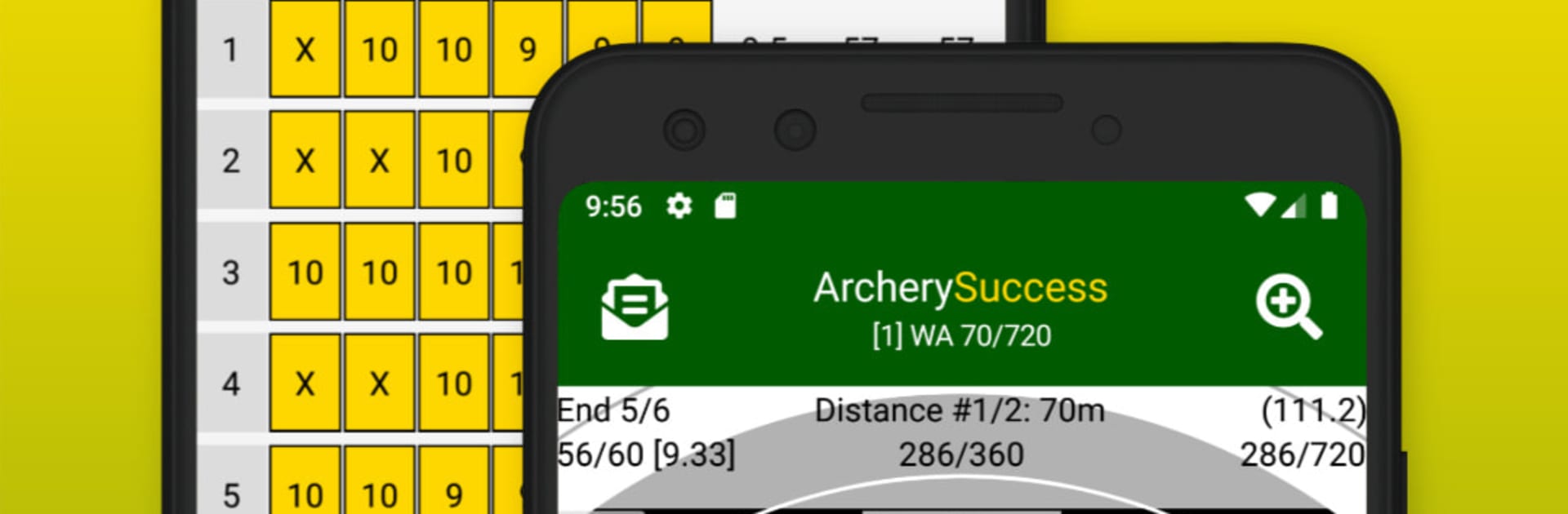
Archery Success - Score & Plot

Archery Success - Score & Plot

Sports

| AllTen Software Limited

Play on PC with BlueStacks or from our cloud

  • Overview
  • How to Download

Page Modified On: September 18, 2026

Run Archery Success - Score & Plot on PC or Mac

What’s better than using Archery Success – Score & Plot by AllTen Software Limited? Well, try it on a big screen, on your PC or Mac, with BlueStacks to see the difference.

About the App

Archery Success – Score & Plot is your all-in-one companion for keeping tabs on every arrow you shoot. This Sports app makes scoring, plotting, journaling, and gear tracking feel effortless, whether you’re just getting started or fine-tuning for competition. Want a bigger view for plotting and reports? It also plays nicely with BlueStacks.

App Features

  • Quick Scoring: Zip through ends with a clean, color-coded keypad that updates totals as you go.
  • Tap-to-Plot Targets: Plot groups right on a zoomable target face; switch to precision mode with crosshairs when you need exact placement.
  • Skill Rating & Handicap: See your archer rating and handicaps auto-calculated for supported rounds, using both old and new tables.
  • Huge Round Library: Pick from hundreds of built-in target, indoor, field, and 3D rounds—or build custom rounds tailored to your training plan.
  • Arrow Tagging & Group Insight: Tag arrows, view group indicators, and spot flyers so you can troubleshoot form or tune gear with confidence.
  • Progress at a Glance: Weekly reports generate automatically, showing personal bests, arrow averages by setup, and target vs. actual arrow counts.
  • Training Journal: Keep searchable notes on sessions, gear tweaks, nutrition, SPT—plus record arrow numbers and quick summaries for rounds scored elsewhere.
  • Gear Setups & Sight Marks: Save complete setups—bow, arrows, and sight settings—and set a favorite to auto-fill when scoring.
  • Coach-Ready Reports: Share uniform summaries with one tap, and export journal entries to spreadsheets for deeper analysis.
  • Real-Time Sync: Scores and stats update across the app instantly, with handy search and filters to find any round fast.
  • Plotting Shortcuts: Center and zoom with quick buttons, undo a shot in a tap, track end totals, and jot notes without breaking rhythm.
  • Arrow Count Goals: Set a shot-volume target and watch your weekly totals stack up by setup.

BlueStacks gives you the much-needed freedom to experience your favorite apps on a bigger screen. Get it now.


How to Download and Run Archery Success - Score & Plot on PC or Mac

  • Download and install BlueStacks on your PC or Mac

  • Complete Google sign-in to access the Play Store, or do it later

  • Look for Archery Success - Score & Plot in the search bar at the top right corner

  • Click to install Archery Success - Score & Plot from the search results

  • Complete Google sign-in (if you skipped step 2) to install Archery Success - Score & Plot

  • Click the Archery Success - Score & Plot icon on the home screen to start playing

video
Watch Video

Minimum System Requirements

With BlueStacks 5, you can get started on a PC that fulfills the following requirements.

  • Operating System

    Microsoft Windows 7 or above, macOS 11 (Big Sur) or above

  • Processor

    Intel, AMD or Apple Silicon Processor

  • RAM

    at least 4GB

  • HDD

    10GB Free Disk Space

Note:

* You must be an Administrator on your PC. Up to date graphics drivers from Microsoft or the chipset vendor.

Archery Success - Score & Plot - FAQs

  • How to Run Archery Success - Score & Plot on Windows PC & Mac?

    Run Archery Success - Score & Plot on your PC or Mac by following these simple steps.

    • Click on ‘Download Archery Success - Score & Plot on PC’ to download BlueStacks
    • Install it and log-in to Google Play Store
    • Launch and run the app.
  • Why is BlueStacks the fastest and safest platform to play games on PC?

    BlueStacks respects your privacy and is always safe and secure to use. It does not carry any malware, spyware, or any sort of additional software that could harm your PC.

    It is engineered to optimize speed and performance for a seamless gaming experience.

  • What are Archery Success - Score & Plot PC requirements?

    Minimum requirement to run Archery Success - Score & Plot on your PC

    • OS: Microsoft Windows 7 and above:
    • Processor: Intel or AMD Processor:
    • RAM: Your PC must have at least 2GB of RAM. (Note that having 2GB or more disk space is not a substitute for RAM):
    • HDD: 5GB Free Disk Space.
    • You must be an Administrator on your PC.



