Arrow Links: Archery Golf

Arrow Links: Archery Golf

Sports

| Apollo Immersive Studios, LLC

Play on PC with BlueStacks or from our cloud

  • Overview
  • Game Features
  • How to Play

Page Modified On: September 07, 2026

Play Arrow Links: Archery Golf on PC or Mac

Arrow Links: Archery Golf brings the Sports genre to life, and throws up exciting challenges for gamers. Developed by Apollo Immersive Studios, LLC, this Android game is best experienced on BlueStacks, the World’s #1 app player for PC and Mac users.

About the Game

Arrow Links: Archery Golf flips the fairway on its head. It’s you, a bow, and a pin downrange—simple idea, ridiculously satisfying execution. This is a Sports experience that blends the calm of golf with the precision of true first-person archery. Want the cleanest view and steady aim? It plays comfortably on BlueStacks, too.

Game Features

  • True first-person shots: Draw the string, line up your sight, and release—no swing meters, no auto-aim, just your hands and your nerve.
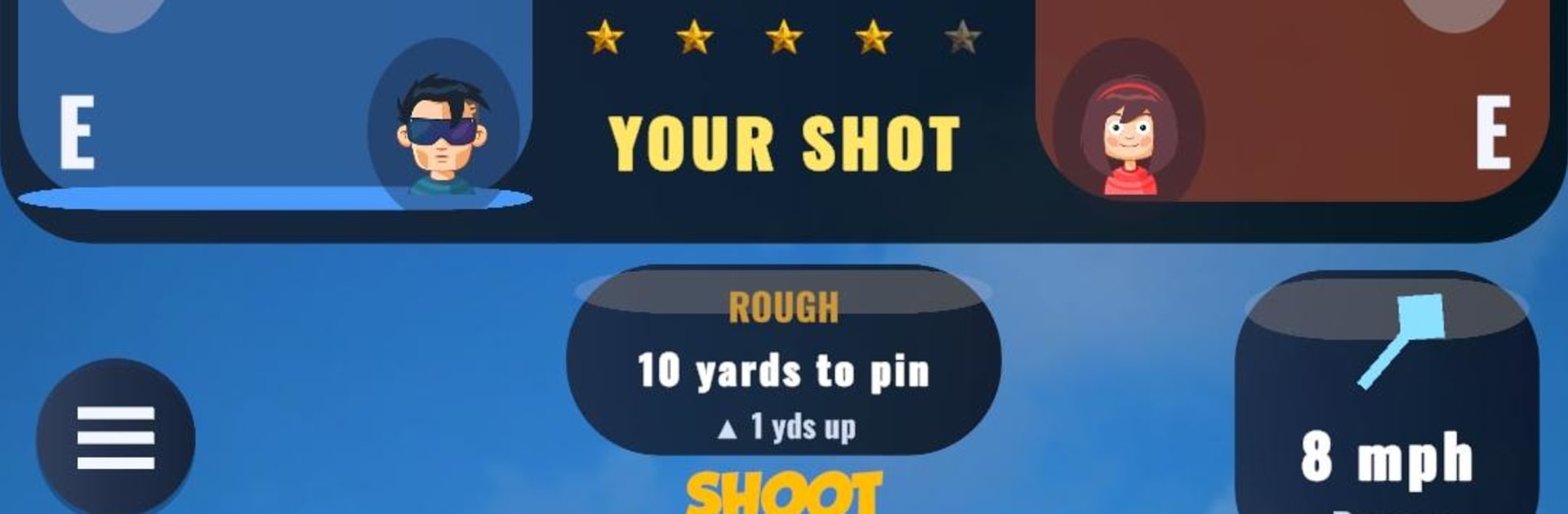
  • Wind and elevation matter: Read crosswinds, judge uphill and downhill lies, and thread shots through real hazards like trees, rocks, and tight fairways.
  • Walkable 3D courses: Move hole to hole across full environments instead of static target menus—every fairway feels like a place, not a screen.
  • Live head-to-head duels: Match up in real time, trade clutch shots, and yes, talk a little trash when you bury the pin.
  • Wager and win: Put coins on the line each match—land the pressure shot and scoop the pot.
  • Ranked arenas that feel fair: Climb from Bronze to Legend and defend your spot each season; smart matchmaking keeps it about skill, not spending.
  • 24 distinct worlds: Sunlit parks, stormy links, glowing night tracks, icy villages, even towering fortresses—each with its own mood and challenges.
  • Cinematic flyovers: Preview every hole from above, study angles, then pick your line and let it rip.
  • Gear that fits your style: Unlock and upgrade 8 bows and 8 arrows, then tune for distance, accuracy, and stability to suit your shot.
  • Earn as you play: Crack open Par, Birdie, Eagle, Double Eagle, and Hole-in-One chests, snag a daily freebie, and push along the Trophy Road.
  • Daily and weekly Challenges: Stack rewards while sharpening consistency without changing how you like to play.
  • Practice without pressure: Hit the Driving Range for freeform reps—no scoring, no stakes, just you dialing in that release.
  • A fair shake, always: No forced ads mid-round, optional rewards only, and progress that actually comes from playing; seasonal resets keep competition fresh.

Start playing Arrow Links: Archery Golf on BlueStacks and get a smoother, more comfortable PC or Mac setup.


Game Features

Enhancements

  • Macros
  • Multi Instance
  • Multi Instance Sync
  • Script
  • Enhancements
Macros

Macros

Automate the predictable in Arrow Links: Archery Golf and transform your gameplay with Macros. Get access to inventive Macros in the BlueStacks Macro Community
Multi Instance

Multi Instance

Play Arrow Links: Archery Golf on one window. And chat with your friend on the other. Press CTRL + Shift + 8 to open the Multi-Instance Manager. And start creating fresh instances or clone an existing one.
Multi Instance Sync

Multi Instance Sync

Play Arrow Links: Archery Golf with the power of Multi-Instance Sync. Replicate what you are doing on the main instance on all other instances. Level up faster, play more.
Script

Script

Script your way to gaming glory in Arrow Links: Archery Golf with BlueStacks Script. Write and run a set of commands to automate repeated tasks. Trigger the command by assigning it to any key.
Read More

How to Download and Play Arrow Links: Archery Golf on PC or Mac

  • Download and install BlueStacks on your PC or Mac

  • Complete Google sign-in to access the Play Store, or do it later

  • Look for Arrow Links: Archery Golf in the search bar at the top right corner

  • Click to install Arrow Links: Archery Golf from the search results

  • Complete Google sign-in (if you skipped step 2) to install Arrow Links: Archery Golf

  • Click the Arrow Links: Archery Golf icon on the home screen to start playing

video
Watch Video

Minimum System Requirements

With BlueStacks 5, you can get started on a PC that fulfills the following requirements.

  • Operating System

    Microsoft Windows 7 or above, macOS 11 (Big Sur) or above

  • Processor

    Intel, AMD or Apple Silicon Processor

  • RAM

    at least 4GB

  • HDD

    10GB Free Disk Space

Note:

* You must be an Administrator on your PC. Up to date graphics drivers from Microsoft or the chipset vendor.

Arrow Links: Archery Golf - FAQs

  • How to play Arrow Links: Archery Golf on Windows PC & Mac?

    Play Arrow Links: Archery Golf on your PC or Mac by following these simple steps.

    • Click on 'Play Arrow Links: Archery Golf on PC’ to download BlueStacks
    • Install it and log-in to Google Play Store
    • Launch and play the game.
  • Why is BlueStacks the fastest and safest platform to play games on PC?

    BlueStacks respects your privacy and is always safe and secure to use. It does not carry any malware, spyware, or any sort of additional software that could harm your PC.

    It is engineered to optimize speed and performance for a seamless gaming experience.

  • What are Arrow Links: Archery Golf PC requirements?

    Minimum requirement to run Arrow Links: Archery Golf on your PC

    • OS: Microsoft Windows 7 or above MacOS 11 (Big Sur) or above
    • Processor: Intel, AMD or Apple Silicon Processor
    • RAM: Your PC must have at least 4GB of RAM. (Note that having 4GB or more disk space is not a substitute for RAM)
    • HDD: 10GB Free Disk Space.
    • You must be an Administrator on your PC.