Burmese tv pro 2026
Burmese tv pro 2026

Burmese tv pro 2026

Sports

| Vayro App

Play on PC with BlueStacks or from our cloud

  • Overview
  • Game Features
  • How to Play

Page Modified On: June 29, 2026

Play Burmese tv pro 2026 on PC or Mac

Play Burmese tv pro 2026 by Vayro App on PC or Mac with BlueStacks. Use a bigger screen, mouse and keyboard controls, and smoother performance while you play.

About the Game

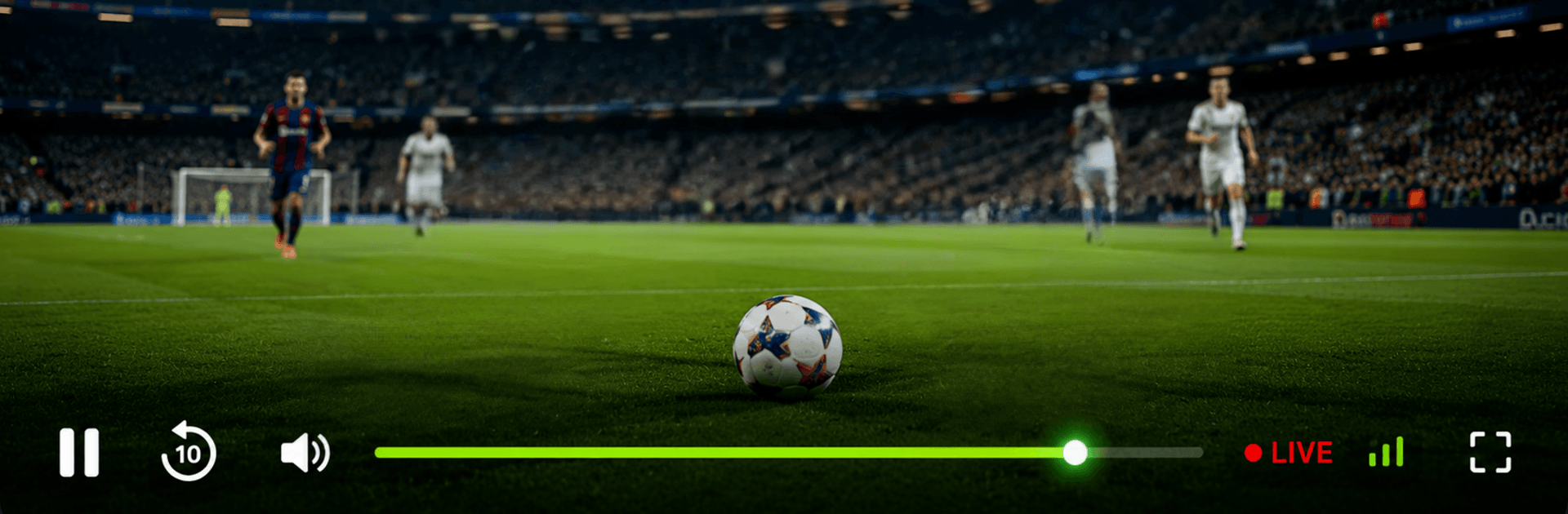
Burmese tv pro 2026 is a Sports management game that puts you in charge of a fast-growing sports TV network. You’ll juggle schedules, chase ratings, and decide which matches deserve prime time—all while keeping viewers happy and the lights on. It’s part strategy, part quick decision-making, with a sleek interface that never gets in your way. Prefer a bigger screen? It plays great on PC with BlueStacks, too.

Game Features

  • Build Your Sports Network: Start small and grow into a multi-channel powerhouse. Add studios, expand coverage, and shape your brand from the ground up.
  • Live Match-Day Decisions: Pick which games to broadcast, switch feeds when momentum shifts, and react to last-minute upsets to keep ratings climbing.
  • Rights, Ads, and Budgets: Negotiate seasonal rights, manage ad slots, and balance costs with revenue—smart choices pay off.
  • Trending Tournaments: Track what fans are buzzing about and slot hot fixtures at just the right time to maximize viewership.
  • Fast, Smooth Gameplay: Lightweight and responsive design means quick loads, snappy menus, and zero fuss between screens.
  • Clean, Easy UI: A simple guide and smart search help you find leagues, fixtures, highlights, and replays without digging.
  • Viewer Satisfaction System: Watch feedback roll in, reduce “buffer-like” downtime with tech upgrades, and keep your quality score high.
  • Career and Quick Play: Go long with a season-spanning campaign or jump into focused broadcast challenges when you’ve got a few minutes.
  • Authentic Broadcast Touches: Pre-show segments, live tickers, halftime breakdowns, and post-game wrap-ups add that real broadcast feel.
  • Your Controls, Your Way: Intuitive touch controls on mobile, or use keyboard and mouse on BlueStacks if that’s more your style.

BlueStacks gives you more room to focus on the game and less time adjusting around mobile limitations.


Game Features

Enhancements

  • Macros
  • Multi Instance
  • Multi Instance Sync
  • Script
  • Enhancements
Macros

Macros

Automate the predictable in Burmese tv pro 2026 and transform your gameplay with Macros. Get access to inventive Macros in the BlueStacks Macro Community
Multi Instance

Multi Instance

Play Burmese tv pro 2026 on one window. And chat with your friend on the other. Press CTRL + Shift + 8 to open the Multi-Instance Manager. And start creating fresh instances or clone an existing one.
Multi Instance Sync

Multi Instance Sync

Play Burmese tv pro 2026 with the power of Multi-Instance Sync. Replicate what you are doing on the main instance on all other instances. Level up faster, play more.
Script

Script

Script your way to gaming glory in Burmese tv pro 2026 with BlueStacks Script. Write and run a set of commands to automate repeated tasks. Trigger the command by assigning it to any key.
Read More

How to Download and Play Burmese tv pro 2026 on PC or Mac

  • Download and install BlueStacks on your PC or Mac

  • Complete Google sign-in to access the Play Store, or do it later

  • Look for Burmese tv pro 2026 in the search bar at the top right corner

  • Click to install Burmese tv pro 2026 from the search results

  • Complete Google sign-in (if you skipped step 2) to install Burmese tv pro 2026

  • Click the Burmese tv pro 2026 icon on the home screen to start playing

video
Watch Video

Minimum System Requirements

With BlueStacks 5, you can get started on a PC that fulfills the following requirements.

  • Operating System

    Microsoft Windows 7 or above, macOS 11 (Big Sur) or above

  • Processor

    Intel, AMD or Apple Silicon Processor

  • RAM

    at least 4GB

  • HDD

    10GB Free Disk Space

Note:

* You must be an Administrator on your PC. Up to date graphics drivers from Microsoft or the chipset vendor.

Burmese tv pro 2026 - FAQs

  • How to play Burmese tv pro 2026 on Windows PC & Mac?

    Play Burmese tv pro 2026 on your PC or Mac by following these simple steps.

    • Click on 'Play Burmese tv pro 2026 on PC’ to download BlueStacks
    • Install it and log-in to Google Play Store
    • Launch and play the game.
  • Why is BlueStacks the fastest and safest platform to play games on PC?

    BlueStacks respects your privacy and is always safe and secure to use. It does not carry any malware, spyware, or any sort of additional software that could harm your PC.

    It is engineered to optimize speed and performance for a seamless gaming experience.

  • What are Burmese tv pro 2026 PC requirements?

    Minimum requirement to run Burmese tv pro 2026 on your PC

    • OS: Microsoft Windows 7 or above MacOS 11 (Big Sur) or above
    • Processor: Intel, AMD or Apple Silicon Processor
    • RAM: Your PC must have at least 4GB of RAM. (Note that having 4GB or more disk space is not a substitute for RAM)
    • HDD: 10GB Free Disk Space.
    • You must be an Administrator on your PC.