
Dive Number-diving logbook

Dive Number-diving logbook

Sports

| Dykusha Denys

Play on PC with BlueStacks or from our cloud

  • Overview
  • Game Features
  • How to Play

Page Modified On: December 05, 2025

Play Dive Number-diving logbook on PC or Mac

Bring your A-game to Dive Number-diving logbook, the Sports game sensation from Dykusha Denys. Give your gameplay the much-needed boost with precise game controls, high FPS graphics, and top-tier features on your PC or Mac with BlueStacks.

About the Game

Dive Number-diving logbook is a clean, no-fuss way to record every scuba session and actually make sense of it later. Built by Dykusha Denys, this Sports app lets you track locations, gear, gas, temps, and more, then rolls it all into simple, satisfying stats. Whether you’re logging your first splash or managing complex dives, it keeps everything tidy and easy to find.

Game Features

  • Unlimited entries: Log as many dives as you want, with the starting dive number set the way you like.
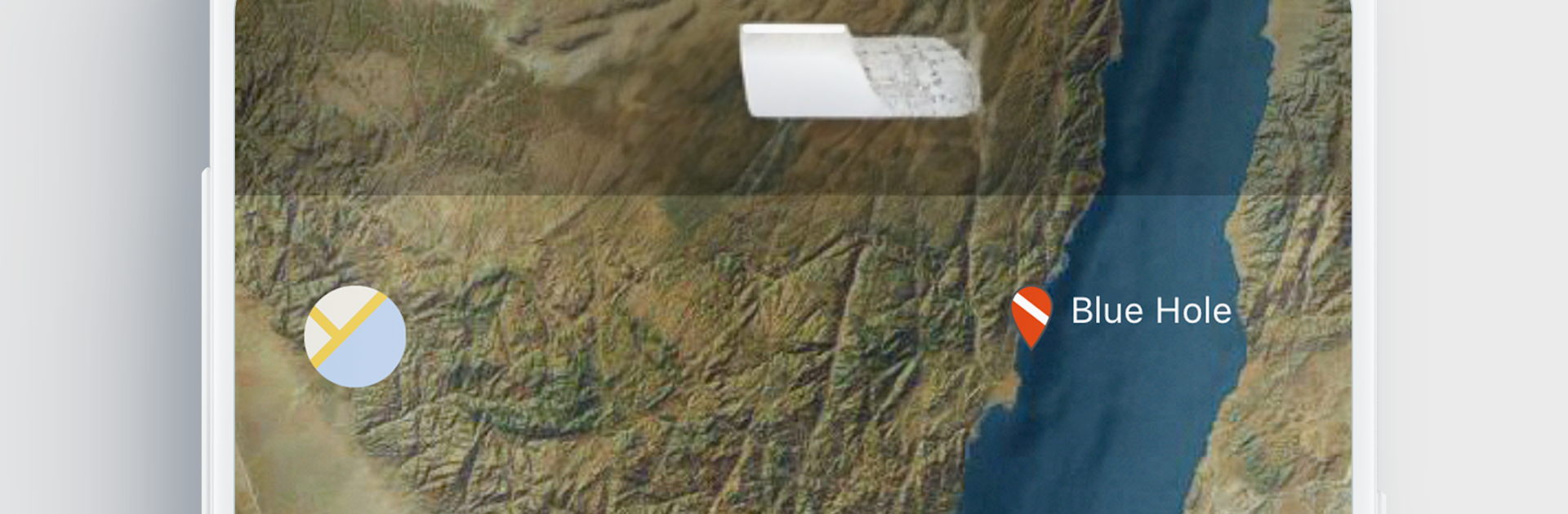
  • World map of sites: Pick your spot from a searchable map, or add your own and help grow the shared database. Your visited-site count shows up in your stats.
  • Conditions at a glance: Mark the type of dive—deep, wrecks, night, altitude, and more—so each entry actually tells the full story.
  • Simple depth input: Set max depth with a quick scroll; no fiddly forms.
  • Time that adds up: Track minutes underwater and see your total bottom time stack up on the main screen.
  • Multi‑cylinder support: Steel or aluminum, any size, and as many tanks as the dive needs.
  • Gas mixes your way: Log air or nitrox anywhere from 21% to 100% (technical mode included).
  • Start/finish pressures: Record how much gas you had at the beginning and end of the dive.
  • Weights and exposure: Save ballast for salt or fresh water, plus what you wore—dry, wet, shorty, or none.
  • Water and viz: Note surface and depth temperatures, and set visibility with a slick animated control.
  • Notes that matter: Jot quick impressions and what you spotted; sightings feed into species stats over time.
  • Buddy co‑sign: Add your buddy from the community and let them confirm the dive—just like stamping a paper log.
  • Fast, tap-friendly input: Most fields are set in a tap or two, so logging doesn’t feel like homework.
  • PC-friendly option: Prefer a keyboard and big map? Run it on BlueStacks to type longer notes comfortably.

Slay your opponents with your epic moves. Play it your way on BlueStacks and dominate the battlefield.


Game Features

Enhancements

  • Macros
  • Multi Instance
  • Multi Instance Sync
  • Script
  • Enhancements
Macros

Macros

Automate the predictable in Dive Number-diving logbook and transform your gameplay with Macros. Get access to inventive Macros in the BlueStacks Macro Community
Multi Instance

Multi Instance

Play Dive Number-diving logbook on one window. And chat with your friend on the other. Press CTRL + Shift + 8 to open the Multi-Instance Manager. And start creating fresh instances or clone an existing one.
Multi Instance Sync

Multi Instance Sync

Play Dive Number-diving logbook with the power of Multi-Instance Sync. Replicate what you are doing on the main instance on all other instances. Level up faster, play more.
Script

Script

Script your way to gaming glory in Dive Number-diving logbook with BlueStacks Script. Write and run a set of commands to automate repeated tasks. Trigger the command by assigning it to any key.
Read More

How to Download and Play Dive Number-diving logbook on PC or Mac

  • Download and install BlueStacks on your PC or Mac

  • Complete Google sign-in to access the Play Store, or do it later

  • Look for Dive Number-diving logbook in the search bar at the top right corner

  • Click to install Dive Number-diving logbook from the search results

  • Complete Google sign-in (if you skipped step 2) to install Dive Number-diving logbook

  • Click the Dive Number-diving logbook icon on the home screen to start playing

video
Watch Video

Minimum System Requirements

With BlueStacks 5, you can get started on a PC that fulfills the following requirements.

  • Operating System

    Microsoft Windows 7 or above, macOS 11 (Big Sur) or above

  • Processor

    Intel, AMD or Apple Silicon Processor

  • RAM

    at least 4GB

  • HDD

    10GB Free Disk Space

Note:

* You must be an Administrator on your PC. Up to date graphics drivers from Microsoft or the chipset vendor.

Dive Number-diving logbook - FAQs

  • How to play Dive Number-diving logbook on Windows PC & Mac?

    Play Dive Number-diving logbook on your PC or Mac by following these simple steps.

    • Click on 'Play Dive Number-diving logbook on PC’ to download BlueStacks
    • Install it and log-in to Google Play Store
    • Launch and play the game.
  • Why is BlueStacks the fastest and safest platform to play games on PC?

    BlueStacks respects your privacy and is always safe and secure to use. It does not carry any malware, spyware, or any sort of additional software that could harm your PC.

    It is engineered to optimize speed and performance for a seamless gaming experience.

  • What are Dive Number-diving logbook PC requirements?

    Minimum requirement to run Dive Number-diving logbook on your PC

    • OS: Microsoft Windows 7 or above MacOS 11 (Big Sur) or above
    • Processor: Intel, AMD or Apple Silicon Processor
    • RAM: Your PC must have at least 4GB of RAM. (Note that having 4GB or more disk space is not a substitute for RAM)
    • HDD: 10GB Free Disk Space.
    • You must be an Administrator on your PC.







