
DLS Pro: Kits & Player Stats

DLS Pro: Kits & Player Stats

Sports

| Sakib.Pro

Play on PC with BlueStacks or from our cloud

  • Overview
  • How to Download

Page Modified On: August 03, 2026

Run DLS Pro: Kits & Player Stats on PC or Mac

Let BlueStacks turn your PC, Mac, or laptop into the perfect home for DLS Pro: Kits & Player Stats, a fun Sports app from Sakib.Pro.

About the App

If Dream League Soccer is your go-to, DLS Pro: Kits & Player Stats keeps all your must-have tools in one clean, easy place. Build smarter lineups, track how players stack up, and give your club a fresh look without bouncing between apps. Prefer managing your squad on a bigger screen? It runs smoothly on BlueStacks too. And yes, it’s a fan-made companion—not an official DLS product.

App Features

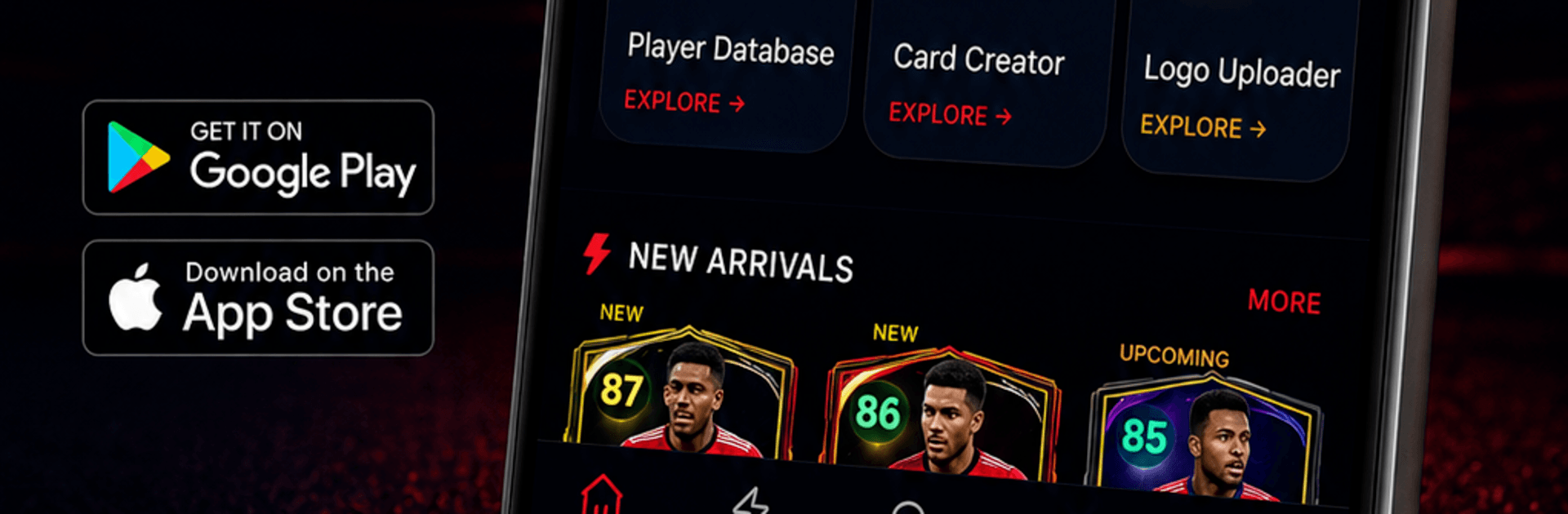
  • Player Database: Search a wide pool of players with clear, useful stats so you can spot hidden gems or confirm your favorites.
  • Side‑by‑Side Compare: Put two players head-to-head to see who fits your style, whether you need pace, strength, or that clutch finishing.
  • Upgrade Planner: Test potential upgrades before you commit resources, so every move feels smart—not risky.
  • Squad Builder: Create, tweak, and save multiple lineups. Try new formations, swap roles, and find the combo that actually clicks.
  • Custom Card Maker: Design slick player cards and export them for your collection or to show off your dream signing.
  • Kit Library: Browse a large, regularly refreshed selection of high-quality kits to refresh your club’s identity in seconds.
  • Quick Logo Import: Drop in your preferred crest with a streamlined import flow that just works.
  • Tutorials & News Alerts: Get bite-sized tips, strategy updates, and helpful how-tos delivered straight to your device, so you’re always in the loop.

Ready to experience DLS Pro: Kits & Player Stats on a bigger screen, in all its glory? Download BlueStacks now.


How to Download and Run DLS Pro: Kits & Player Stats on PC or Mac

  • Download and install BlueStacks on your PC or Mac

  • Complete Google sign-in to access the Play Store, or do it later

  • Look for DLS Pro: Kits & Player Stats in the search bar at the top right corner

  • Click to install DLS Pro: Kits & Player Stats from the search results

  • Complete Google sign-in (if you skipped step 2) to install DLS Pro: Kits & Player Stats

  • Click the DLS Pro: Kits & Player Stats icon on the home screen to start playing

video
Watch Video

Minimum System Requirements

With BlueStacks 5, you can get started on a PC that fulfills the following requirements.

  • Operating System

    Microsoft Windows 7 or above, macOS 11 (Big Sur) or above

  • Processor

    Intel, AMD or Apple Silicon Processor

  • RAM

    at least 4GB

  • HDD

    10GB Free Disk Space

Note:

* You must be an Administrator on your PC. Up to date graphics drivers from Microsoft or the chipset vendor.

DLS Pro: Kits & Player Stats - FAQs

  • How to Run DLS Pro: Kits & Player Stats on Windows PC & Mac?

    Run DLS Pro: Kits & Player Stats on your PC or Mac by following these simple steps.

    • Click on ‘Download DLS Pro: Kits & Player Stats on PC’ to download BlueStacks
    • Install it and log-in to Google Play Store
    • Launch and run the app.
  • Why is BlueStacks the fastest and safest platform to play games on PC?

    BlueStacks respects your privacy and is always safe and secure to use. It does not carry any malware, spyware, or any sort of additional software that could harm your PC.

    It is engineered to optimize speed and performance for a seamless gaming experience.

  • What are DLS Pro: Kits & Player Stats PC requirements?

    Minimum requirement to run DLS Pro: Kits & Player Stats on your PC

    • OS: Microsoft Windows 7 and above:
    • Processor: Intel or AMD Processor:
    • RAM: Your PC must have at least 2GB of RAM. (Note that having 2GB or more disk space is not a substitute for RAM):
    • HDD: 5GB Free Disk Space.
    • You must be an Administrator on your PC.



