Fight Star - Team Manager Idle

Fight Star - Team Manager Idle

Sports

| Cool Cats Games

Play on PC with BlueStacks or from our cloud

  • Overview
  • Game Features
  • How to Play

Page Modified On: August 14, 2026

Play Fight Star - Team Manager Idle on PC or Mac

Fight Star – Team Manager Idle by Cool Cats Games has plenty to keep you busy. BlueStacks lets you play it on PC or Mac with more screen space, better control, and fewer mobile limits.

About the Game

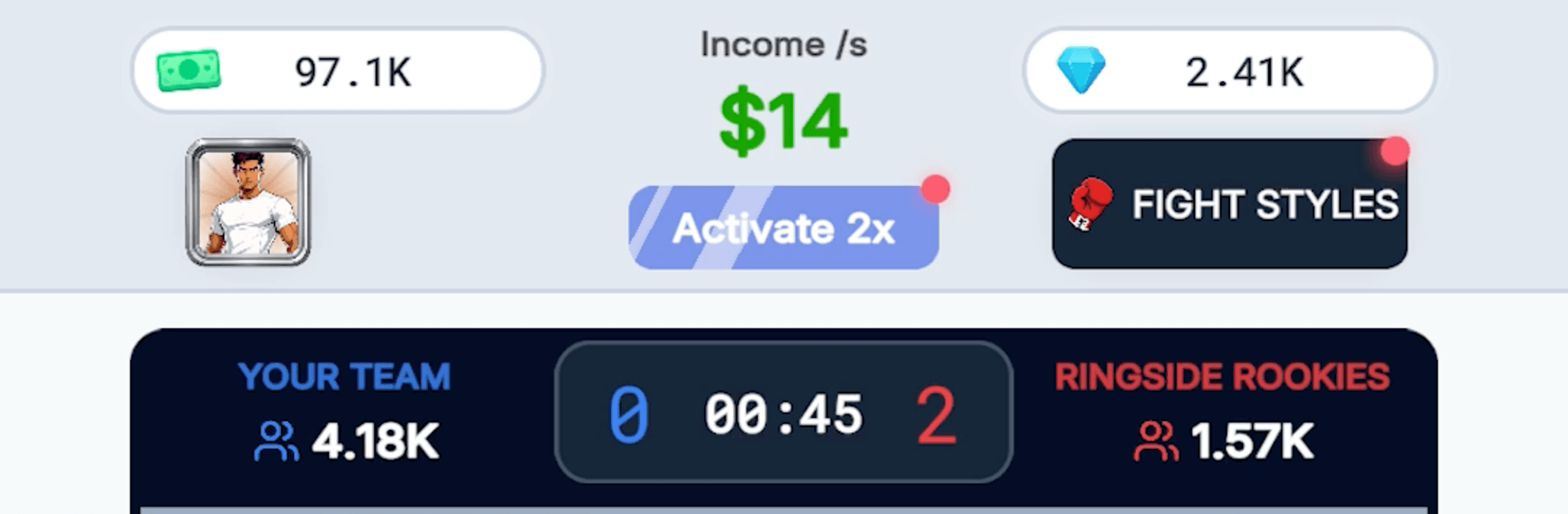
Fight Star – Team Manager Idle is a Sports management sim where you run a scrappy fight gym and turn hopeful rookies into real contenders. It blends chill idle progress with hands-on decisions: recruit prospects, sharpen their skills, gear them up, and send them to compete across different rule sets—from crisp boxing to gritty MMA. Matches play out in real time, so you can sit back, make smart upgrades, and watch your stable scrap for glory.

Game Features

  • Six disciplines, six vibes: Boxing, MMA, wrestling, karate, Muay Thai, and Brazilian Jiu-Jitsu—each with its own arena and rhythm, whether it’s a roped ring, a steel cage, or grappling mats.
  • Build your roster: Scout fresh talent, expand your stable, and stack complementary styles to strengthen your gym’s earning power.
  • Train smarter: Improve core attributes, unlock new techniques, and tighten each fighter’s strengths so punchers crack harder and grapplers finish cleaner.
  • Gear and style: Equip gloves, wraps, mouthguards, and more. Outfit your champs with looks that make them stand out on fight night.
  • Watch the action: Real-time 2D bouts show clean combos, throws, knockdowns, and submissions—you see every swing of momentum.
  • Climb the ladder: Push through ten leagues in every discipline, snag trophies, and boost multipliers that keep your operation humming.
  • Idle progress that sticks: Your gym keeps working while you’re away, piling up cash and resources so there’s always something to improve when you come back.
  • Smooth on BlueStacks: Prefer managing on a bigger display with comfy controls? It runs nicely on BlueStacks without fuss.

BlueStacks gives you more room to focus on the game and less time adjusting around mobile limitations.


Game Features

Enhancements

  • Macros
  • Multi Instance
  • Multi Instance Sync
  • Script
  • Enhancements
Macros

Macros

Automate the predictable in Fight Star - Team Manager Idle and transform your gameplay with Macros. Get access to inventive Macros in the BlueStacks Macro Community
Multi Instance

Multi Instance

Play Fight Star - Team Manager Idle on one window. And chat with your friend on the other. Press CTRL + Shift + 8 to open the Multi-Instance Manager. And start creating fresh instances or clone an existing one.
Multi Instance Sync

Multi Instance Sync

Play Fight Star - Team Manager Idle with the power of Multi-Instance Sync. Replicate what you are doing on the main instance on all other instances. Level up faster, play more.
Script

Script

Script your way to gaming glory in Fight Star - Team Manager Idle with BlueStacks Script. Write and run a set of commands to automate repeated tasks. Trigger the command by assigning it to any key.
Read More

How to Download and Play Fight Star - Team Manager Idle on PC or Mac

  • Download and install BlueStacks on your PC or Mac

  • Complete Google sign-in to access the Play Store, or do it later

  • Look for Fight Star - Team Manager Idle in the search bar at the top right corner

  • Click to install Fight Star - Team Manager Idle from the search results

  • Complete Google sign-in (if you skipped step 2) to install Fight Star - Team Manager Idle

  • Click the Fight Star - Team Manager Idle icon on the home screen to start playing

video
Watch Video

Minimum System Requirements

With BlueStacks 5, you can get started on a PC that fulfills the following requirements.

  • Operating System

    Microsoft Windows 7 or above, macOS 11 (Big Sur) or above

  • Processor

    Intel, AMD or Apple Silicon Processor

  • RAM

    at least 4GB

  • HDD

    10GB Free Disk Space

Note:

* You must be an Administrator on your PC. Up to date graphics drivers from Microsoft or the chipset vendor.

Fight Star - Team Manager Idle - FAQs

  • How to play Fight Star - Team Manager Idle on Windows PC & Mac?

    Play Fight Star - Team Manager Idle on your PC or Mac by following these simple steps.

    • Click on 'Play Fight Star - Team Manager Idle on PC’ to download BlueStacks
    • Install it and log-in to Google Play Store
    • Launch and play the game.
  • Why is BlueStacks the fastest and safest platform to play games on PC?

    BlueStacks respects your privacy and is always safe and secure to use. It does not carry any malware, spyware, or any sort of additional software that could harm your PC.

    It is engineered to optimize speed and performance for a seamless gaming experience.

  • What are Fight Star - Team Manager Idle PC requirements?

    Minimum requirement to run Fight Star - Team Manager Idle on your PC

    • OS: Microsoft Windows 7 or above MacOS 11 (Big Sur) or above
    • Processor: Intel, AMD or Apple Silicon Processor
    • RAM: Your PC must have at least 4GB of RAM. (Note that having 4GB or more disk space is not a substitute for RAM)
    • HDD: 10GB Free Disk Space.
    • You must be an Administrator on your PC.