fish trace - fishing logbook

fish trace - fishing logbook

Sports

| VeroTool

Play on PC with BlueStacks or from our cloud

  • Overview
  • Game Features
  • How to Play

Page Modified On: October 23, 2025

Play fish trace - fishing logbook on PC or Mac

From the innovators and creators at VeroTool, fish trace – fishing logbook is another fun addition to the World of Sports games. Go beyond your mobile screen and play it bigger and better on your PC or Mac. An immersive experience awaits you.

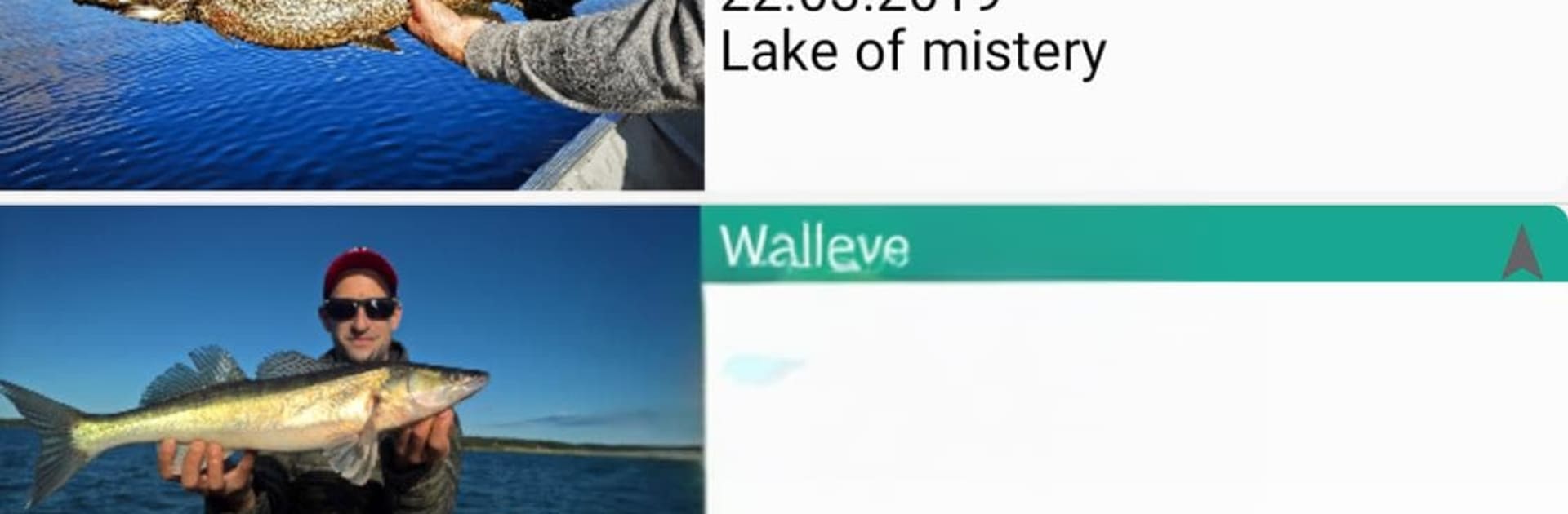
Fish Trace is not a fishing game with casting and reeling, it is more like a clean, fast logbook made for people who actually go out and chase fish. It lets someone jot down a catch in seconds, then fills in a bunch of details on its own like weather, wind, moon stuff, GPS spot, and the exact time. Length, weight, numbers, catch and release, even water temperature and depth if that matters for the trip. Add a quick photo, note the method or bait, and the app turns all that into stats that actually help, like which species bite best in which season or moon phase. The fish and water lists are customizable, so regular spots and favorite species show up first and that saves time when hands are cold or there is no patience left.

The best part is the data does not feel trapped. It works offline, then syncs the weather later if needed. There is backup and restore, plus import and export so someone can look over everything on a computer. Using it on BlueStacks on a PC makes the map and stats easier to read, typing notes is quicker with a keyboard, and dragging the pin to the exact spot with a mouse is just easier. Multilingual support is there, the interface learns what someone uses most, and the yearly breakdowns make patterns pop. It is basically a fishing journal that grows with the angler, without getting in the way of actually fishing.

Make your gaming sessions memorable with precise controls that give you an edge in close combats and visuals that pop up, bringing every character to life.


Game Features

Enhancements

  • Macros
  • Multi Instance
  • Multi Instance Sync
  • Script
  • Enhancements
Macros

Macros

Automate the predictable in fish trace - fishing logbook and transform your gameplay with Macros. Get access to inventive Macros in the BlueStacks Macro Community
Multi Instance

Multi Instance

Play fish trace - fishing logbook on one window. And chat with your friend on the other. Press CTRL + Shift + 8 to open the Multi-Instance Manager. And start creating fresh instances or clone an existing one.
Multi Instance Sync

Multi Instance Sync

Play fish trace - fishing logbook with the power of Multi-Instance Sync. Replicate what you are doing on the main instance on all other instances. Level up faster, play more.
Script

Script

Script your way to gaming glory in fish trace - fishing logbook with BlueStacks Script. Write and run a set of commands to automate repeated tasks. Trigger the command by assigning it to any key.
Read More

How to Download and Play fish trace - fishing logbook on PC or Mac

  • Download and install BlueStacks on your PC or Mac

  • Complete Google sign-in to access the Play Store, or do it later

  • Look for fish trace - fishing logbook in the search bar at the top right corner

  • Click to install fish trace - fishing logbook from the search results

  • Complete Google sign-in (if you skipped step 2) to install fish trace - fishing logbook

  • Click the fish trace - fishing logbook icon on the home screen to start playing

video
Watch Video

Minimum System Requirements

With BlueStacks 5, you can get started on a PC that fulfills the following requirements.

  • Operating System

    Microsoft Windows 7 or above, macOS 11 (Big Sur) or above

  • Processor

    Intel, AMD or Apple Silicon Processor

  • RAM

    at least 4GB

  • HDD

    10GB Free Disk Space

Note:

* You must be an Administrator on your PC. Up to date graphics drivers from Microsoft or the chipset vendor.

fish trace - fishing logbook - FAQs

  • How to play fish trace - fishing logbook on Windows PC & Mac?

    Play fish trace - fishing logbook on your PC or Mac by following these simple steps.

    • Click on 'Play fish trace - fishing logbook on PC’ to download BlueStacks
    • Install it and log-in to Google Play Store
    • Launch and play the game.
  • Why is BlueStacks the fastest and safest platform to play games on PC?

    BlueStacks respects your privacy and is always safe and secure to use. It does not carry any malware, spyware, or any sort of additional software that could harm your PC.

    It is engineered to optimize speed and performance for a seamless gaming experience.

  • What are fish trace - fishing logbook PC requirements?

    Minimum requirement to run fish trace - fishing logbook on your PC

    • OS: Microsoft Windows 7 or above MacOS 11 (Big Sur) or above
    • Processor: Intel, AMD or Apple Silicon Processor
    • RAM: Your PC must have at least 4GB of RAM. (Note that having 4GB or more disk space is not a substitute for RAM)
    • HDD: 10GB Free Disk Space.
    • You must be an Administrator on your PC.