
جدول المباريات - كرة قدم

جدول المباريات - كرة قدم

Sports

| MegoSport

Play on PC with BlueStacks or from our cloud

  • Overview
  • How to Download

Page Modified On: June 25, 2026

Run جدول المباريات - كرة قدم on PC or Mac

Why limit yourself to your small screen on the phone? Run جدول المباريات – كرة قدم, an app by MegoSport, best experienced on your PC or Mac with BlueStacks, the world’s #1 Android emulator.

About the Game

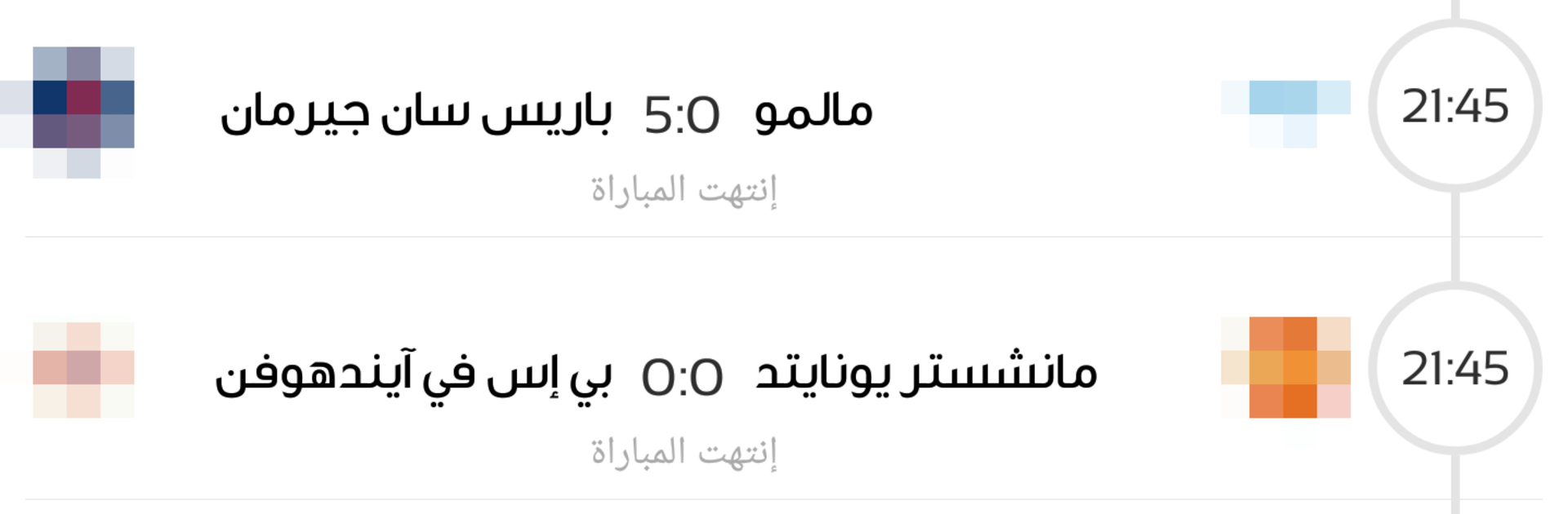
If soccer is part of your daily routine, جدول المباريات – كرة قدم makes it easy to keep up without juggling a dozen apps. This Sports companion lays out today’s fixtures, live scores, lineups, and broadcast details across European and Arab leagues—all in your local time. It’s quick to scan, simple to dig into, and always stays fresh while matches are underway.

Game Features

  • Live scores and alerts: See goals, cards, and score changes as they happen. Updates roll in every couple of minutes, with faster refreshes while a game is live.
  • One‑tap “Today” view: Open the app and instantly check all of today’s matches at a glance.
  • Deep match pages: Get stadium info, expected temperature, TV channels, and commentator names when available—everything in one place.
  • Lineups and post‑match stats: Check probable or confirmed lineups before kickoff and dive into match stats once the final whistle blows for major European competitions.
  • Standings across leagues: Track tables for a wide range of competitions without hunting around the web.
  • Smart local times: No manual time zone math. Kickoff times automatically match your device clock.
  • Easy calendar browsing: Jump to yesterday, tomorrow, or any date to see the full slate of fixtures.
  • Wide coverage: From the Premier League, La Liga, and Serie A to the Saudi Pro League, Qatar Stars League, the UEFA Champions League, and more—European and Arab leagues are covered.
  • Optional big‑screen setup: Prefer a larger view? Run it with BlueStacks on your PC to keep schedules and stats handy while you multitask.

BlueStacks brings your apps to life on a bigger screen—seamless and straightforward.

How to Download and Run جدول المباريات - كرة قدم on PC or Mac

  • Download and install BlueStacks on your PC or Mac

  • Complete Google sign-in to access the Play Store, or do it later

  • Look for جدول المباريات - كرة قدم in the search bar at the top right corner

  • Click to install جدول المباريات - كرة قدم from the search results

  • Complete Google sign-in (if you skipped step 2) to install جدول المباريات - كرة قدم

  • Click the جدول المباريات - كرة قدم icon on the home screen to start playing

video
Watch Video

Minimum System Requirements

With BlueStacks 5, you can get started on a PC that fulfills the following requirements.

  • Operating System

    Microsoft Windows 7 or above, macOS 11 (Big Sur) or above

  • Processor

    Intel, AMD or Apple Silicon Processor

  • RAM

    at least 4GB

  • HDD

    10GB Free Disk Space

Note:

* You must be an Administrator on your PC. Up to date graphics drivers from Microsoft or the chipset vendor.

جدول المباريات - كرة قدم - FAQs

  • How to Run جدول المباريات - كرة قدم on Windows PC & Mac?

    Run جدول المباريات - كرة قدم on your PC or Mac by following these simple steps.

    • Click on ‘Download جدول المباريات - كرة قدم on PC’ to download BlueStacks
    • Install it and log-in to Google Play Store
    • Launch and run the app.
  • Why is BlueStacks the fastest and safest platform to play games on PC?

    BlueStacks respects your privacy and is always safe and secure to use. It does not carry any malware, spyware, or any sort of additional software that could harm your PC.

    It is engineered to optimize speed and performance for a seamless gaming experience.

  • What are جدول المباريات - كرة قدم PC requirements?

    Minimum requirement to run جدول المباريات - كرة قدم on your PC

    • OS: Microsoft Windows 7 and above:
    • Processor: Intel or AMD Processor:
    • RAM: Your PC must have at least 2GB of RAM. (Note that having 2GB or more disk space is not a substitute for RAM):
    • HDD: 5GB Free Disk Space.
    • You must be an Administrator on your PC.




