
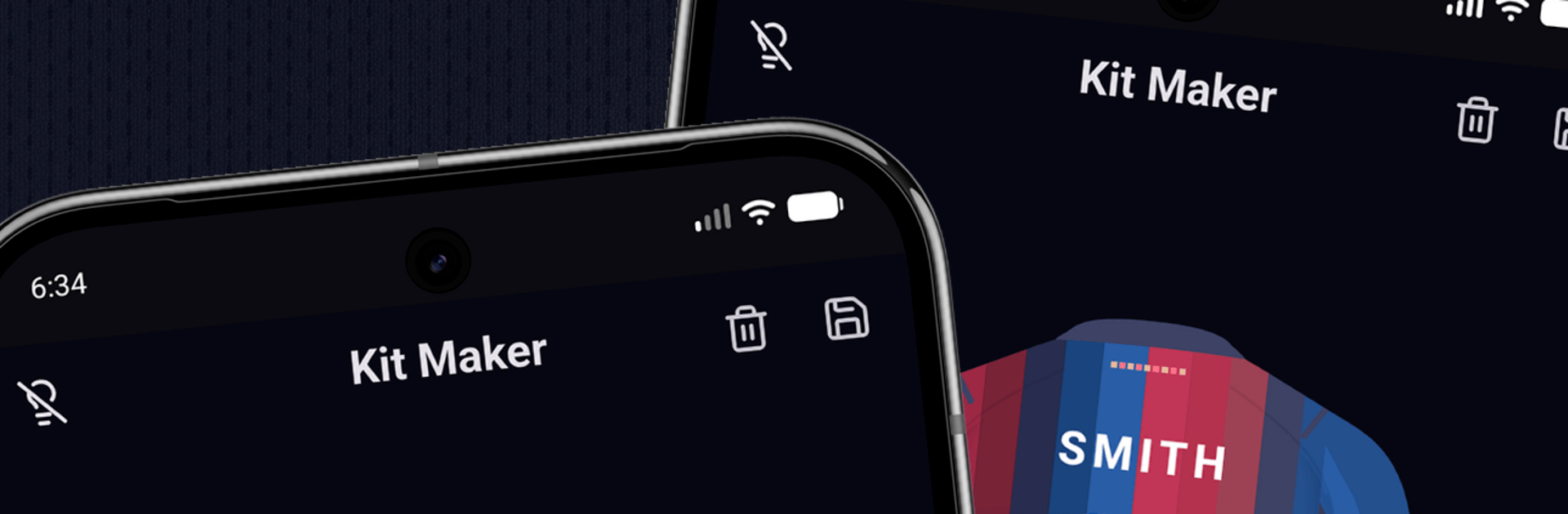
My Jersey - Football Designer

My Jersey - Football Designer

Sports

| TapMaxAlf

Play on PC with BlueStacks or from our cloud

  • Overview
  • How to Download

Page Modified On: August 17, 2026

Run My Jersey - Football Designer on PC or Mac

Multitask effortlessly on your PC or Mac as you try out My Jersey – Football Designer, a Sports app by TapMaxAlf on BlueStacks.

About the App

My Jersey – Football Designer is your blank canvas for building the kit you’ve always pictured. This Sports app makes it simple to sketch, tweak, and finish custom football shirts—whether it’s for your local side, a fantasy squad, or a creative project you’ve been sitting on. Prefer a bigger workspace? It also runs smoothly on BlueStacks.

App Features

  • Color control: Pick exact colors for the body, sleeves, collar, and trim with an intuitive color picker, so every detail matches your team’s style.
  • Pattern library: Go classic or bold with options like stripes, hoops, halves, diagonal bars, chevrons, sashes, checkerboard, and yokes.
  • Layering made easy: Stack multiple patterns and reorder them to craft complex, one-of-a-kind designs without the headache.
  • Brand touches: Add sportswear-style logos to complete the look and make your shirt feel official.
  • Personalization: Drop in player names and numbers on the back, then size and place them exactly where you want.
  • Front and back preview: Flip between both sides of the jersey to make sure everything lines up before you save.
  • Realistic rendering: Enjoy clean shading and fine details that make your mockups look sharp and professional.
  • Save and share: Export high‑quality images showing the front and back, then share them with teammates or post them to your socials.
  • Works offline: Design anywhere—no connection required, no distractions.
  • Fast, focused workflow: A streamlined interface keeps you moving from idea to finished kit in minutes.
  • Regular updates: Expect new patterns and options over time, so your designs never feel stuck in one era.

BlueStacks gives you the much-needed freedom to experience your favorite apps on a bigger screen. Get it now.


How to Download and Run My Jersey - Football Designer on PC or Mac

  • Download and install BlueStacks on your PC or Mac

  • Complete Google sign-in to access the Play Store, or do it later

  • Look for My Jersey - Football Designer in the search bar at the top right corner

  • Click to install My Jersey - Football Designer from the search results

  • Complete Google sign-in (if you skipped step 2) to install My Jersey - Football Designer

  • Click the My Jersey - Football Designer icon on the home screen to start playing

video
Watch Video

Minimum System Requirements

With BlueStacks 5, you can get started on a PC that fulfills the following requirements.

  • Operating System

    Microsoft Windows 7 or above, macOS 11 (Big Sur) or above

  • Processor

    Intel, AMD or Apple Silicon Processor

  • RAM

    at least 4GB

  • HDD

    10GB Free Disk Space

Note:

* You must be an Administrator on your PC. Up to date graphics drivers from Microsoft or the chipset vendor.

My Jersey - Football Designer - FAQs

  • How to Run My Jersey - Football Designer on Windows PC & Mac?

    Run My Jersey - Football Designer on your PC or Mac by following these simple steps.

    • Click on ‘Download My Jersey - Football Designer on PC’ to download BlueStacks
    • Install it and log-in to Google Play Store
    • Launch and run the app.
  • Why is BlueStacks the fastest and safest platform to play games on PC?

    BlueStacks respects your privacy and is always safe and secure to use. It does not carry any malware, spyware, or any sort of additional software that could harm your PC.

    It is engineered to optimize speed and performance for a seamless gaming experience.

  • What are My Jersey - Football Designer PC requirements?

    Minimum requirement to run My Jersey - Football Designer on your PC

    • OS: Microsoft Windows 7 and above:
    • Processor: Intel or AMD Processor:
    • RAM: Your PC must have at least 2GB of RAM. (Note that having 2GB or more disk space is not a substitute for RAM):
    • HDD: 5GB Free Disk Space.
    • You must be an Administrator on your PC.



