
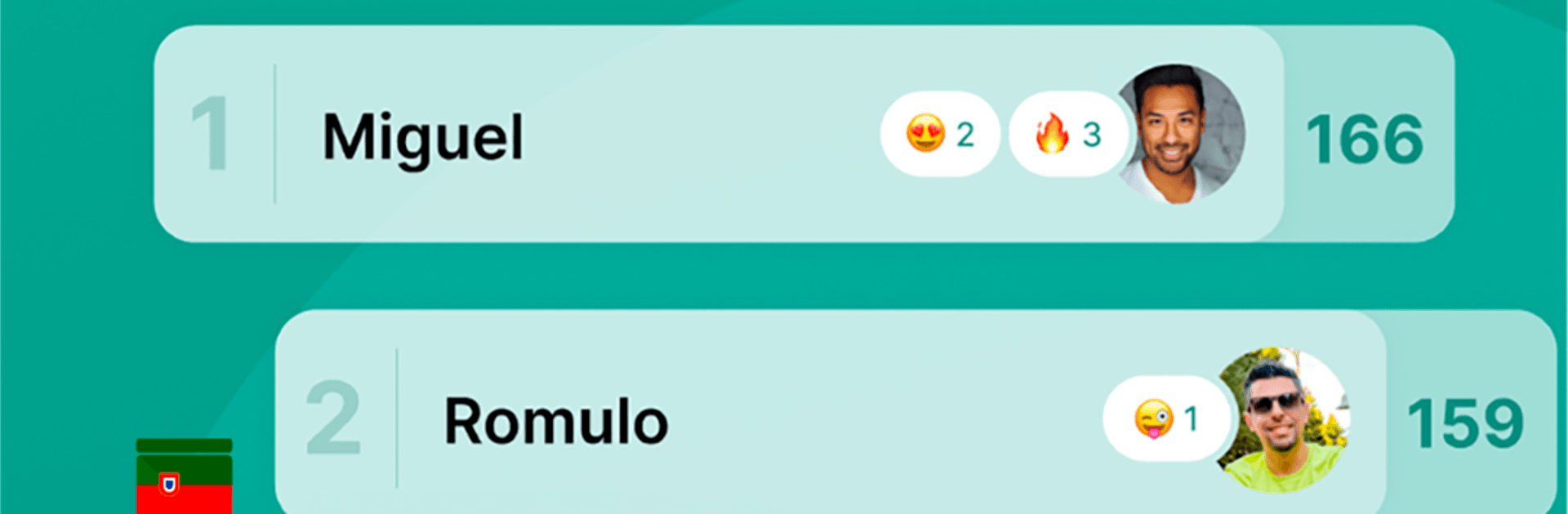
Predict the winner soccer 2022

Predict the winner soccer 2022

Sports

| Julio Cesar Vedana

Play on PC with BlueStacks or from our cloud

  • Overview
  • How to Download

Page Modified On: August 03, 2026

Run Predict the winner soccer 2022 on PC or Mac

Upgrade your experience. Try Predict the winner soccer 2022, the fantastic Sports app from Julio Cesar Vedana, from the comfort of your laptop, PC, or Mac, only on BlueStacks.

About the App

Predict the winner soccer 2022 is a Sports pick’em that makes every match more fun with friends, family, or the whole office. Make your picks, watch the action, and see how your choices stack up on live leaderboards. It’s easy to learn, quick to play, and surprisingly competitive—even if you’re not a soccer expert.

App Features

  • Quick picks: Choose your winners in seconds with a clean, straightforward flow that keeps things moving fast.
  • Risk-reward scoring: Feeling bold? Go for the upset. Higher risk can mean bigger points, so smart gambles pay off.
  • Group leaderboards: Automatic rankings for every group keep bragging rights crystal clear and the banter rolling.
  • Beginner-friendly guidance: See favorites and matchup context so newcomers can compete with diehards on equal footing.
  • Real-time updates: Scores and standings refresh fast, so you always know where you stand while the matches unfold.
  • Unlimited groups, no ads: Create as many groups as you want—friends, family, coworkers—and enjoy an ad-free experience.
  • Easy invites: Bring people in with a couple of taps. Sharing through WhatsApp is simple and quick.
  • What-if simulator: Test scenarios—like what happens if a match ends in a draw—and instantly see how the table would change.
  • Pool organizer tips: An in-app guide helps you set up and run a smooth, fun contest for any crowd.
  • Bigger screen option: Prefer desktop? Use BlueStacks to enjoy the app on your PC without losing that snappy feel.

Eager to take your app experience to the next level? Start right away by downloading BlueStacks on your PC or Mac.


How to Download and Run Predict the winner soccer 2022 on PC or Mac

  • Download and install BlueStacks on your PC or Mac

  • Complete Google sign-in to access the Play Store, or do it later

  • Look for Predict the winner soccer 2022 in the search bar at the top right corner

  • Click to install Predict the winner soccer 2022 from the search results

  • Complete Google sign-in (if you skipped step 2) to install Predict the winner soccer 2022

  • Click the Predict the winner soccer 2022 icon on the home screen to start playing

video
Watch Video

Minimum System Requirements

With BlueStacks 5, you can get started on a PC that fulfills the following requirements.

  • Operating System

    Microsoft Windows 7 or above, macOS 11 (Big Sur) or above

  • Processor

    Intel, AMD or Apple Silicon Processor

  • RAM

    at least 4GB

  • HDD

    10GB Free Disk Space

Note:

* You must be an Administrator on your PC. Up to date graphics drivers from Microsoft or the chipset vendor.

Predict the winner soccer 2022 - FAQs

  • How to Run Predict the winner soccer 2022 on Windows PC & Mac?

    Run Predict the winner soccer 2022 on your PC or Mac by following these simple steps.

    • Click on ‘Download Predict the winner soccer 2022 on PC’ to download BlueStacks
    • Install it and log-in to Google Play Store
    • Launch and run the app.
  • Why is BlueStacks the fastest and safest platform to play games on PC?

    BlueStacks respects your privacy and is always safe and secure to use. It does not carry any malware, spyware, or any sort of additional software that could harm your PC.

    It is engineered to optimize speed and performance for a seamless gaming experience.

  • What are Predict the winner soccer 2022 PC requirements?

    Minimum requirement to run Predict the winner soccer 2022 on your PC

    • OS: Microsoft Windows 7 and above:
    • Processor: Intel or AMD Processor:
    • RAM: Your PC must have at least 2GB of RAM. (Note that having 2GB or more disk space is not a substitute for RAM):
    • HDD: 5GB Free Disk Space.
    • You must be an Administrator on your PC.



