Sim: Heavyweight Boxing

Sim: Heavyweight Boxing

Sports

| JF Sim Games

Play on PC with BlueStacks or from our cloud

  • Overview
  • Game Features
  • How to Play

Page Modified On: June 29, 2026

Play Sim: Heavyweight Boxing on PC or Mac

Bring your A-game to Sim: Heavyweight Boxing, the Sports game sensation from JF Sim Games. Give your gameplay the much-needed boost with precise game controls, high FPS graphics, and top-tier features on your PC or Mac with BlueStacks.

About the Game

Sim: Heavyweight Boxing is a Sports management sim that lets you write your own story in the most storied division of them all. Build a prospect from nothing or take over a famous name, then steer every training camp, matchup, and title shot across generations of boxing history. It’s great on mobile and plays smoothly on PC with BlueStacks if you prefer a bigger screen.

Game Features

  • Pick Your Era: Start anywhere from the rough-and-tumble 1880s to today’s mega-fights. Championship rounds, venues, purses, and media coverage shift with the times—so the sport really feels different from decade to decade.

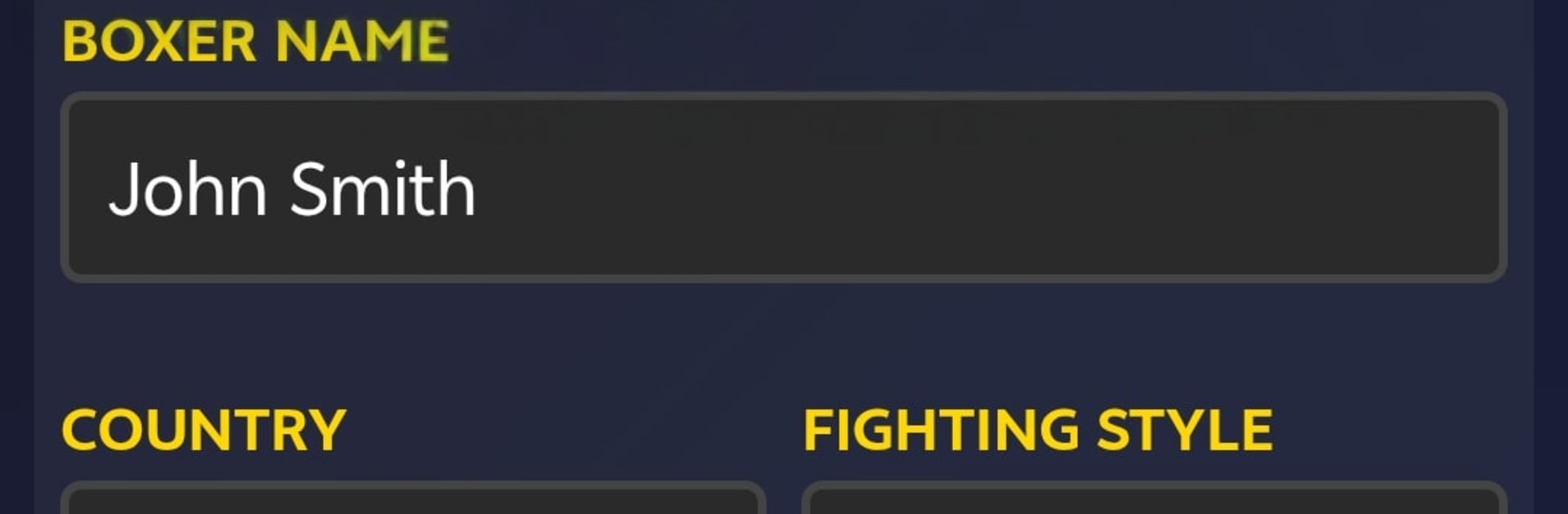
  • Be a Legend or Be Yourself: Create a custom fighter with a chosen stance, style, and traits, or jump into the career of an all-time great and see their signature moves—yes, you can flash an Ali Shuffle or uncork a Dempsey Roll.

  • Thousands in the Division: Test yourself against a huge lineup of more than 2,500 heavyweight names spanning boxing’s full timeline, each with distinct ratings, nicknames, and tendencies.

  • Fights That Feel Alive: Engage in dynamic simulations with round-by-round commentary, momentum swings, corner guidance, and detailed punch stats that tell the story of every bout.

  • Belts and Rankings: Chase four world titles and seven regional straps. Climb a deep ranking ladder with hundreds of contenders and try to unify if you’ve got the nerve.

  • From Amateurs to the Pros: Build pedigree through Olympic and world amateur tournaments, then turn pro with better offers, tougher rivals, and real stakes.

  • Legacy That Lasts: Track rivalries, earnings, yearly awards, and a full career bio. Retire into the Hall of Fame and keep playing in the same evolving universe.

  • A Living Boxing World: Watch new generations rise—sometimes even the sons of past champions—and let the calendar roll for centuries of in-game time.

  • Strategy, Not Button-Mashing: Set game plans, tweak tactics mid-fight, and tailor training to the opponent in front of you.

  • Deep Records and Analytics: Study fight logs, punch counts, and performance trends to outthink the division.

  • Note on Real Names: Real fighters appear, but all ratings and stats are fictional estimates created purely for entertainment, with no endorsements implied.

Start playing Sim: Heavyweight Boxing on BlueStacks and get a smoother, more comfortable PC or Mac setup.


Game Features

Enhancements

  • Macros
  • Multi Instance
  • Multi Instance Sync
  • Script
  • Enhancements
Macros

Macros

Automate the predictable in Sim: Heavyweight Boxing and transform your gameplay with Macros. Get access to inventive Macros in the BlueStacks Macro Community
Multi Instance

Multi Instance

Play Sim: Heavyweight Boxing on one window. And chat with your friend on the other. Press CTRL + Shift + 8 to open the Multi-Instance Manager. And start creating fresh instances or clone an existing one.
Multi Instance Sync

Multi Instance Sync

Play Sim: Heavyweight Boxing with the power of Multi-Instance Sync. Replicate what you are doing on the main instance on all other instances. Level up faster, play more.
Script

Script

Script your way to gaming glory in Sim: Heavyweight Boxing with BlueStacks Script. Write and run a set of commands to automate repeated tasks. Trigger the command by assigning it to any key.
Read More

How to Download and Play Sim: Heavyweight Boxing on PC or Mac

  • Download and install BlueStacks on your PC or Mac

  • Complete Google sign-in to access the Play Store, or do it later

  • Look for Sim: Heavyweight Boxing in the search bar at the top right corner

  • Click to install Sim: Heavyweight Boxing from the search results

  • Complete Google sign-in (if you skipped step 2) to install Sim: Heavyweight Boxing

  • Click the Sim: Heavyweight Boxing icon on the home screen to start playing

video
Watch Video

Minimum System Requirements

With BlueStacks 5, you can get started on a PC that fulfills the following requirements.

  • Operating System

    Microsoft Windows 7 or above, macOS 11 (Big Sur) or above

  • Processor

    Intel, AMD or Apple Silicon Processor

  • RAM

    at least 4GB

  • HDD

    10GB Free Disk Space

Note:

* You must be an Administrator on your PC. Up to date graphics drivers from Microsoft or the chipset vendor.

Sim: Heavyweight Boxing - FAQs

  • How to play Sim: Heavyweight Boxing on Windows PC & Mac?

    Play Sim: Heavyweight Boxing on your PC or Mac by following these simple steps.

    • Click on 'Play Sim: Heavyweight Boxing on PC’ to download BlueStacks
    • Install it and log-in to Google Play Store
    • Launch and play the game.
  • Why is BlueStacks the fastest and safest platform to play games on PC?

    BlueStacks respects your privacy and is always safe and secure to use. It does not carry any malware, spyware, or any sort of additional software that could harm your PC.

    It is engineered to optimize speed and performance for a seamless gaming experience.

  • What are Sim: Heavyweight Boxing PC requirements?

    Minimum requirement to run Sim: Heavyweight Boxing on your PC

    • OS: Microsoft Windows 7 or above MacOS 11 (Big Sur) or above
    • Processor: Intel, AMD or Apple Silicon Processor
    • RAM: Your PC must have at least 4GB of RAM. (Note that having 4GB or more disk space is not a substitute for RAM)
    • HDD: 10GB Free Disk Space.
    • You must be an Administrator on your PC.