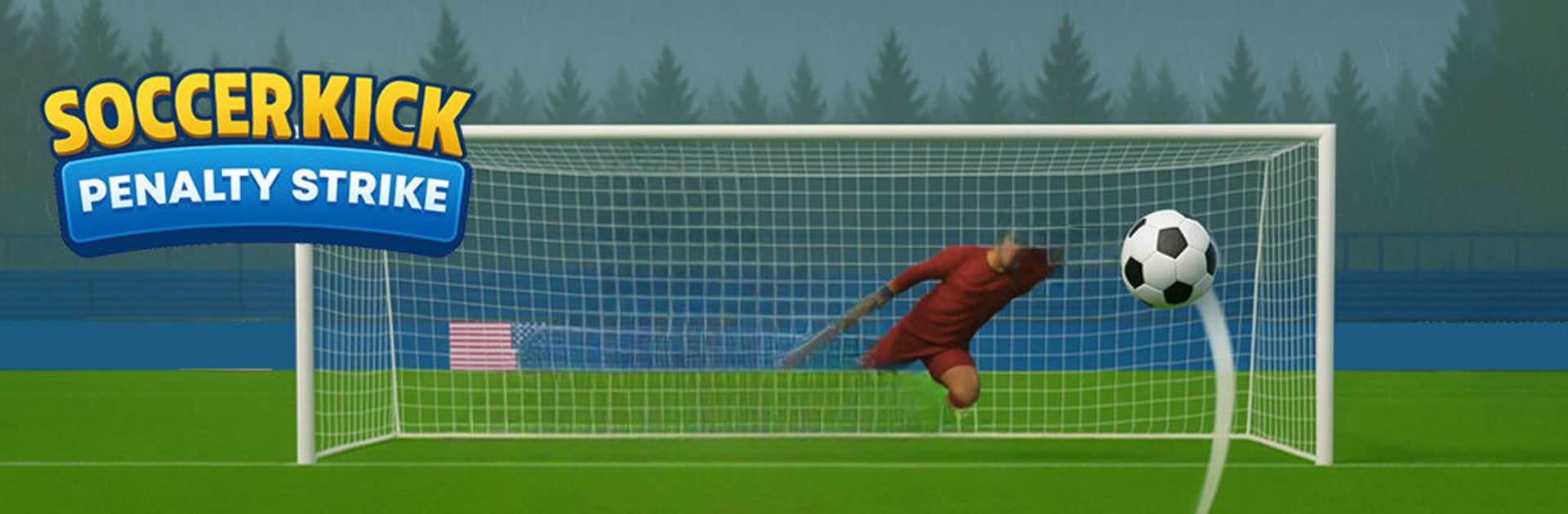
Soccer Kick: Penalty Strike

Soccer Kick: Penalty Strike

Sports

| Ghost Cave

Play on PC with BlueStacks or from our cloud

  • Overview
  • Game Features
  • How to Play

Page Modified On: July 22, 2025

Play Soccer Kick: Penalty Strike on PC or Mac

Step into the World of Soccer Kick: Penalty Strike, a thrilling Sports game from the house of Ghost Cave. Play this Android game on BlueStacks App Player and experience immersive gaming on PC or Mac.

About the Game

Soccer Kick: Penalty Strike is your go-to spot for heart-racing penalty shootouts, where every goal feels like a personal victory. Created by Ghost Cave, this sports title drops you straight into the action with nothing getting between you and that perfect shot—except maybe a sharp-eyed goalkeeper! Whether you’re looking to test your free kick skills or just want the rush of outsmarting your rivals, you’ll find plenty to keep you coming back for “just one more kick.”

Game Features

  • Penalty Shootout Showdowns
    Take on tense one-on-one moments against goalkeepers who’ll do anything to block your shot—so mix up your aim, time it right, and let the crowd go wild as you score.

  • Skillful Goalkeepers
    Encounter keepers that aren’t just standing targets. They dive, leap, and react on the fly, so every shot is a fresh challenge.

  • Personalized Soccer Style
    Make your soccer hero stand out! Pick out different ball designs, swap out looks, and tailor your gameplay vibe to fit your style.

  • Physics-Focused Kicks
    Every kick feels unique thanks to the game’s physics-driven controls—finding that sweet spot for power and timing? That’s all you.

  • Climb Up the League
    Go up against AI teams and climb the ranks as you aim for the top spot on the leaderboards.

  • Training for All Skill Levels
    Whether you’re a football fanatic or just getting your feet wet with soccer games, there are plenty of opportunities to sharpen your shooting skills and try new tricks.

Play Soccer Kick: Penalty Strike on BlueStacks for a fluid experience with easy controls, no matter how heated the match gets.

Slay your opponents with your epic moves. Play it your way on BlueStacks and dominate the battlefield.


Game Features

Enhancements

  • Macros
  • Multi Instance
  • Multi Instance Sync
  • Script
  • Enhancements
Macros

Macros

Automate the predictable in Soccer Kick: Penalty Strike and transform your gameplay with Macros. Get access to inventive Macros in the BlueStacks Macro Community
Multi Instance

Multi Instance

Play Soccer Kick: Penalty Strike on one window. And chat with your friend on the other. Press CTRL + Shift + 8 to open the Multi-Instance Manager. And start creating fresh instances or clone an existing one.
Multi Instance Sync

Multi Instance Sync

Play Soccer Kick: Penalty Strike with the power of Multi-Instance Sync. Replicate what you are doing on the main instance on all other instances. Level up faster, play more.
Script

Script

Script your way to gaming glory in Soccer Kick: Penalty Strike with BlueStacks Script. Write and run a set of commands to automate repeated tasks. Trigger the command by assigning it to any key.
Read More

How to Download and Play Soccer Kick: Penalty Strike on PC or Mac

  • Download and install BlueStacks on your PC or Mac

  • Complete Google sign-in to access the Play Store, or do it later

  • Look for Soccer Kick: Penalty Strike in the search bar at the top right corner

  • Click to install Soccer Kick: Penalty Strike from the search results

  • Complete Google sign-in (if you skipped step 2) to install Soccer Kick: Penalty Strike

  • Click the Soccer Kick: Penalty Strike icon on the home screen to start playing

video
Watch Video

Minimum System Requirements

With BlueStacks 5, you can get started on a PC that fulfills the following requirements.

  • Operating System

    Microsoft Windows 7 or above, macOS 11 (Big Sur) or above

  • Processor

    Intel, AMD or Apple Silicon Processor

  • RAM

    at least 4GB

  • HDD

    10GB Free Disk Space

Note:

* You must be an Administrator on your PC. Up to date graphics drivers from Microsoft or the chipset vendor.

Soccer Kick: Penalty Strike - FAQs

  • How to play Soccer Kick: Penalty Strike on Windows PC & Mac?

    Play Soccer Kick: Penalty Strike on your PC or Mac by following these simple steps.

    • Click on 'Play Soccer Kick: Penalty Strike on PC’ to download BlueStacks
    • Install it and log-in to Google Play Store
    • Launch and play the game.
  • Why is BlueStacks the fastest and safest platform to play games on PC?

    BlueStacks respects your privacy and is always safe and secure to use. It does not carry any malware, spyware, or any sort of additional software that could harm your PC.

    It is engineered to optimize speed and performance for a seamless gaming experience.

  • What are Soccer Kick: Penalty Strike PC requirements?

    Minimum requirement to run Soccer Kick: Penalty Strike on your PC

    • OS: Microsoft Windows 7 or above MacOS 11 (Big Sur) or above
    • Processor: Intel, AMD or Apple Silicon Processor
    • RAM: Your PC must have at least 4GB of RAM. (Note that having 4GB or more disk space is not a substitute for RAM)
    • HDD: 10GB Free Disk Space.
    • You must be an Administrator on your PC.