Star Rising: Basketball

Star Rising: Basketball

Sports

| Rising Star Sports Studio

Play on PC with BlueStacks or from our cloud

  • Overview
  • Game Features
  • How to Play

Page Modified On: June 25, 2026

Play Star Rising: Basketball on PC or Mac

Play Star Rising: Basketball by Rising Star Sports Studio on PC or Mac with BlueStacks. Use a bigger screen, mouse and keyboard controls, and smoother performance while you play.

About the Game

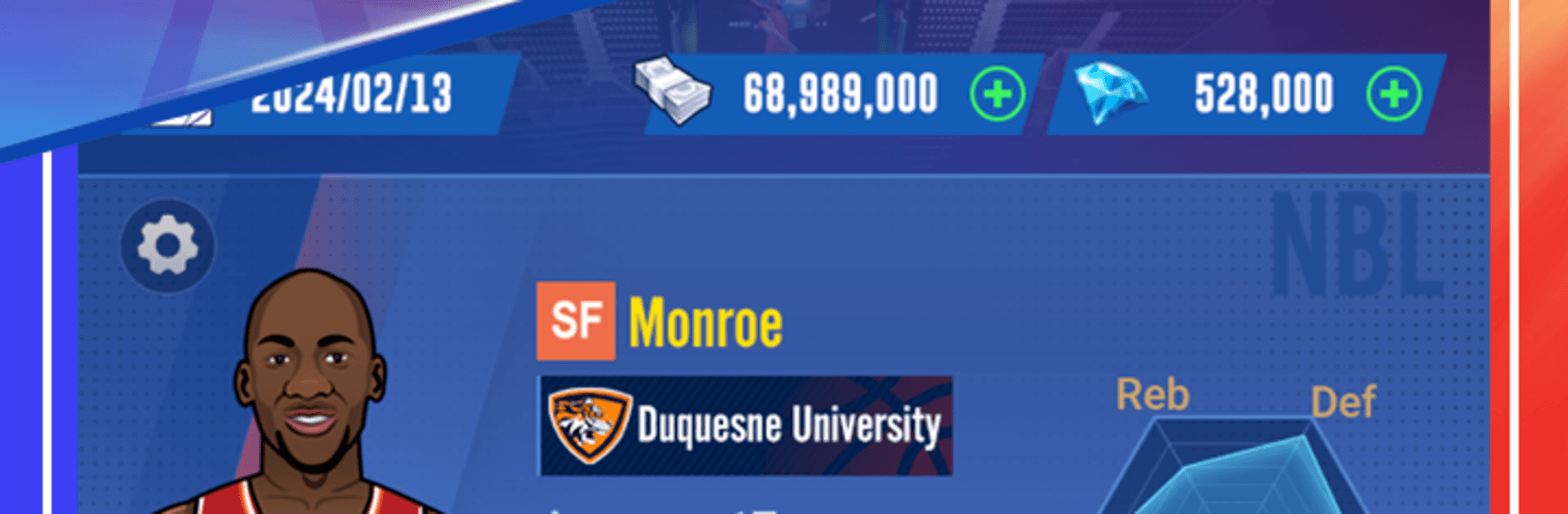
Star Rising: Basketball is a Sports career sim that puts you in the sneakers of a 17-year-old prodigy with big-league dreams. Start in a college club, grind through seasons, and make the kind of choices that turn a raw talent into a franchise cornerstone. It’s fast, flexible, and surprisingly personal—one good decision (or bad miss) can change your whole journey.

Game Features

  • Create Your Pro: Begin as a 17-year-old recruit and shape your story across decades of play—grow your skills, build your reputation, and chase banners.
  • Pick Your Position: Point guard, wing, big—choose the role you love and let your playstyle define the team’s identity.
  • Fast, Pick-Up-and-Play Matches: Quick games, clean pacing, and no clunky inputs. It’s about instincts, timing, and nailing that perfect release.
  • Train, Transfer, Improve: Invest in specific skills, move to clubs that fit your goals, and keep developing season after season.
  • Tactics That Matter: Adjust tempo, tune lineups, and run smart sets. Simple to manage, but every tweak shows up on the scoreboard.
  • Win the Hardware: Stack trophies and chase hundreds of achievements as you build a career that actually looks legendary.
  • Built for Any Schedule: Sneak in a rapid matchup or settle in for a full season—both styles feel right at home.
  • Looks Great on PC: Prefer a bigger screen and crisp controls? Playing on BlueStacks makes it easy to enjoy smooth sessions without the thumb-cramp.

BlueStacks gives you more room to focus on the game and less time adjusting around mobile limitations.


Game Features

Enhancements

  • Macros
  • Multi Instance
  • Multi Instance Sync
  • Script
  • Enhancements
Macros

Macros

Automate the predictable in Star Rising: Basketball and transform your gameplay with Macros. Get access to inventive Macros in the BlueStacks Macro Community
Multi Instance

Multi Instance

Play Star Rising: Basketball on one window. And chat with your friend on the other. Press CTRL + Shift + 8 to open the Multi-Instance Manager. And start creating fresh instances or clone an existing one.
Multi Instance Sync

Multi Instance Sync

Play Star Rising: Basketball with the power of Multi-Instance Sync. Replicate what you are doing on the main instance on all other instances. Level up faster, play more.
Script

Script

Script your way to gaming glory in Star Rising: Basketball with BlueStacks Script. Write and run a set of commands to automate repeated tasks. Trigger the command by assigning it to any key.
Read More

How to Download and Play Star Rising: Basketball on PC or Mac

  • Download and install BlueStacks on your PC or Mac

  • Complete Google sign-in to access the Play Store, or do it later

  • Look for Star Rising: Basketball in the search bar at the top right corner

  • Click to install Star Rising: Basketball from the search results

  • Complete Google sign-in (if you skipped step 2) to install Star Rising: Basketball

  • Click the Star Rising: Basketball icon on the home screen to start playing

video
Watch Video

Minimum System Requirements

With BlueStacks 5, you can get started on a PC that fulfills the following requirements.

  • Operating System

    Microsoft Windows 7 or above, macOS 11 (Big Sur) or above

  • Processor

    Intel, AMD or Apple Silicon Processor

  • RAM

    at least 4GB

  • HDD

    10GB Free Disk Space

Note:

* You must be an Administrator on your PC. Up to date graphics drivers from Microsoft or the chipset vendor.

Star Rising: Basketball - FAQs

  • How to play Star Rising: Basketball on Windows PC & Mac?

    Play Star Rising: Basketball on your PC or Mac by following these simple steps.

    • Click on 'Play Star Rising: Basketball on PC’ to download BlueStacks
    • Install it and log-in to Google Play Store
    • Launch and play the game.
  • Why is BlueStacks the fastest and safest platform to play games on PC?

    BlueStacks respects your privacy and is always safe and secure to use. It does not carry any malware, spyware, or any sort of additional software that could harm your PC.

    It is engineered to optimize speed and performance for a seamless gaming experience.

  • What are Star Rising: Basketball PC requirements?

    Minimum requirement to run Star Rising: Basketball on your PC

    • OS: Microsoft Windows 7 or above MacOS 11 (Big Sur) or above
    • Processor: Intel, AMD or Apple Silicon Processor
    • RAM: Your PC must have at least 4GB of RAM. (Note that having 4GB or more disk space is not a substitute for RAM)
    • HDD: 10GB Free Disk Space.
    • You must be an Administrator on your PC.