
The Surfr. App
The Surfr. App

The Surfr. App

Sports

| Surfr. B.V.

Play on PC with BlueStacks or from our cloud

  • Overview
  • How to Download

Page Modified On: September 07, 2026

Run The Surfr. App on PC or Mac

What’s better than using The Surfr. App by Surfr. B.V.? Well, try it on a big screen, on your PC or Mac, with BlueStacks to see the difference.

About the App

The Surfr. App is your wind-obsessed sidekick, built for riders who kite, wing, or windsurf and want clean, reliable tools that actually help on and off the water. This Sports app blends spot discovery, live conditions, GPS tracking, and a friendly community so every session feels purposeful. Prefer a bigger screen for maps and replays? You can also run it on your desktop with BlueStacks.

App Features

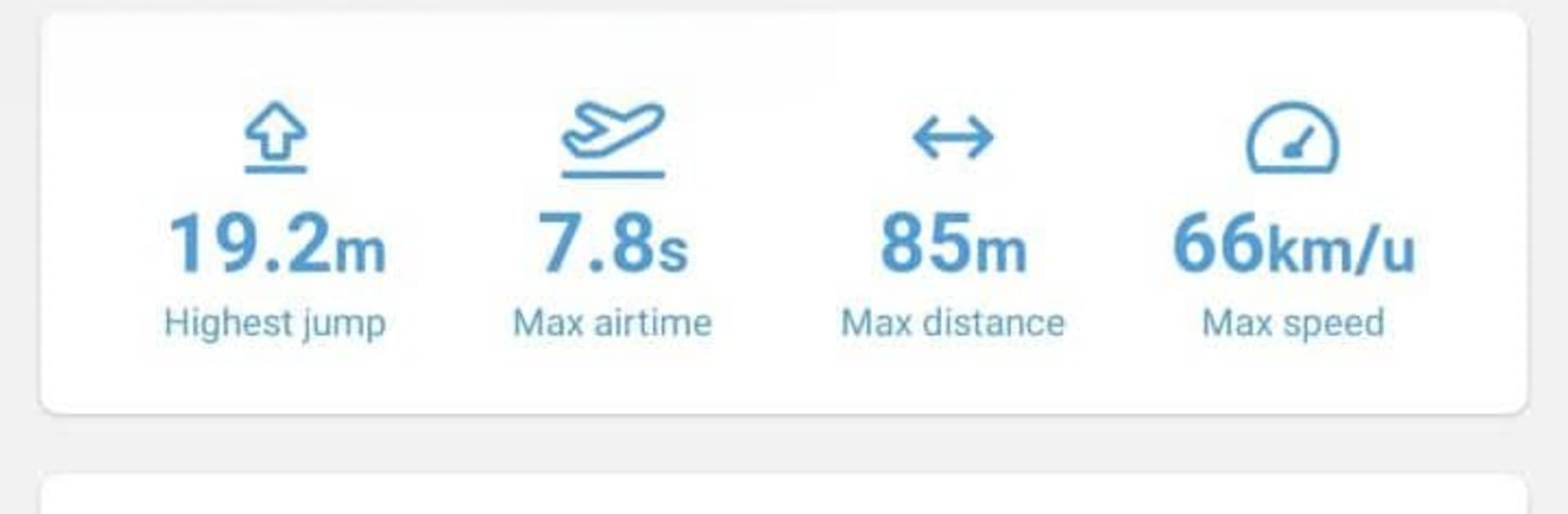
  • Smart session tracking: Record rides with GPS, automatic jump detection, and live stats so you can see what’s happening while it’s happening.
  • One-tap watch start: Fire up a session straight from your watch face and get moving the second the wind fills in.
  • Full-session replays: Scrub through a detailed timeline, review your track on an interactive map, and relive those biggest boosts.
  • Worldwide spot map: Browse a global map of wind spots with current conditions, live forecasts, and even webcams where available.
  • See who’s out: Live rider pins show who’s on the water right now, making it easy to find the buzz or meet up with friends.
  • Reliable wind forecasting: Check hour-by-hour predictions powered by multiple models and compare trends before you pack the car.
  • Custom wind alerts: Set your ideal range and get a heads-up when conditions line up, so you don’t miss that golden window.
  • On-the-spot competitions: Join live comps at popular spots and climb the leaderboard based on real recorded performance—no judges required.
  • Gear quiver manager: Log kites, boards, and more; get size suggestions matched to the day’s wind so your setup feels dialed.
  • Community and “For You” feed: Follow friends, like and comment on sessions, share personal records, and catch the most relevant rides from across the community.
  • Plus & Pro options: Unlock deeper analytics, richer forecasting tools, wind alerts, and other features built for riders who want more insight.

Ready to experience The Surfr. App on a bigger screen, in all its glory? Download BlueStacks now.


How to Download and Run The Surfr. App on PC or Mac

  • Download and install BlueStacks on your PC or Mac

  • Complete Google sign-in to access the Play Store, or do it later

  • Look for The Surfr. App in the search bar at the top right corner

  • Click to install The Surfr. App from the search results

  • Complete Google sign-in (if you skipped step 2) to install The Surfr. App

  • Click the The Surfr. App icon on the home screen to start playing

video
Watch Video

Minimum System Requirements

With BlueStacks 5, you can get started on a PC that fulfills the following requirements.

  • Operating System

    Microsoft Windows 7 or above, macOS 11 (Big Sur) or above

  • Processor

    Intel, AMD or Apple Silicon Processor

  • RAM

    at least 4GB

  • HDD

    10GB Free Disk Space

Note:

* You must be an Administrator on your PC. Up to date graphics drivers from Microsoft or the chipset vendor.

The Surfr. App - FAQs

  • How to Run The Surfr. App on Windows PC & Mac?

    Run The Surfr. App on your PC or Mac by following these simple steps.

    • Click on ‘Download The Surfr. App on PC’ to download BlueStacks
    • Install it and log-in to Google Play Store
    • Launch and run the app.
  • Why is BlueStacks the fastest and safest platform to play games on PC?

    BlueStacks respects your privacy and is always safe and secure to use. It does not carry any malware, spyware, or any sort of additional software that could harm your PC.

    It is engineered to optimize speed and performance for a seamless gaming experience.

  • What are The Surfr. App PC requirements?

    Minimum requirement to run The Surfr. App on your PC

    • OS: Microsoft Windows 7 and above:
    • Processor: Intel or AMD Processor:
    • RAM: Your PC must have at least 2GB of RAM. (Note that having 2GB or more disk space is not a substitute for RAM):
    • HDD: 5GB Free Disk Space.
    • You must be an Administrator on your PC.



