Age of Spirits
Age of Spirits

Age of Spirits

Strategy

| LeyiGames

Play on PC with BlueStacks or from our cloud

  • Overview
  • Game Features
  • How to Play

Page Modified On: September 25, 2026

Play Age of Spirits on PC or Mac

Age of Spirits brings the Strategy genre to life, and throws up exciting challenges for gamers. Developed by LeyiGames, this Android game is best experienced on BlueStacks, the World’s #1 app player for PC and Mac users.

About the Game

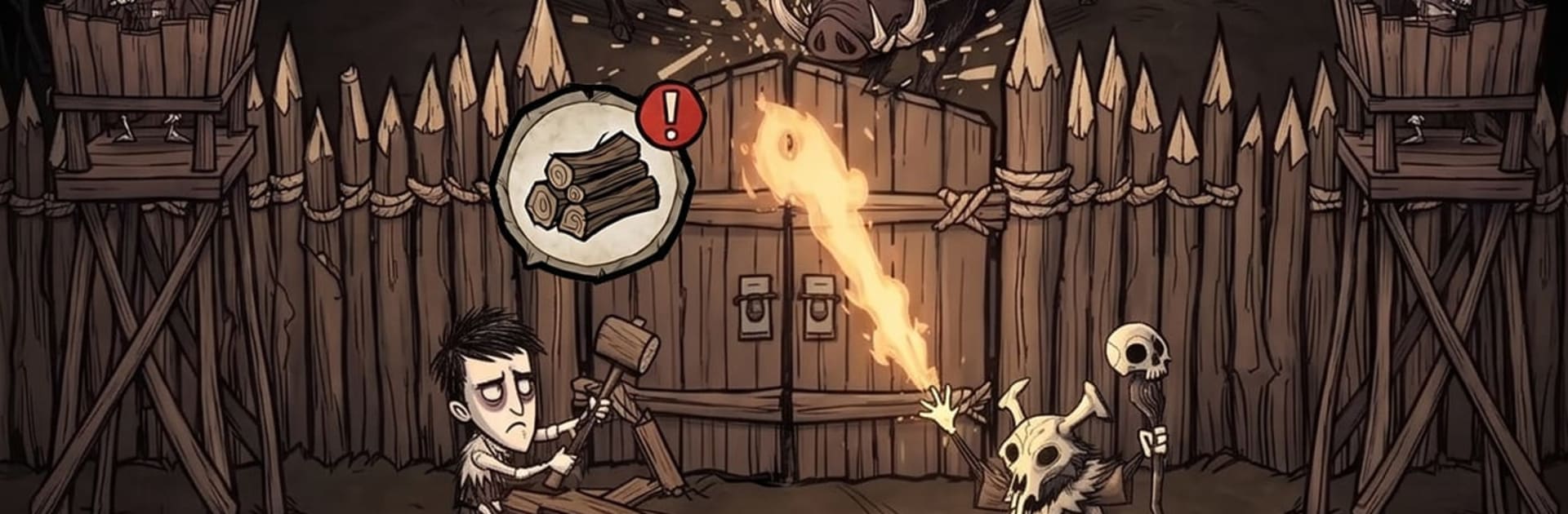
Age of Spirits is a Strategy game about guiding a fledgling tribe out of a world ruled by night and old, hungry powers. You’re the unseen chief whose choices shape everything—who to awaken, what to build, and when to risk the dark with a band of heroes. Expect a blend of settlement-building and thoughtful, turn-based clashes, all sprawled across a living map that remembers your moves. If you like a larger view and smooth controls, it plays nicely on BlueStacks.

Game Features

  • Lead as the Chief: Make the high-level calls that keep the hearth burning—set priorities, direct growth, and decide when to play it safe or push your luck in the Wilds.
  • Awaken and Assign: Bring wanderers into the tribe, turn them into villagers, and slot them into roles like gathering, hunting, crafting, and tending rites to power your economy.
  • Turn-Based Expeditions: Send heroes into ancestral grounds for tactical battles where positioning and timing matter, then haul home rare materials that unlock real progress.
  • Summon Spirit-Touched Heroes: Call forth hunters, mystics, and stalwart guardians; equip them with ancestral gear, promote their strengths, and put them at the head of every march.
  • Build from a Hearth-Fire: Grow from a rough circle of stones to a thriving settlement with altars, quarries, woodyards, training grounds, and upgrades that open new units and rites.
  • Claim the Wilds: Explore a broad world map, secure resource sites, contest sacred places, raid rival tribes, and challenge roaming bosses for control and prestige.
  • Ally with Other Tribes: Join alliances to coordinate strategies, share aid, defend borders, and wage large-scale wars that shift who holds sway over the land.

Start your journey now. Download the game on BlueStacks, invite your friends, and march on a new adventure.


Game Features

Enhancements

  • Macros
  • Multi Instance
  • Multi Instance Sync
  • Eco Mode
  • Enhancements
Macros

Macros

Skip the boring parts of a game. Play Age of Spirits with Macros and get the edge. Simply record a sequence of commands and execute them at any moment.
Multi Instance

Multi Instance

Why limit to one game on your phone when you can play many on your PC? Open multiple instances of Age of Spirits at once with Multi-Instance. Leverage the power of different accounts by doing more.
Multi Instance Sync

Multi Instance Sync

Get the best out of Age of Spirits with Multi-Instance Sync. Play the game from different accounts and build your own empire. Use Multi-instance sync to repeat the action in the main BlueStacks instance on all other instances.
Eco Mode

Eco Mode

Find the rarest heroes by making multiple summons in Age of Spirits. And while you are at it, reduce your PC’s resource consumption with the Eco Mode. Farm efficiently. Get the best results.
Read More

How to Download and Play Age of Spirits on PC or Mac

  • Download and install BlueStacks on your PC or Mac

  • Complete Google sign-in to access the Play Store, or do it later

  • Look for Age of Spirits in the search bar at the top right corner

  • Click to install Age of Spirits from the search results

  • Complete Google sign-in (if you skipped step 2) to install Age of Spirits

  • Click the Age of Spirits icon on the home screen to start playing

video
Watch Video

Minimum System Requirements

With BlueStacks 5, you can get started on a PC that fulfills the following requirements.

  • Operating System

    Microsoft Windows 7 or above, macOS 11 (Big Sur) or above

  • Processor

    Intel, AMD or Apple Silicon Processor

  • RAM

    at least 4GB

  • HDD

    10GB Free Disk Space

Note:

* You must be an Administrator on your PC. Up to date graphics drivers from Microsoft or the chipset vendor.

Age of Spirits - FAQs

  • How to play Age of Spirits on Windows PC & Mac?

    Play Age of Spirits on your PC or Mac by following these simple steps.

    • Click on 'Play Age of Spirits on PC’ to download BlueStacks
    • Install it and log-in to Google Play Store
    • Launch and play the game.
  • Why is BlueStacks the fastest and safest platform to play games on PC?

    BlueStacks respects your privacy and is always safe and secure to use. It does not carry any malware, spyware, or any sort of additional software that could harm your PC.

    It is engineered to optimize speed and performance for a seamless gaming experience.

  • What are Age of Spirits PC requirements?

    Minimum requirement to run Age of Spirits on your PC

    • OS: Microsoft Windows 7 or above MacOS 11 (Big Sur) or above
    • Processor: Intel, AMD or Apple Silicon Processor
    • RAM: Your PC must have at least 4GB of RAM. (Note that having 4GB or more disk space is not a substitute for RAM)
    • HDD: 10GB Free Disk Space.
    • You must be an Administrator on your PC.