
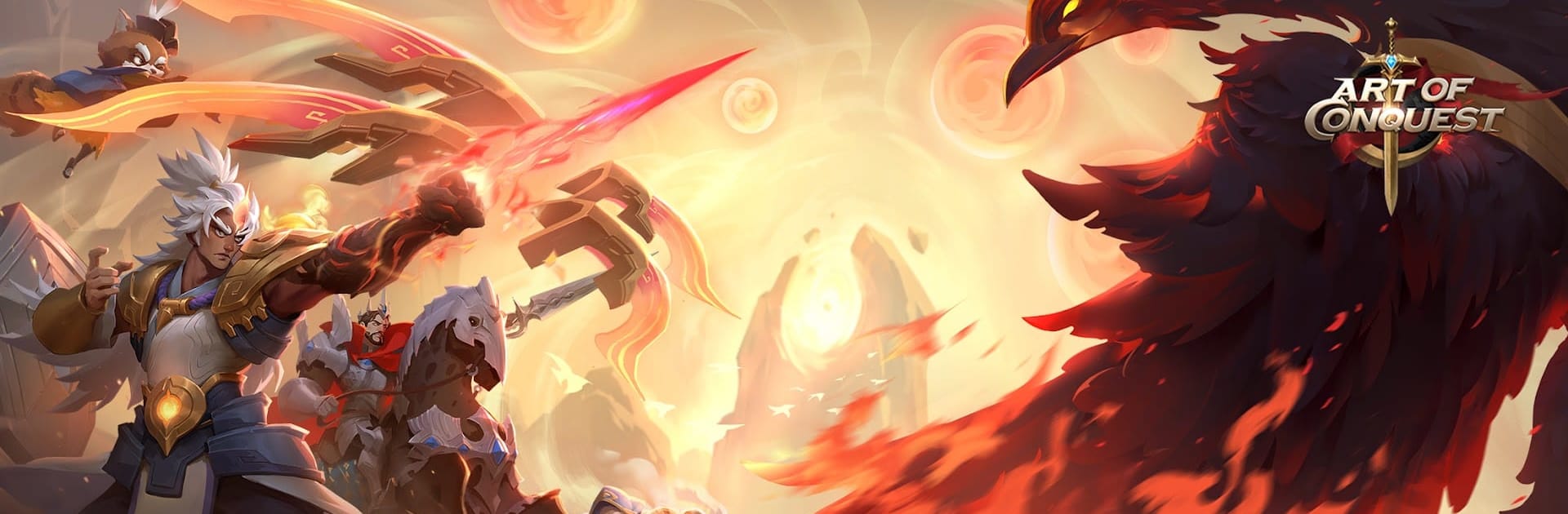
Art of Conquest: Đại Khí Cầu

Art of Conquest: Đại Khí Cầu

Strategy

| TRAVELLETVN GAMES

Play on PC with BlueStacks or from our cloud

  • Overview
  • Game Features
  • How to Play

Page Modified On: August 25, 2025

Play Art of Conquest: Đại Khí Cầu on PC or Mac

Step into the World of Art of Conquest: Đại Khí Cầu, a thrilling Strategy game from the house of TRAVELLETVN GAMES. Play this Android game on BlueStacks App Player and experience immersive gaming on PC or Mac.

About the Game

Art of Conquest: Đại Khí Cầu throws you right into a strategy adventure where picking your path is half the fun. Whether you’re tinkering with your armies, exploring unfamiliar lands, or customizing how the game looks, there’s always something to mess around with. Expect loads of choices and a pretty wild mix of surprises as you navigate a mystical world alongside friends or on your own.

Game Features

  • Pick Your People
    Not feeling one race? No big deal. You can switch back and forth between Human, Dwarf, Corpse, Rakan, or Sylvani whenever you feel like swapping things up. It definitely keeps things interesting.

  • Big, Mystical World
    There’s plenty to explore—like regions called Nore, Drake, and Sait—each loaded with unique landscapes and some odd creatures lurking around. One moment you’re in a lush forest, next you bump into something you’ve never seen before.

  • Flex Your Battle Tactics
    Don’t just send your troops and hope for the best. Get hands-on with how you set up your units and actually use your hero’s skills in real time. It’s a good spot to test out different plans and see what really works.

  • Switchable Graphics Styles
    Like your games with a crisp anime vibe or do you lean more realistic? You can swap between two striking art styles with just a click—no need to choose just one look. Play around and see which style you vibe with more.

  • Smooth on Big Screens
    If you ever want to bring the experience over to your PC, BlueStacks makes that pretty simple. Sometimes it’s just nice to kick back and strategize on a bigger display.

Get ready for a buttery smooth, high-performance gaming action only on BlueStacks.

Game Features

Enhancements

  • Macros
  • Multi Instance
  • Multi Instance Sync
  • Eco Mode
  • Enhancements
Macros

Macros

Skip the boring parts of a game. Play Art of Conquest: Đại Khí Cầu with Macros and get the edge. Simply record a sequence of commands and execute them at any moment.
Multi Instance

Multi Instance

Why limit to one game on your phone when you can play many on your PC? Open multiple instances of Art of Conquest: Đại Khí Cầu at once with Multi-Instance. Leverage the power of different accounts by doing more.
Multi Instance Sync

Multi Instance Sync

Get the best out of Art of Conquest: Đại Khí Cầu with Multi-Instance Sync. Play the game from different accounts and build your own empire. Use Multi-instance sync to repeat the action in the main BlueStacks instance on all other instances.
Eco Mode

Eco Mode

Find the rarest heroes by making multiple summons in Art of Conquest: Đại Khí Cầu. And while you are at it, reduce your PC’s resource consumption with the Eco Mode. Farm efficiently. Get the best results.
Read More

How to Download and Play Art of Conquest: Đại Khí Cầu on PC or Mac

  • Download and install BlueStacks on your PC or Mac

  • Complete Google sign-in to access the Play Store, or do it later

  • Look for Art of Conquest: Đại Khí Cầu in the search bar at the top right corner

  • Click to install Art of Conquest: Đại Khí Cầu from the search results

  • Complete Google sign-in (if you skipped step 2) to install Art of Conquest: Đại Khí Cầu

  • Click the Art of Conquest: Đại Khí Cầu icon on the home screen to start playing

video
Watch Video

Minimum System Requirements

With BlueStacks 5, you can get started on a PC that fulfills the following requirements.

  • Operating System

    Microsoft Windows 7 or above, macOS 11 (Big Sur) or above

  • Processor

    Intel, AMD or Apple Silicon Processor

  • RAM

    at least 4GB

  • HDD

    10GB Free Disk Space

Note:

* You must be an Administrator on your PC. Up to date graphics drivers from Microsoft or the chipset vendor.

Art of Conquest: Đại Khí Cầu - FAQs

  • How to play Art of Conquest: Đại Khí Cầu on Windows PC & Mac?

    Play Art of Conquest: Đại Khí Cầu on your PC or Mac by following these simple steps.

    • Click on 'Play Art of Conquest: Đại Khí Cầu on PC’ to download BlueStacks
    • Install it and log-in to Google Play Store
    • Launch and play the game.
  • Why is BlueStacks the fastest and safest platform to play games on PC?

    BlueStacks respects your privacy and is always safe and secure to use. It does not carry any malware, spyware, or any sort of additional software that could harm your PC.

    It is engineered to optimize speed and performance for a seamless gaming experience.

  • What are Art of Conquest: Đại Khí Cầu PC requirements?

    Minimum requirement to run Art of Conquest: Đại Khí Cầu on your PC

    • OS: Microsoft Windows 7 or above MacOS 11 (Big Sur) or above
    • Processor: Intel, AMD or Apple Silicon Processor
    • RAM: Your PC must have at least 4GB of RAM. (Note that having 4GB or more disk space is not a substitute for RAM)
    • HDD: 10GB Free Disk Space.
    • You must be an Administrator on your PC.








