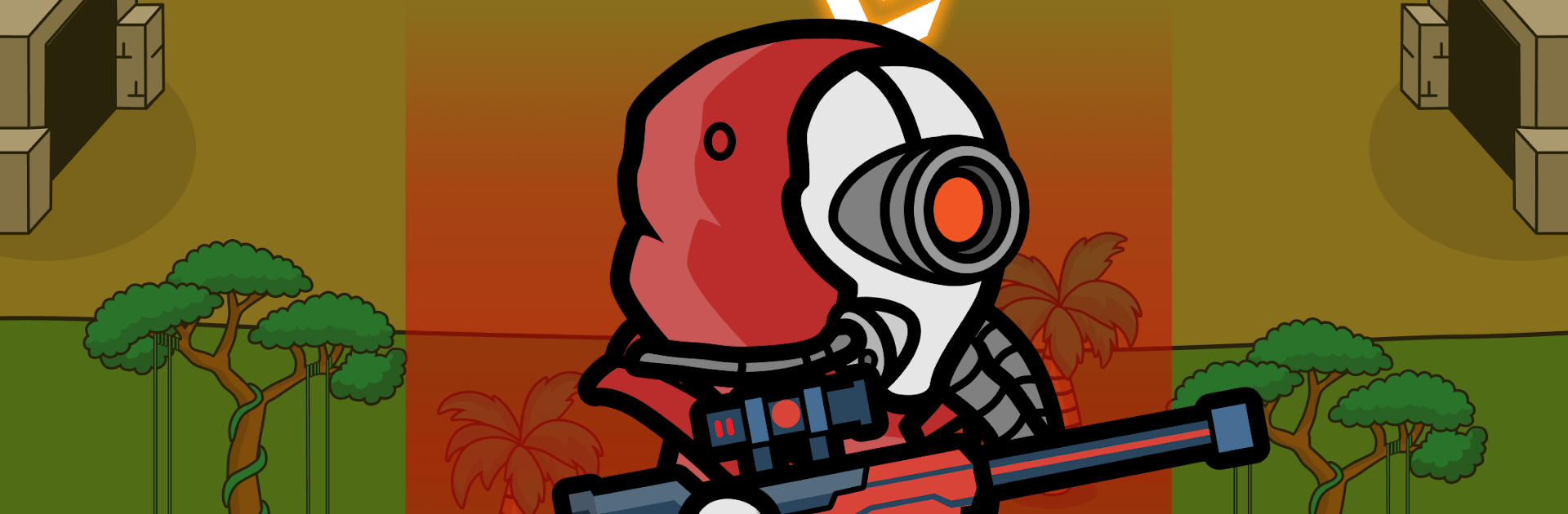
Battle Evolution:Tactical War

Battle Evolution:Tactical War

Strategy

| Olena Hurova

Play on PC with BlueStacks or from our cloud

  • Overview
  • Game Features
  • How to Play

Page Modified On: August 15, 2026

Play Battle Evolution:Tactical War on PC or Mac

Play Battle Evolution:Tactical War by Olena Hurova on PC or Mac with BlueStacks. Use a bigger screen, mouse and keyboard controls, and smoother performance while you play.

About the Game

Battle Evolution:Tactical War drops you into a time-bending battlefield where every era brings new tools, new enemies, and new ways to outsmart them. As a Strategy experience, it’s all about building the right army mix—gladiators, samurai, knights, tanks, jets, and futuristic specialists—then making smart calls when the pressure’s on. Prefer a bigger screen and crisp controls? It plays smoothly on BlueStacks, too.

Game Features

  • Era-Spanning Warfare – Lead battles from ancient arenas to modern fronts and beyond, commanding gladiators, samurai, shoguns, knights, archers, tanks, rockets, jets, and high-tech troops.
  • Castle Sieges & Territory Control – Defend towering fortifications, crack enemy walls with timing and pressure, and secure regions to push your front lines forward.
  • Heroes and Unlikely Allies – Recruit unique leaders and units—from partisans and guerilla fighters to mythical elves—to create surprising synergies.
  • Flexible Formations – Shift tactics mid-fight: reshape your lines, bait flanks, and retarget priority threats to turn close calls into clean wins.
  • Upgrades Across Ages – Evolve classic steel into cutting-edge hardware; improve armor, range, speed, and special abilities as you advance.
  • Tech Meets Tactics – Use rockets to shatter armor, jets to rule the skies, and elite squads to punch through dug-in positions when it counts.
  • Progress You Can See – Watch your forces transform across centuries, swapping leather and wood for composite plating, guided munitions, and more.
  • Competitive Domination – Climb a ranking ladder, face sharper opponents, and prove your plan holds up from catapults to plasma.
  • Tough Decisions, Big Payoffs – Pick when to charge, when to bunker behind walls, and which unit lines deserve your precious upgrades for the next age.

Ready to top the leaderboard? We bet you do. Let precise controls and sharp visuals optimized on BlueStacks lead you to victory.


Game Features

Enhancements

  • Macros
  • Multi Instance
  • Multi Instance Sync
  • Eco Mode
  • Enhancements
Macros

Macros

Skip the boring parts of a game. Play Battle Evolution:Tactical War with Macros and get the edge. Simply record a sequence of commands and execute them at any moment.
Multi Instance

Multi Instance

Why limit to one game on your phone when you can play many on your PC? Open multiple instances of Battle Evolution:Tactical War at once with Multi-Instance. Leverage the power of different accounts by doing more.
Multi Instance Sync

Multi Instance Sync

Get the best out of Battle Evolution:Tactical War with Multi-Instance Sync. Play the game from different accounts and build your own empire. Use Multi-instance sync to repeat the action in the main BlueStacks instance on all other instances.
Eco Mode

Eco Mode

Find the rarest heroes by making multiple summons in Battle Evolution:Tactical War. And while you are at it, reduce your PC’s resource consumption with the Eco Mode. Farm efficiently. Get the best results.
Read More

How to Download and Play Battle Evolution:Tactical War on PC or Mac

  • Download and install BlueStacks on your PC or Mac

  • Complete Google sign-in to access the Play Store, or do it later

  • Look for Battle Evolution:Tactical War in the search bar at the top right corner

  • Click to install Battle Evolution:Tactical War from the search results

  • Complete Google sign-in (if you skipped step 2) to install Battle Evolution:Tactical War

  • Click the Battle Evolution:Tactical War icon on the home screen to start playing

video
Watch Video

Minimum System Requirements

With BlueStacks 5, you can get started on a PC that fulfills the following requirements.

  • Operating System

    Microsoft Windows 7 or above, macOS 11 (Big Sur) or above

  • Processor

    Intel, AMD or Apple Silicon Processor

  • RAM

    at least 4GB

  • HDD

    10GB Free Disk Space

Note:

* You must be an Administrator on your PC. Up to date graphics drivers from Microsoft or the chipset vendor.

Battle Evolution:Tactical War - FAQs

  • How to play Battle Evolution:Tactical War on Windows PC & Mac?

    Play Battle Evolution:Tactical War on your PC or Mac by following these simple steps.

    • Click on 'Play Battle Evolution:Tactical War on PC’ to download BlueStacks
    • Install it and log-in to Google Play Store
    • Launch and play the game.
  • Why is BlueStacks the fastest and safest platform to play games on PC?

    BlueStacks respects your privacy and is always safe and secure to use. It does not carry any malware, spyware, or any sort of additional software that could harm your PC.

    It is engineered to optimize speed and performance for a seamless gaming experience.

  • What are Battle Evolution:Tactical War PC requirements?

    Minimum requirement to run Battle Evolution:Tactical War on your PC

    • OS: Microsoft Windows 7 or above MacOS 11 (Big Sur) or above
    • Processor: Intel, AMD or Apple Silicon Processor
    • RAM: Your PC must have at least 4GB of RAM. (Note that having 4GB or more disk space is not a substitute for RAM)
    • HDD: 10GB Free Disk Space.
    • You must be an Administrator on your PC.