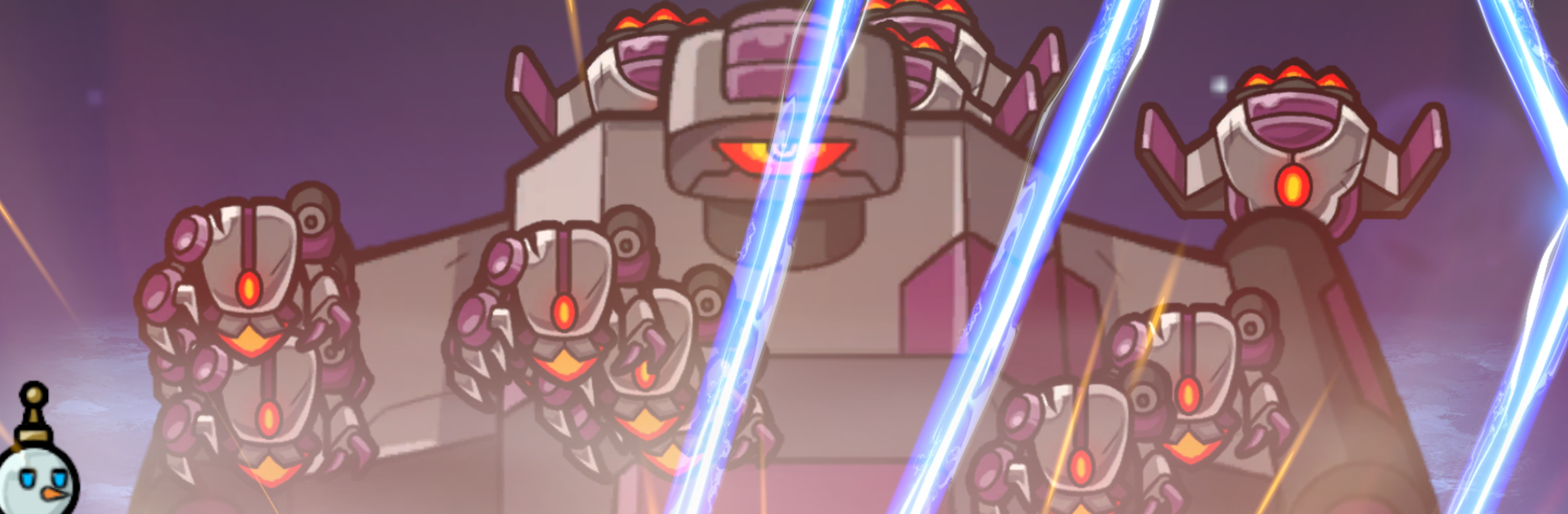
Bunker Defense: 100M Survival

Bunker Defense: 100M Survival

Strategy

| RocketdanGames

Play on PC with BlueStacks or from our cloud

  • Overview
  • Game Features
  • How to Play

Page Modified On: November 28, 2025

Play Bunker Defense: 100M Survival on PC or Mac

Bunker Defense: 100M Survival brings the Strategy genre to life, and throws up exciting challenges for gamers. Developed by RocketdanGames, this Android game is best experienced on BlueStacks, the World’s #1 app player for PC and Mac users.

About the Game

Bunker Defense: 100M Survival drops you into a last-stand firefight where the bunker is your lifeline and the enemy never stops coming. It’s a fast-paced Strategy experience from RocketdanGames that rewards quick decisions, sharp aim, and smart squad building. Expect tense waves, clutch upgrades mid-battle, and the satisfaction of watching a plan actually work. You can even play on PC with BlueStacks if you prefer a bigger screen and steady controls.

Game Features

  • Hold the hilltop — Fight through escalating waves that shift from basic infantry to elite squads and screen-filling bosses, all trying to crack your bunker.
  • Build your squad — Mix units with distinct skills: bring sharpshooters, heavy hitters, and support options, then adjust your lineup to fit the fight.
  • Real-time upgrades — Level up during combat and pick from powerful perks on the spot. Your choices stack quickly, creating wild builds that can flip a losing run into a win.
  • Active tactics — Push forward, hunker down, or rotate to a better firing angle. Trigger abilities, time your cover fire, and make every cooldown count.
  • Boss wave pressure — Survive regular waves to face relentless bosses with nasty tricks. Preparation matters; luck helps, but planning wins.
  • Between-battle growth — After each mission, upgrade gear, enhance units, and rethink your strategy. Small tweaks add up to big power spikes.
  • Endless combinations — Experiment with different unit pairings and perk paths. Find synergies that fit your playstyle and chase that “one more run” feeling.

Slay your opponents with your epic moves. Play it your way on BlueStacks and dominate the battlefield.


Game Features

Enhancements

  • Macros
  • Multi Instance
  • Multi Instance Sync
  • Eco Mode
  • Enhancements
Macros

Macros

Skip the boring parts of a game. Play Bunker Defense: 100M Survival with Macros and get the edge. Simply record a sequence of commands and execute them at any moment.
Multi Instance

Multi Instance

Why limit to one game on your phone when you can play many on your PC? Open multiple instances of Bunker Defense: 100M Survival at once with Multi-Instance. Leverage the power of different accounts by doing more.
Multi Instance Sync

Multi Instance Sync

Get the best out of Bunker Defense: 100M Survival with Multi-Instance Sync. Play the game from different accounts and build your own empire. Use Multi-instance sync to repeat the action in the main BlueStacks instance on all other instances.
Eco Mode

Eco Mode

Find the rarest heroes by making multiple summons in Bunker Defense: 100M Survival. And while you are at it, reduce your PC’s resource consumption with the Eco Mode. Farm efficiently. Get the best results.
Read More

How to Download and Play Bunker Defense: 100M Survival on PC or Mac

  • Download and install BlueStacks on your PC or Mac

  • Complete Google sign-in to access the Play Store, or do it later

  • Look for Bunker Defense: 100M Survival in the search bar at the top right corner

  • Click to install Bunker Defense: 100M Survival from the search results

  • Complete Google sign-in (if you skipped step 2) to install Bunker Defense: 100M Survival

  • Click the Bunker Defense: 100M Survival icon on the home screen to start playing

video
Watch Video

Minimum System Requirements

With BlueStacks 5, you can get started on a PC that fulfills the following requirements.

  • Operating System

    Microsoft Windows 7 or above, macOS 11 (Big Sur) or above

  • Processor

    Intel, AMD or Apple Silicon Processor

  • RAM

    at least 4GB

  • HDD

    10GB Free Disk Space

Note:

* You must be an Administrator on your PC. Up to date graphics drivers from Microsoft or the chipset vendor.

Bunker Defense: 100M Survival - FAQs

  • How to play Bunker Defense: 100M Survival on Windows PC & Mac?

    Play Bunker Defense: 100M Survival on your PC or Mac by following these simple steps.

    • Click on 'Play Bunker Defense: 100M Survival on PC’ to download BlueStacks
    • Install it and log-in to Google Play Store
    • Launch and play the game.
  • Why is BlueStacks the fastest and safest platform to play games on PC?

    BlueStacks respects your privacy and is always safe and secure to use. It does not carry any malware, spyware, or any sort of additional software that could harm your PC.

    It is engineered to optimize speed and performance for a seamless gaming experience.

  • What are Bunker Defense: 100M Survival PC requirements?

    Minimum requirement to run Bunker Defense: 100M Survival on your PC

    • OS: Microsoft Windows 7 or above MacOS 11 (Big Sur) or above
    • Processor: Intel, AMD or Apple Silicon Processor
    • RAM: Your PC must have at least 4GB of RAM. (Note that having 4GB or more disk space is not a substitute for RAM)
    • HDD: 10GB Free Disk Space.
    • You must be an Administrator on your PC.