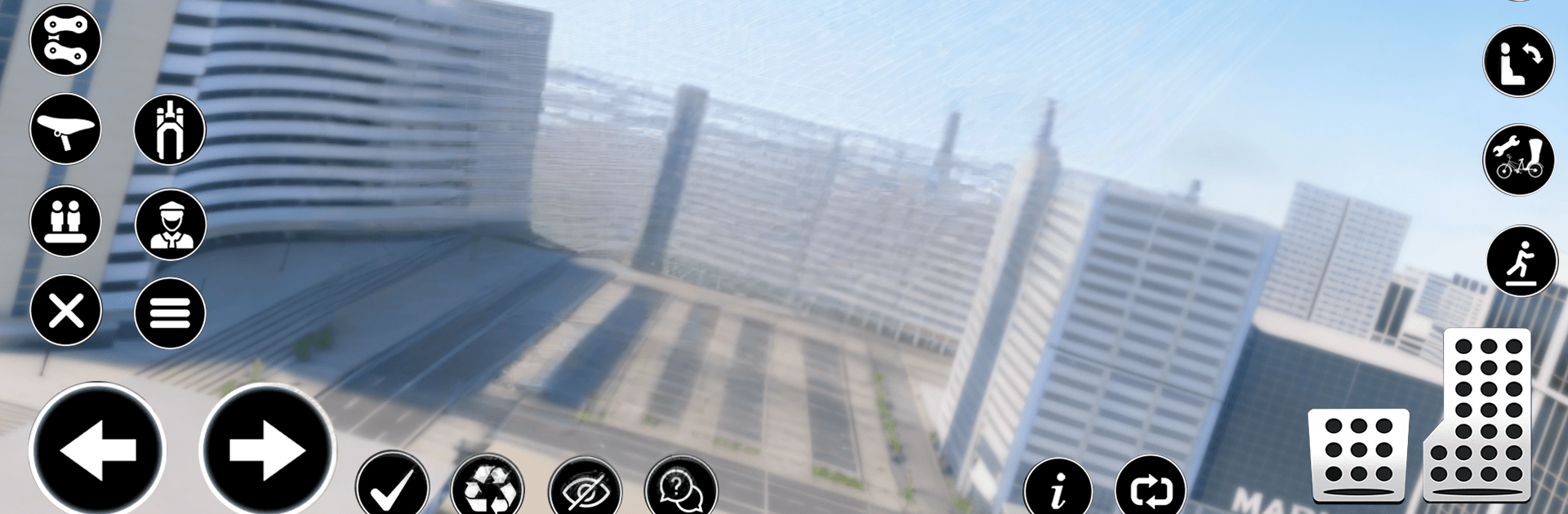
Car Flying Driving Simulator

Car Flying Driving Simulator

Strategy

| PlayNovaOfficial

Play on PC with BlueStacks or from our cloud

  • Overview
  • Game Features
  • How to Play

Page Modified On: May 20, 2026

Play Car Flying Driving Simulator on PC or Mac

Play Car Flying Driving Simulator by PlayNovaOfficial on PC or Mac with BlueStacks. Use a bigger screen, mouse and keyboard controls, and smoother performance while you play.

About the Game

Car Flying Driving Simulator is all about freedom and chill vibes. One moment you’re cruising through city streets, the next you’re lifting off and slicing through the clouds. It’s a Strategy game where the fun comes from choosing when to drive, when to fly, and how you want to explore.

Game Features

  • Drive or fly, anytime: Tap into two modes on the fly—hug the asphalt for tight turns or pop into the air when you want a clean line above traffic.
  • Open-city playground: Roam a spacious urban map at your own pace. Follow the roads or chart your own path across rooftops and skyline routes.
  • Smooth, simple controls: Steering, throttle, and takeoff feel intuitive, so you can focus on enjoying the ride instead of wrestling with buttons.
  • Light missions, zero pressure: Pick up short, low-stress objectives that nudge you to try new routes without turning the whole session into a grind.
  • Chill exploration: No timers breathing down your neck. Practice landings, skim the skyline, or just go for a sunset cruise.
  • Strategy at your speed: Decide the best moments to switch modes, plan clean approaches, and line up safer landings—it’s thoughtful without being heavy.
  • Great on PC with BlueStacks: Prefer a bigger screen and handy keymapping? It runs smoothly there, too, while keeping that relaxed, free-roam feel.

BlueStacks gives you more room to focus on the game and less time adjusting around mobile limitations.


Game Features

Enhancements

  • Macros
  • Multi Instance
  • Multi Instance Sync
  • Eco Mode
  • Enhancements
Macros

Macros

Skip the boring parts of a game. Play Car Flying Driving Simulator with Macros and get the edge. Simply record a sequence of commands and execute them at any moment.
Multi Instance

Multi Instance

Why limit to one game on your phone when you can play many on your PC? Open multiple instances of Car Flying Driving Simulator at once with Multi-Instance. Leverage the power of different accounts by doing more.
Multi Instance Sync

Multi Instance Sync

Get the best out of Car Flying Driving Simulator with Multi-Instance Sync. Play the game from different accounts and build your own empire. Use Multi-instance sync to repeat the action in the main BlueStacks instance on all other instances.
Eco Mode

Eco Mode

Find the rarest heroes by making multiple summons in Car Flying Driving Simulator. And while you are at it, reduce your PC’s resource consumption with the Eco Mode. Farm efficiently. Get the best results.
Read More

How to Download and Play Car Flying Driving Simulator on PC or Mac

  • Download and install BlueStacks on your PC or Mac

  • Complete Google sign-in to access the Play Store, or do it later

  • Look for Car Flying Driving Simulator in the search bar at the top right corner

  • Click to install Car Flying Driving Simulator from the search results

  • Complete Google sign-in (if you skipped step 2) to install Car Flying Driving Simulator

  • Click the Car Flying Driving Simulator icon on the home screen to start playing

video
Watch Video

Minimum System Requirements

With BlueStacks 5, you can get started on a PC that fulfills the following requirements.

  • Operating System

    Microsoft Windows 7 or above, macOS 11 (Big Sur) or above

  • Processor

    Intel, AMD or Apple Silicon Processor

  • RAM

    at least 4GB

  • HDD

    10GB Free Disk Space

Note:

* You must be an Administrator on your PC. Up to date graphics drivers from Microsoft or the chipset vendor.

Car Flying Driving Simulator - FAQs

  • How to play Car Flying Driving Simulator on Windows PC & Mac?

    Play Car Flying Driving Simulator on your PC or Mac by following these simple steps.

    • Click on 'Play Car Flying Driving Simulator on PC’ to download BlueStacks
    • Install it and log-in to Google Play Store
    • Launch and play the game.
  • Why is BlueStacks the fastest and safest platform to play games on PC?

    BlueStacks respects your privacy and is always safe and secure to use. It does not carry any malware, spyware, or any sort of additional software that could harm your PC.

    It is engineered to optimize speed and performance for a seamless gaming experience.

  • What are Car Flying Driving Simulator PC requirements?

    Minimum requirement to run Car Flying Driving Simulator on your PC

    • OS: Microsoft Windows 7 or above MacOS 11 (Big Sur) or above
    • Processor: Intel, AMD or Apple Silicon Processor
    • RAM: Your PC must have at least 4GB of RAM. (Note that having 4GB or more disk space is not a substitute for RAM)
    • HDD: 10GB Free Disk Space.
    • You must be an Administrator on your PC.