Car Game Car Parking Simulator

Car Game Car Parking Simulator

Strategy

| WonderStack Games

Play on PC with BlueStacks or from our cloud

  • Overview
  • Game Features
  • How to Play

Page Modified On: September 07, 2026

Play Car Game Car Parking Simulator on PC or Mac

Play Car Game Car Parking Simulator by WonderStack Games on PC or Mac with BlueStacks. Use a bigger screen, mouse and keyboard controls, and smoother performance while you play.

About the Game

Car Game Car Parking Simulator turns everyday driving into a thoughtful test of control and timing. As a Strategy experience, it rewards planning—spotting angles, reading traffic, and choosing the right approach before you even tap the brakes. Work through lessons, city tasks, and parking trials at your own pace, and it also feels right at home on PC with BlueStacks.

Game Features

  • Step-by-step driving school: Tackle bite-size lessons that teach lane discipline, mirror checks, smooth braking, and safe turns before bigger challenges.
  • Traffic-aware missions: Obey lights and signs, keep it clean, and complete objectives while navigating busy intersections and side streets.
  • Precision parking trials: Thread the needle with tight reverse slots, parallel jobs, and multi-point turns that reward patience and accuracy.
  • Open-city cruising: Roam detailed districts, scout shortcuts, and practice tricky maneuvers without a ticking clock breathing down your neck.
  • Authentic handling: Lifelike physics and responsive steering make compact cars, sedans, and classics feel noticeably different.
  • Modern rides and classics: Unlock a varied garage and pick the car that best fits the task—nimble for tight gaps, grippy for narrow ramps.
  • Optional races: Short sprints add a change of pace, pushing you to balance speed with clean technique and control.
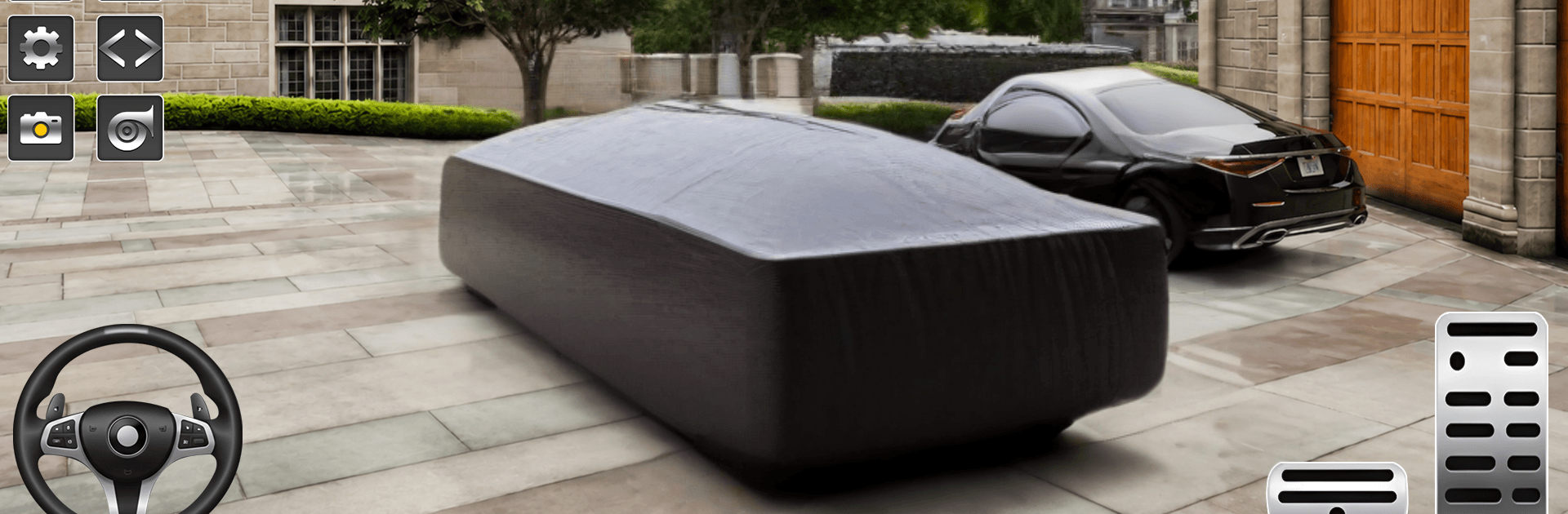
  • Cameras and controls that click: Swap viewpoints, fine-tune sensitivity, and settle into a setup that feels natural from the first turn.
  • Offline play: Keep practicing and clearing stages when you’re away from the internet—perfect for quick sessions.
  • Steady difficulty curve: Levels ramp up thoughtfully, building skills from basic maneuvers to advanced parking puzzles without cheap tricks.
  • Crisp 3D look: Clear visuals and well-laid-out streets make it easier to judge distance, line up angles, and avoid scuffs.

Start your journey now. Download the game on BlueStacks, invite your friends, and march on a new adventure.


Game Features

Enhancements

  • Macros
  • Multi Instance
  • Multi Instance Sync
  • Eco Mode
  • Enhancements
Macros

Macros

Skip the boring parts of a game. Play Car Game Car Parking Simulator with Macros and get the edge. Simply record a sequence of commands and execute them at any moment.
Multi Instance

Multi Instance

Why limit to one game on your phone when you can play many on your PC? Open multiple instances of Car Game Car Parking Simulator at once with Multi-Instance. Leverage the power of different accounts by doing more.
Multi Instance Sync

Multi Instance Sync

Get the best out of Car Game Car Parking Simulator with Multi-Instance Sync. Play the game from different accounts and build your own empire. Use Multi-instance sync to repeat the action in the main BlueStacks instance on all other instances.
Eco Mode

Eco Mode

Find the rarest heroes by making multiple summons in Car Game Car Parking Simulator. And while you are at it, reduce your PC’s resource consumption with the Eco Mode. Farm efficiently. Get the best results.
Read More

How to Download and Play Car Game Car Parking Simulator on PC or Mac

  • Download and install BlueStacks on your PC or Mac

  • Complete Google sign-in to access the Play Store, or do it later

  • Look for Car Game Car Parking Simulator in the search bar at the top right corner

  • Click to install Car Game Car Parking Simulator from the search results

  • Complete Google sign-in (if you skipped step 2) to install Car Game Car Parking Simulator

  • Click the Car Game Car Parking Simulator icon on the home screen to start playing

video
Watch Video

Minimum System Requirements

With BlueStacks 5, you can get started on a PC that fulfills the following requirements.

  • Operating System

    Microsoft Windows 7 or above, macOS 11 (Big Sur) or above

  • Processor

    Intel, AMD or Apple Silicon Processor

  • RAM

    at least 4GB

  • HDD

    10GB Free Disk Space

Note:

* You must be an Administrator on your PC. Up to date graphics drivers from Microsoft or the chipset vendor.

Car Game Car Parking Simulator - FAQs

  • How to play Car Game Car Parking Simulator on Windows PC & Mac?

    Play Car Game Car Parking Simulator on your PC or Mac by following these simple steps.

    • Click on 'Play Car Game Car Parking Simulator on PC’ to download BlueStacks
    • Install it and log-in to Google Play Store
    • Launch and play the game.
  • Why is BlueStacks the fastest and safest platform to play games on PC?

    BlueStacks respects your privacy and is always safe and secure to use. It does not carry any malware, spyware, or any sort of additional software that could harm your PC.

    It is engineered to optimize speed and performance for a seamless gaming experience.

  • What are Car Game Car Parking Simulator PC requirements?

    Minimum requirement to run Car Game Car Parking Simulator on your PC

    • OS: Microsoft Windows 7 or above MacOS 11 (Big Sur) or above
    • Processor: Intel, AMD or Apple Silicon Processor
    • RAM: Your PC must have at least 4GB of RAM. (Note that having 4GB or more disk space is not a substitute for RAM)
    • HDD: 10GB Free Disk Space.
    • You must be an Administrator on your PC.