

Join millions to experience Game of Thrones: Dragonfire, an exciting Strategy game from Warner Bros. International Enterprises. With BlueStacks App Player, you are always a step ahead of your opponent, ready to outplay them with faster gameplay and better control with the mouse and keyboard on your PC or Mac.
About the Game
Game of Thrones: Dragonfire drops you right into the Targaryen dynasty’s heyday—dragons, rival houses, and power grabs around every corner. If you’ve ever wanted to command legendary beasts, forge tense alliances, and see your House’s name written in the annals of Westeros, this one puts you right in the thick of it. It’s a strategy game where every decision—who you trust, who you conquer, which dragons you raise—feels like it’ll echo through the Seven Kingdoms.
Game Features
- Raise and Command Dragons
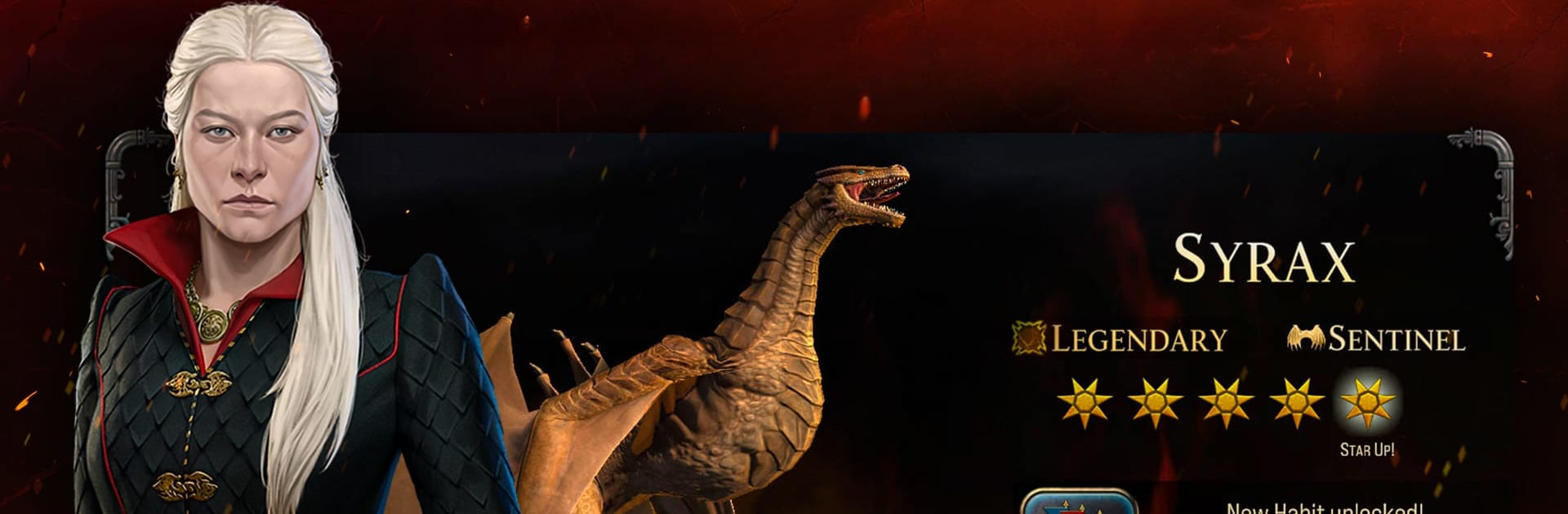
Gather dragon eggs, hatch and train your own stable of incredible dragons, from Syrax to Caraxes and Seasmoke. Each dragon’s got its own quirks and combat strengths, so figuring out who flies where matters a ton. - Adventure-Driven Campaigns
As you grow your House, the storyline unfolds through encounters with familiar faces like Rhaenyra and Daemon Targaryen. Your choices influence the direction and alliances of the realm—nothing feels pre-written. - Iconic Westeros Map
Roam a map packed with classic spots: lay siege to the Red Keep, plot from Dragonstone, or fight for Harrenhal. These locales aren’t just background—they’re up for grabs and ripe for claiming. - Tactical Warfare
Sending armies into battle isn’t just about numbers; it’s a tile-based system where your next move could totally outsmart your enemies. Sieges, flanking maneuvers, and surprise attacks all come into play. - Build, Defend, Expand
Strengthen your main stronghold with new structures, crank up your defenses, and train forces to stay one step ahead. Every upgrade pushes your House closer to dominance. - Alliances & Multiplayer Strategy
Team up with other players for PvE and PvP action. Sometimes you’ll be allies, sometimes rivals, and with every new Reign, the political chessboard shuffles—keeps you guessing. - Smooth Play on BlueStacks
For those who prefer the experience big and bold, playing on BlueStacks really lets you take in all the details and manage your sprawling kingdom with ease.
Make your gaming sessions memorable with precise controls that give you an edge in close combats and visuals that pop up, bringing every character to life.