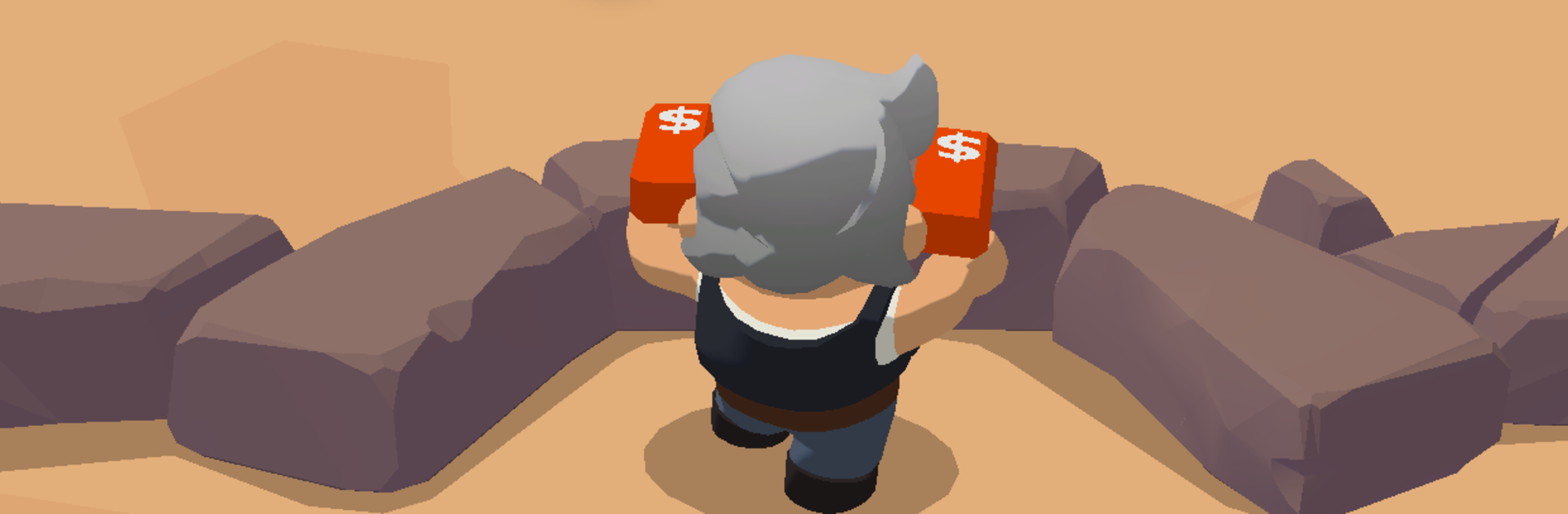
Hero Z: Idle Defense

Hero Z: Idle Defense

Strategy

| CyberJoy Game

Play on PC with BlueStacks or from our cloud

  • Overview
  • Game Features
  • How to Play

Page Modified On: August 29, 2025

Play Hero Z: Idle Defense on PC or Mac

Explore a whole new adventure with Hero Z: Idle Defense, a Strategy game created by CyberJoy Game. Experience great gameplay with BlueStacks, the most popular gaming platform to play Android games on your PC or Mac.

Hero Z: Idle Defense feels like a mashup of idle defense and roguelike runs. The player assembles a small crew of heroes, drops into a stage, and the team auto attacks while the screen fills with zombies. After short bursts of action, random upgrade choices pop up, and that is the hook. Each run leans in a different direction depending on what shows up, so some builds pour damage into big area blasts, others stack shields, summons, or crowd control, and sometimes a lucky chain of picks snowballs and melts bosses fast. Enemies are not just plain walkers either. There are oddball zombies with tricks and chunky bosses that make positioning and timing actives matter.

It is quick to understand. Pick heroes, slap on skills, press start. Because attacks are automated, it works as a laid back grinder, but it still has tense spikes when the timer is low and the horde swarms. Progress comes from unlocking more heroes, strengthening gear, and chasing skill combos that carry late waves. Runs feel fast, rerolls happen often, and the surprise factor keeps it from going stale. On PC with BlueStacks, the bigger screen helps read upgrade cards and track projectiles, and long sessions feel smooth. Good fit for players who enjoy wave defense with constant little decisions and that one combo that makes the whole screen pop.

Start your journey now. Download the game on BlueStacks, invite your friends, and march on a new adventure.


Game Features

Enhancements

  • Macros
  • Multi Instance
  • Multi Instance Sync
  • Eco Mode
  • Enhancements
Macros

Macros

Skip the boring parts of a game. Play Hero Z: Idle Defense with Macros and get the edge. Simply record a sequence of commands and execute them at any moment.
Multi Instance

Multi Instance

Why limit to one game on your phone when you can play many on your PC? Open multiple instances of Hero Z: Idle Defense at once with Multi-Instance. Leverage the power of different accounts by doing more.
Multi Instance Sync

Multi Instance Sync

Get the best out of Hero Z: Idle Defense with Multi-Instance Sync. Play the game from different accounts and build your own empire. Use Multi-instance sync to repeat the action in the main BlueStacks instance on all other instances.
Eco Mode

Eco Mode

Find the rarest heroes by making multiple summons in Hero Z: Idle Defense. And while you are at it, reduce your PC’s resource consumption with the Eco Mode. Farm efficiently. Get the best results.
Read More

How to Download and Play Hero Z: Idle Defense on PC or Mac

  • Download and install BlueStacks on your PC or Mac

  • Complete Google sign-in to access the Play Store, or do it later

  • Look for Hero Z: Idle Defense in the search bar at the top right corner

  • Click to install Hero Z: Idle Defense from the search results

  • Complete Google sign-in (if you skipped step 2) to install Hero Z: Idle Defense

  • Click the Hero Z: Idle Defense icon on the home screen to start playing

video
Watch Video

Minimum System Requirements

With BlueStacks 5, you can get started on a PC that fulfills the following requirements.

  • Operating System

    Microsoft Windows 7 or above, macOS 11 (Big Sur) or above

  • Processor

    Intel, AMD or Apple Silicon Processor

  • RAM

    at least 4GB

  • HDD

    10GB Free Disk Space

Note:

* You must be an Administrator on your PC. Up to date graphics drivers from Microsoft or the chipset vendor.

Hero Z: Idle Defense - FAQs

  • How to play Hero Z: Idle Defense on Windows PC & Mac?

    Play Hero Z: Idle Defense on your PC or Mac by following these simple steps.

    • Click on 'Play Hero Z: Idle Defense on PC’ to download BlueStacks
    • Install it and log-in to Google Play Store
    • Launch and play the game.
  • Why is BlueStacks the fastest and safest platform to play games on PC?

    BlueStacks respects your privacy and is always safe and secure to use. It does not carry any malware, spyware, or any sort of additional software that could harm your PC.

    It is engineered to optimize speed and performance for a seamless gaming experience.

  • What are Hero Z: Idle Defense PC requirements?

    Minimum requirement to run Hero Z: Idle Defense on your PC

    • OS: Microsoft Windows 7 or above MacOS 11 (Big Sur) or above
    • Processor: Intel, AMD or Apple Silicon Processor
    • RAM: Your PC must have at least 4GB of RAM. (Note that having 4GB or more disk space is not a substitute for RAM)
    • HDD: 10GB Free Disk Space.
    • You must be an Administrator on your PC.