Real Truck Games: Truck World

Real Truck Games: Truck World

Strategy

| Games Fact

Play on PC with BlueStacks or from our cloud

  • Overview
  • Game Features
  • How to Play

Page Modified On: January 02, 2026

Play Real Truck Games: Truck World on PC or Mac

Real Truck Games: Truck World brings the Strategy genre to life, and throws up exciting challenges for gamers. Developed by Games Fact, this Android game is best experienced on BlueStacks, the World’s #1 app player for PC and Mac users.

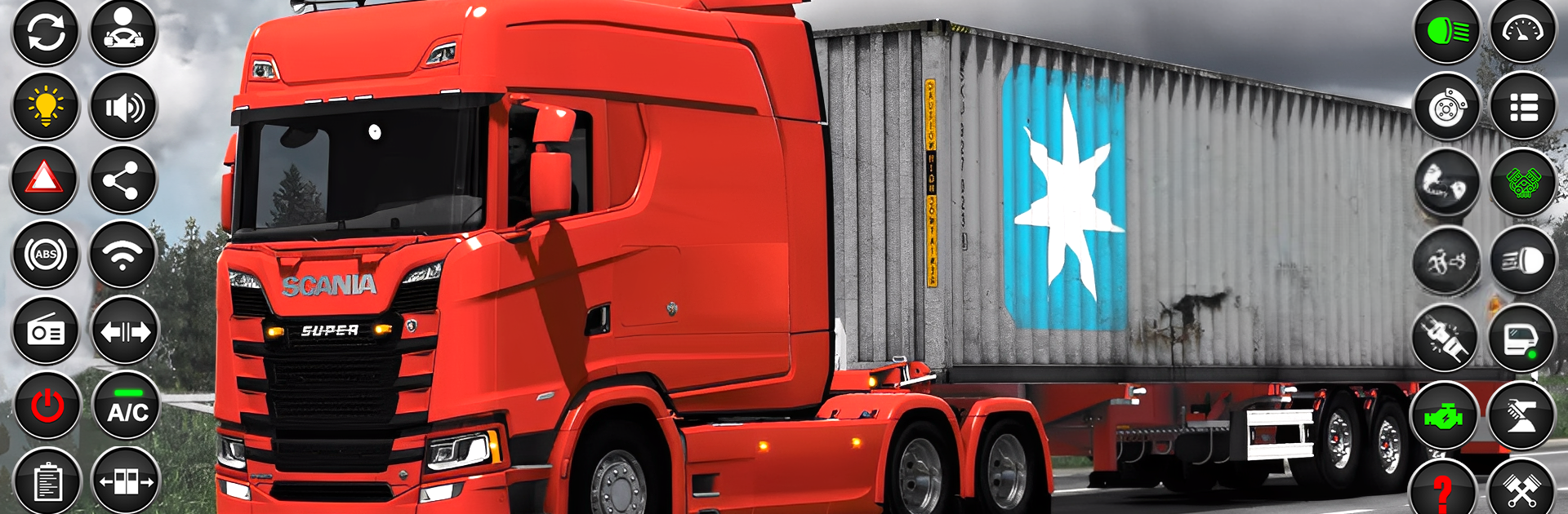
Real Truck Games: Truck World feels like a laid back road trip where the truck is the main character and the scenery steals every scene. It is all slow curves and long stretches, with tall mountains on the horizon and wide green farms rolling past the window. The world is big enough that players can just point the nose of a rig and wander for a while, no big rush, just the rhythm of the road. There is a small garage to choose from, roughly three or four trucks, so it keeps choices simple. The draw here is not collecting a hundred vehicles, it is settling into one, learning its feel, and cruising. Camera swaps, careful brakes on slopes, a bit of steering correction on rough turns, it has that steady trucker pace that is oddly calming.

On PC with BlueStacks, the scenery pops a bit more and keyboard steering makes long hauls easier on the hands. It is a good pick for anyone who wants a quiet drive, not a high pressure challenge. The routes let players soak up views, watch the countryside shift from hills to fields, and enjoy that small satisfaction of rolling into the next stretch. Nothing flashy, just a peaceful loop of pick a truck, hit the road, and enjoy the nature around the asphalt. It is the sort of game that leaves the mind clear and the screen full of sky.

Get ready for a buttery smooth, high-performance gaming action only on BlueStacks.

Game Features

Enhancements

  • Macros
  • Multi Instance
  • Multi Instance Sync
  • Eco Mode
  • Enhancements
Macros

Macros

Skip the boring parts of a game. Play Real Truck Games: Truck World with Macros and get the edge. Simply record a sequence of commands and execute them at any moment.
Multi Instance

Multi Instance

Why limit to one game on your phone when you can play many on your PC? Open multiple instances of Real Truck Games: Truck World at once with Multi-Instance. Leverage the power of different accounts by doing more.
Multi Instance Sync

Multi Instance Sync

Get the best out of Real Truck Games: Truck World with Multi-Instance Sync. Play the game from different accounts and build your own empire. Use Multi-instance sync to repeat the action in the main BlueStacks instance on all other instances.
Eco Mode

Eco Mode

Find the rarest heroes by making multiple summons in Real Truck Games: Truck World. And while you are at it, reduce your PC’s resource consumption with the Eco Mode. Farm efficiently. Get the best results.
Read More

How to Download and Play Real Truck Games: Truck World on PC or Mac

  • Download and install BlueStacks on your PC or Mac

  • Complete Google sign-in to access the Play Store, or do it later

  • Look for Real Truck Games: Truck World in the search bar at the top right corner

  • Click to install Real Truck Games: Truck World from the search results

  • Complete Google sign-in (if you skipped step 2) to install Real Truck Games: Truck World

  • Click the Real Truck Games: Truck World icon on the home screen to start playing

video
Watch Video

Minimum System Requirements

With BlueStacks 5, you can get started on a PC that fulfills the following requirements.

  • Operating System

    Microsoft Windows 7 or above, macOS 11 (Big Sur) or above

  • Processor

    Intel, AMD or Apple Silicon Processor

  • RAM

    at least 4GB

  • HDD

    10GB Free Disk Space

Note:

* You must be an Administrator on your PC. Up to date graphics drivers from Microsoft or the chipset vendor.

Real Truck Games: Truck World - FAQs

  • How to play Real Truck Games: Truck World on Windows PC & Mac?

    Play Real Truck Games: Truck World on your PC or Mac by following these simple steps.

    • Click on 'Play Real Truck Games: Truck World on PC’ to download BlueStacks
    • Install it and log-in to Google Play Store
    • Launch and play the game.
  • Why is BlueStacks the fastest and safest platform to play games on PC?

    BlueStacks respects your privacy and is always safe and secure to use. It does not carry any malware, spyware, or any sort of additional software that could harm your PC.

    It is engineered to optimize speed and performance for a seamless gaming experience.

  • What are Real Truck Games: Truck World PC requirements?

    Minimum requirement to run Real Truck Games: Truck World on your PC

    • OS: Microsoft Windows 7 or above MacOS 11 (Big Sur) or above
    • Processor: Intel, AMD or Apple Silicon Processor
    • RAM: Your PC must have at least 4GB of RAM. (Note that having 4GB or more disk space is not a substitute for RAM)
    • HDD: 10GB Free Disk Space.
    • You must be an Administrator on your PC.