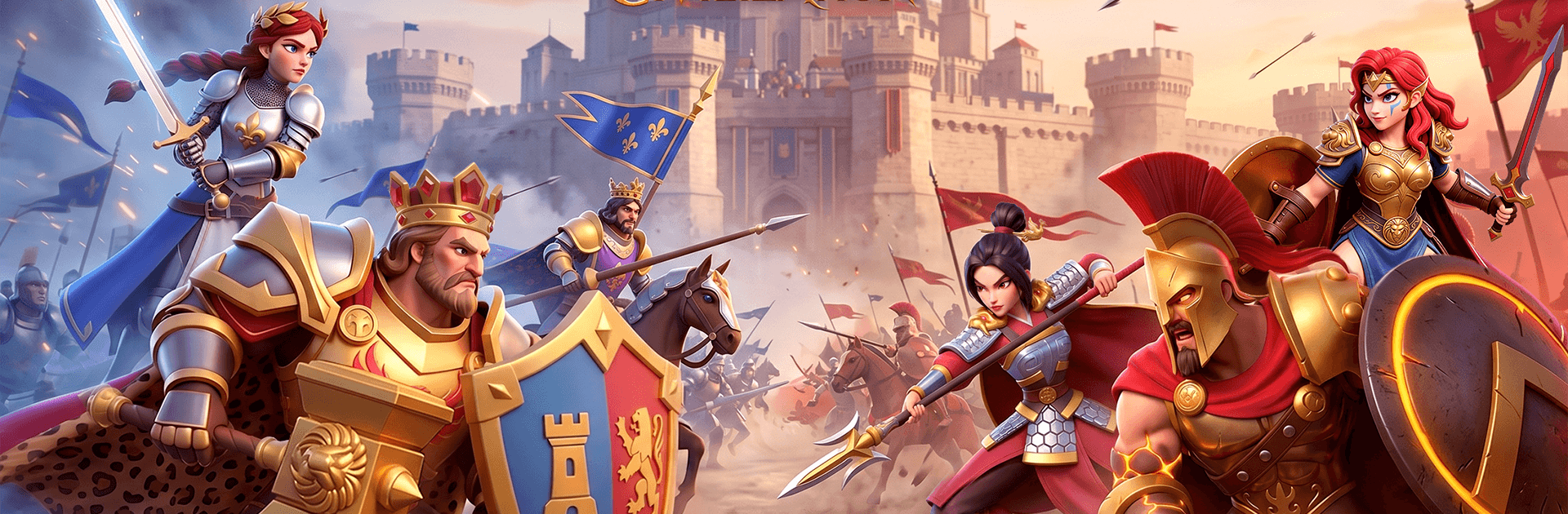
Song of Civilization

Song of Civilization

Strategy

| Shadow Group Studio

Play on PC with BlueStacks or from our cloud

  • Overview
  • Game Features
  • How to Play

Page Modified On: August 17, 2026

Play Song of Civilization on PC or Mac

Bring your A-game to Song of Civilization, the Strategy game sensation from Shadow Group Studio. Give your gameplay the much-needed boost with precise game controls, high FPS graphics, and top-tier features on your PC or Mac with BlueStacks.

About the Game

Song of Civilization drops you into a shattered fantasy world where fallen cities, ancient tech, and rival rulers all collide. You’re the one calling the shots: rebuild a capital, recruit legendary heroes, and push back eerie forces while keeping an eye on hungry neighbors. It’s a Strategy experience that blends city-building, real-time battles, and alliance play—also running smoothly on BlueStacks if you’d rather command from a bigger screen.

Game Features

  • Rebuild from the Ruins: Turn a broken settlement into a thriving capital. Plan your layout, fortify the walls, and grow from a modest town to a powerful seat of power.
  • Real-Time World Battles: Skirmish on a shared map where timing, scouting, and smart positioning decide who holds the choke points—and who gets pushed out.
  • Legendary Heroes, Real Synergy: Collect a cast of distinctive heroes with unique skills. Mix roles, unlock combos, and tweak formations to counter whatever your opponent brings.
  • Alliances with Teeth: Team up with other leaders to run coordinated rallies, share intel, and secure territory. A tight-knit alliance can flip a war in minutes.
  • Research, Craft, and Innovate: Unearth lost knowledge, power up production, and craft gear that fits your playstyle. Efficient upgrades keep armies supplied and cities humming.
  • PvE Threats with Payoffs: Hunt down marauding creatures and dark bosses to earn materials and map control. Clear the path today, open options for tomorrow.
  • Economy That Feeds War: Balance farming, forging, and logistics so your troops don’t stall. Smart resource flow makes every campaign last longer and hit harder.

Get ready for a buttery smooth, high-performance gaming action only on BlueStacks.

Game Features

Enhancements

  • Macros
  • Multi Instance
  • Multi Instance Sync
  • Eco Mode
  • Enhancements
Macros

Macros

Skip the boring parts of a game. Play Song of Civilization with Macros and get the edge. Simply record a sequence of commands and execute them at any moment.
Multi Instance

Multi Instance

Why limit to one game on your phone when you can play many on your PC? Open multiple instances of Song of Civilization at once with Multi-Instance. Leverage the power of different accounts by doing more.
Multi Instance Sync

Multi Instance Sync

Get the best out of Song of Civilization with Multi-Instance Sync. Play the game from different accounts and build your own empire. Use Multi-instance sync to repeat the action in the main BlueStacks instance on all other instances.
Eco Mode

Eco Mode

Find the rarest heroes by making multiple summons in Song of Civilization. And while you are at it, reduce your PC’s resource consumption with the Eco Mode. Farm efficiently. Get the best results.
Read More

How to Download and Play Song of Civilization on PC or Mac

  • Download and install BlueStacks on your PC or Mac

  • Complete Google sign-in to access the Play Store, or do it later

  • Look for Song of Civilization in the search bar at the top right corner

  • Click to install Song of Civilization from the search results

  • Complete Google sign-in (if you skipped step 2) to install Song of Civilization

  • Click the Song of Civilization icon on the home screen to start playing

video
Watch Video

Minimum System Requirements

With BlueStacks 5, you can get started on a PC that fulfills the following requirements.

  • Operating System

    Microsoft Windows 7 or above, macOS 11 (Big Sur) or above

  • Processor

    Intel, AMD or Apple Silicon Processor

  • RAM

    at least 4GB

  • HDD

    10GB Free Disk Space

Note:

* You must be an Administrator on your PC. Up to date graphics drivers from Microsoft or the chipset vendor.

Song of Civilization - FAQs

  • How to play Song of Civilization on Windows PC & Mac?

    Play Song of Civilization on your PC or Mac by following these simple steps.

    • Click on 'Play Song of Civilization on PC’ to download BlueStacks
    • Install it and log-in to Google Play Store
    • Launch and play the game.
  • Why is BlueStacks the fastest and safest platform to play games on PC?

    BlueStacks respects your privacy and is always safe and secure to use. It does not carry any malware, spyware, or any sort of additional software that could harm your PC.

    It is engineered to optimize speed and performance for a seamless gaming experience.

  • What are Song of Civilization PC requirements?

    Minimum requirement to run Song of Civilization on your PC

    • OS: Microsoft Windows 7 or above MacOS 11 (Big Sur) or above
    • Processor: Intel, AMD or Apple Silicon Processor
    • RAM: Your PC must have at least 4GB of RAM. (Note that having 4GB or more disk space is not a substitute for RAM)
    • HDD: 10GB Free Disk Space.
    • You must be an Administrator on your PC.