
大時代:民國爭霸—回合制歷史戰略SLG
大時代:民國爭霸—回合制歷史戰略SLG

大時代:民國爭霸—回合制歷史戰略SLG

Strategy

| dsd_studio

Play on PC with BlueStacks or from our cloud

  • Overview
  • Game Features
  • How to Play

Page Modified On: June 13, 2025

Play 大時代:民國爭霸—回合制歷史戰略SLG on PC or Mac

Explore a whole new adventure with 大時代:民國爭霸—回合制歷史戰略SLG, a Strategy game created by dsd_studio. Experience great gameplay with BlueStacks, the most popular gaming platform to play Android games on your PC or Mac.

About the Game

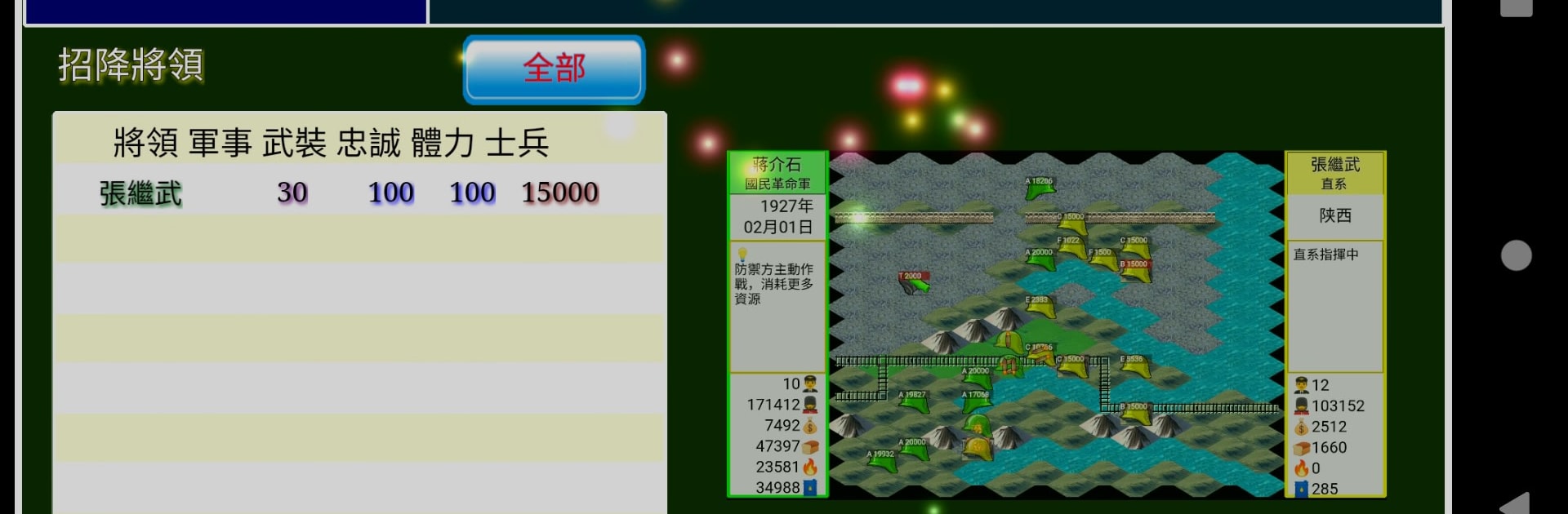
Step into the unpredictable world of early 20th-century China in 大時代:民國爭霸—回合制歷史戰略SLG, a Strategy title from dsd_studio. You’re not just a bystander here—you’ll be running your own faction, guiding it through the ups and downs of warlord skirmishes, clever deals, and unexpected twists in history. Whether you’re a history enthusiast, a fan of turn-based showdowns, or just someone who enjoys a complicated power struggle, there’s a lot to sink your teeth into. If you prefer playing on PC, using BlueStacks feels pretty slick, too.

Game Features

  • Turn-Based Battles
    Every clash is a careful dance—position your troops, consider their strengths, and use smart tactics to tip the scales your way. Each round matters, and a bit of planning can really change the outcome.

  • Depth in Management
    Balancing military ambitions with political maneuvers keeps things interesting. Recruit legendary commanders, train fresh soldiers, and manage your cities’ growth. Don’t forget: earning respect from other factions can be just as important as winning battles.

  • Reimagined Historical Events
    Major warlords and famous figures from the era aren’t just names—they’re right in the thick of it, making each campaign feel like navigating a high-stakes chapter of history. Big battles, tense negotiations, and more await.

  • Freedom to Expand
    Start small and watch your power grow. You get to choose your own methods—whether it’s politics, force, or a well-timed alliance, the path to unity is yours to map out.

  • Layers of Strategy
    Experiment with loads of different troop combinations and special abilities. Each playthrough can unfold in new ways thanks to the broad range of development options.

  • Authentic Look and Feel
    The game sports a traditional Chinese interface and original music, setting the mood for the era and drawing you right into its world.

  • Engaging Missions and Storylines
    The main campaigns, side quests, and secret objectives keep things fresh. Along the way, you’ll face tough choices that really make you think about loyalty, power, and survival.

  • Fully Supports Traditional Chinese
    Every bit of text and every menu is tailored for players who read Traditional Chinese—nothing left out or awkwardly translated.

Slay your opponents with your epic moves. Play it your way on BlueStacks and dominate the battlefield.


Game Features

Enhancements

  • Macros
  • Multi Instance
  • Multi Instance Sync
  • Eco Mode
  • Enhancements
Macros

Macros

Skip the boring parts of a game. Play 大時代:民國爭霸—回合制歷史戰略SLG with Macros and get the edge. Simply record a sequence of commands and execute them at any moment.
Multi Instance

Multi Instance

Why limit to one game on your phone when you can play many on your PC? Open multiple instances of 大時代:民國爭霸—回合制歷史戰略SLG at once with Multi-Instance. Leverage the power of different accounts by doing more.
Multi Instance Sync

Multi Instance Sync

Get the best out of 大時代:民國爭霸—回合制歷史戰略SLG with Multi-Instance Sync. Play the game from different accounts and build your own empire. Use Multi-instance sync to repeat the action in the main BlueStacks instance on all other instances.
Eco Mode

Eco Mode

Find the rarest heroes by making multiple summons in 大時代:民國爭霸—回合制歷史戰略SLG. And while you are at it, reduce your PC’s resource consumption with the Eco Mode. Farm efficiently. Get the best results.
Read More

How to Download and Play 大時代:民國爭霸—回合制歷史戰略SLG on PC or Mac

  • Download and install BlueStacks on your PC or Mac

  • Complete Google sign-in to access the Play Store, or do it later

  • Look for 大時代:民國爭霸—回合制歷史戰略SLG in the search bar at the top right corner

  • Click to install 大時代:民國爭霸—回合制歷史戰略SLG from the search results

  • Complete Google sign-in (if you skipped step 2) to install 大時代:民國爭霸—回合制歷史戰略SLG

  • Click the 大時代:民國爭霸—回合制歷史戰略SLG icon on the home screen to start playing

video
Watch Video

Minimum System Requirements

With BlueStacks 5, you can get started on a PC that fulfills the following requirements.

  • Operating System

    Microsoft Windows 7 or above, macOS 11 (Big Sur) or above

  • Processor

    Intel, AMD or Apple Silicon Processor

  • RAM

    at least 4GB

  • HDD

    10GB Free Disk Space

Note:

* You must be an Administrator on your PC. Up to date graphics drivers from Microsoft or the chipset vendor.

大時代:民國爭霸—回合制歷史戰略SLG - FAQs

  • How to play 大時代:民國爭霸—回合制歷史戰略SLG on Windows PC & Mac?

    Play 大時代:民國爭霸—回合制歷史戰略SLG on your PC or Mac by following these simple steps.

    • Click on 'Play 大時代:民國爭霸—回合制歷史戰略SLG on PC’ to download BlueStacks
    • Install it and log-in to Google Play Store
    • Launch and play the game.
  • Why is BlueStacks the fastest and safest platform to play games on PC?

    BlueStacks respects your privacy and is always safe and secure to use. It does not carry any malware, spyware, or any sort of additional software that could harm your PC.

    It is engineered to optimize speed and performance for a seamless gaming experience.

  • What are 大時代:民國爭霸—回合制歷史戰略SLG PC requirements?

    Minimum requirement to run 大時代:民國爭霸—回合制歷史戰略SLG on your PC

    • OS: Microsoft Windows 7 or above MacOS 11 (Big Sur) or above
    • Processor: Intel, AMD or Apple Silicon Processor
    • RAM: Your PC must have at least 4GB of RAM. (Note that having 4GB or more disk space is not a substitute for RAM)
    • HDD: 10GB Free Disk Space.
    • You must be an Administrator on your PC.







