Three Kingdoms: Grand Strategy

Three Kingdoms: Grand Strategy

Strategy

| Kong Software., JSC

Play on PC with BlueStacks or from our cloud

  • Overview
  • Game Features
  • How to Play

Page Modified On: August 03, 2026

Play Three Kingdoms: Grand Strategy on PC or Mac

Play Three Kingdoms: Grand Strategy by Kong Software., JSC on PC or Mac with BlueStacks. Use a bigger screen, mouse and keyboard controls, and smoother performance while you play.

About the Game

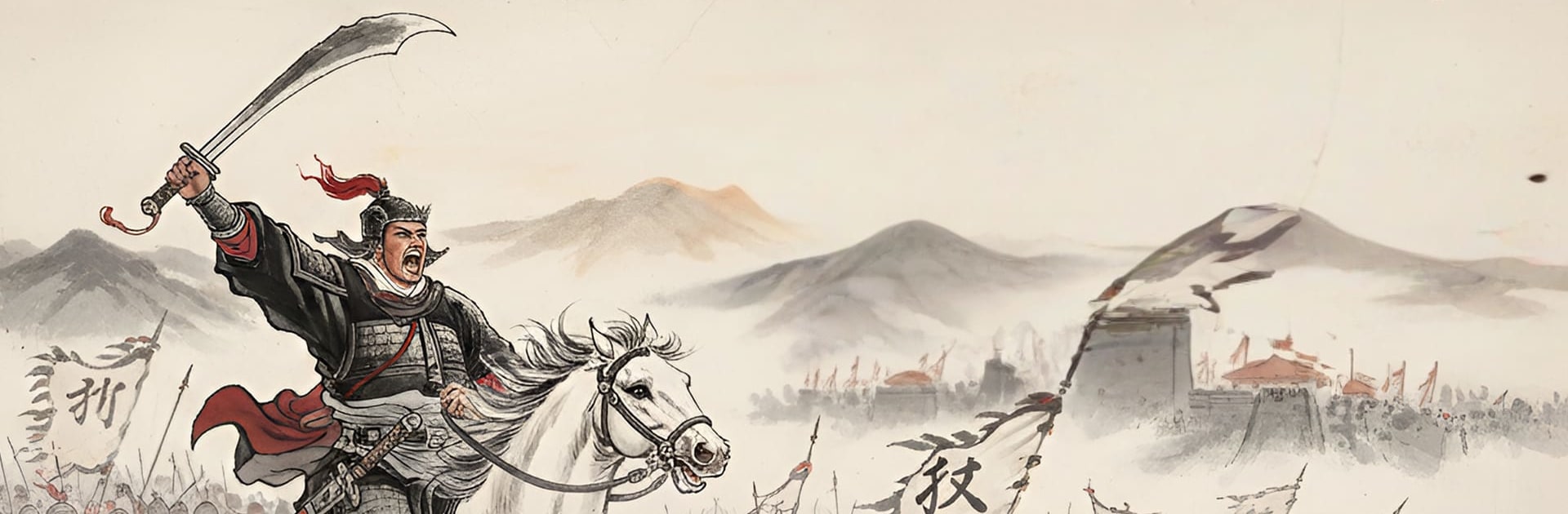
Three Kingdoms: Grand Strategy drops you into a fractured ancient China where every order, treaty, and troop movement can shift the balance. It’s a Strategy game about brains over bravado—raising armies, assigning the right leaders, and making tough calls that echo across the map. Prefer playing on a bigger screen with smoother controls? Running it on BlueStacks feels great without changing the core experience.

Game Features

  • Command Legendary Leaders: Recruit famed generals, study their strengths, and pair them with the right units to create hard-hitting formations that fit your plan.
  • Build and Expand: Develop cities, secure key resources, and strengthen your supply lines so your armies don’t stall when the fighting gets serious.
  • Tactical Battles That Reward Planning: Scout enemy positions, pick favorable terrain, and time your strikes—smart positioning and a good counter can topple a stronger force.
  • Shape the Map with Choices: Issue policies, settle disputes, and decide when to march or hold. Your decisions influence borders, stability, and how neighbors see you.
  • Diplomacy and Alliances: Negotiate truces, coordinate with partners, or bait rivals into overextending. Friends today can be obstacles tomorrow—play it your way.
  • Conquer, Unite, Rule: Push through rival territories, secure chokepoints, and bring scattered lands under a single banner—one careful campaign at a time.
  • Strategic Depth, Clear Goals: Whether you’re expanding steadily or pulling off bold maneuvers, the game rewards foresight and patience as much as courage.

Ready to top the leaderboard? We bet you do. Let precise controls and sharp visuals optimized on BlueStacks lead you to victory.


Game Features

Enhancements

  • Macros
  • Multi Instance
  • Multi Instance Sync
  • Eco Mode
  • Enhancements
Macros

Macros

Skip the boring parts of a game. Play Three Kingdoms: Grand Strategy with Macros and get the edge. Simply record a sequence of commands and execute them at any moment.
Multi Instance

Multi Instance

Why limit to one game on your phone when you can play many on your PC? Open multiple instances of Three Kingdoms: Grand Strategy at once with Multi-Instance. Leverage the power of different accounts by doing more.
Multi Instance Sync

Multi Instance Sync

Get the best out of Three Kingdoms: Grand Strategy with Multi-Instance Sync. Play the game from different accounts and build your own empire. Use Multi-instance sync to repeat the action in the main BlueStacks instance on all other instances.
Eco Mode

Eco Mode

Find the rarest heroes by making multiple summons in Three Kingdoms: Grand Strategy. And while you are at it, reduce your PC’s resource consumption with the Eco Mode. Farm efficiently. Get the best results.
Read More

How to Download and Play Three Kingdoms: Grand Strategy on PC or Mac

  • Download and install BlueStacks on your PC or Mac

  • Complete Google sign-in to access the Play Store, or do it later

  • Look for Three Kingdoms: Grand Strategy in the search bar at the top right corner

  • Click to install Three Kingdoms: Grand Strategy from the search results

  • Complete Google sign-in (if you skipped step 2) to install Three Kingdoms: Grand Strategy

  • Click the Three Kingdoms: Grand Strategy icon on the home screen to start playing

video
Watch Video

Minimum System Requirements

With BlueStacks 5, you can get started on a PC that fulfills the following requirements.

  • Operating System

    Microsoft Windows 7 or above, macOS 11 (Big Sur) or above

  • Processor

    Intel, AMD or Apple Silicon Processor

  • RAM

    at least 4GB

  • HDD

    10GB Free Disk Space

Note:

* You must be an Administrator on your PC. Up to date graphics drivers from Microsoft or the chipset vendor.

Three Kingdoms: Grand Strategy - FAQs

  • How to play Three Kingdoms: Grand Strategy on Windows PC & Mac?

    Play Three Kingdoms: Grand Strategy on your PC or Mac by following these simple steps.

    • Click on 'Play Three Kingdoms: Grand Strategy on PC’ to download BlueStacks
    • Install it and log-in to Google Play Store
    • Launch and play the game.
  • Why is BlueStacks the fastest and safest platform to play games on PC?

    BlueStacks respects your privacy and is always safe and secure to use. It does not carry any malware, spyware, or any sort of additional software that could harm your PC.

    It is engineered to optimize speed and performance for a seamless gaming experience.

  • What are Three Kingdoms: Grand Strategy PC requirements?

    Minimum requirement to run Three Kingdoms: Grand Strategy on your PC

    • OS: Microsoft Windows 7 or above MacOS 11 (Big Sur) or above
    • Processor: Intel, AMD or Apple Silicon Processor
    • RAM: Your PC must have at least 4GB of RAM. (Note that having 4GB or more disk space is not a substitute for RAM)
    • HDD: 10GB Free Disk Space.
    • You must be an Administrator on your PC.