TTO: Reborn
TTO: Reborn

TTO: Reborn

Strategy

| STRATEGY STUDIO

Play on PC with BlueStacks or from our cloud

  • Overview
  • Game Features
  • How to Play

Page Modified On: September 18, 2026

Play TTO: Reborn on PC or Mac

TTO: Reborn by STRATEGY STUDIO has plenty to keep you busy. BlueStacks lets you play it on PC or Mac with more screen space, better control, and fewer mobile limits.

About the Game

TTO: Reborn is a Strategy game built around card-driven battles and a crew of spirited beasts that grow alongside you. It’s the kind of game where tinkering with lineups and timing a perfect combo matters just as much as raw stats. Prefer playing on a bigger display? It runs smoothly on BlueStacks, too.

Game Features

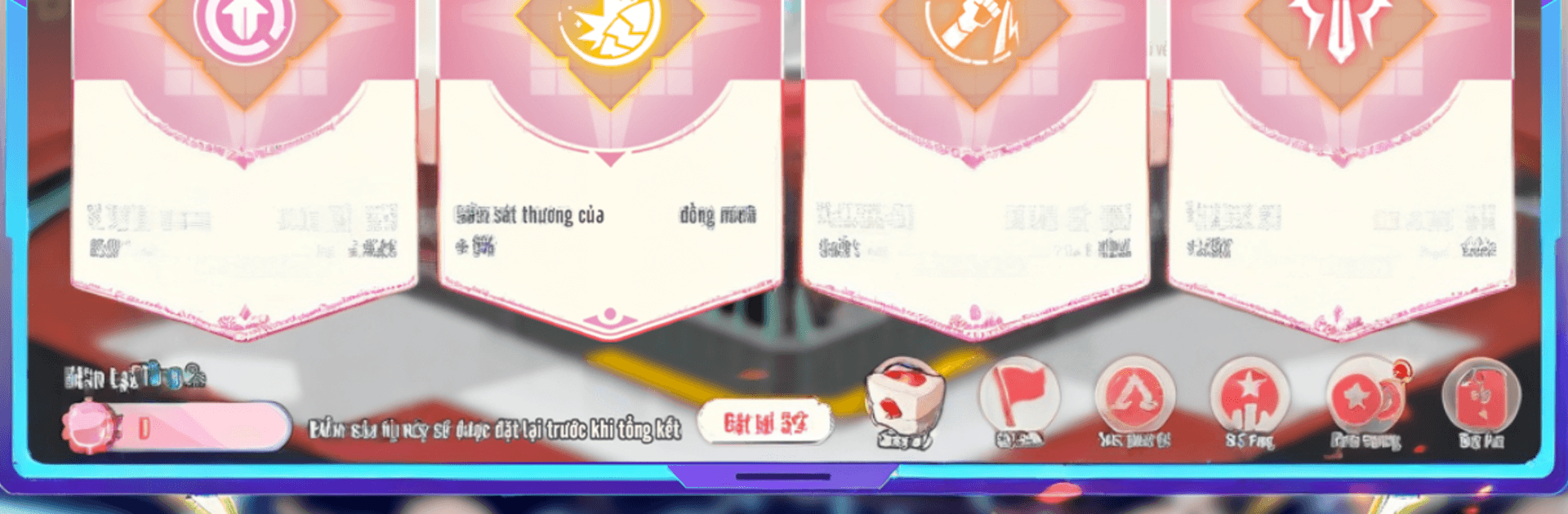
  • Card-Driven Combat: Draw, play, and chain skill cards to control the flow of each fight, turning close calls into clean wins when you plan a few moves ahead.
  • Team Synergy Tinkering: Mix roles, formations, and counter mechanics to craft squads that answer different threats instead of relying on a single brute-force tactic.
  • Spirit Beast Awakening: Evolve your companions through multiple forms to unlock fresh abilities, new looks, and surprising playstyles.
  • Big World, Real Discoveries: Trek across varied regions, hunt rare bosses, and chase high-value drops that push your builds in new directions.
  • Competitive Arena: Face off against other players in ranked matches, fine-tune your deck and lineup, and push for higher tiers with smarter strategies.
  • Quick, Friendly Progression: Designed to fit busy schedules, with streamlined systems that help you advance meaningfully without endless grinding.
  • Counterplay That Matters: Read enemy patterns, pack the right answers, and pivot mid-battle to flip tough encounters in your favor.
  • Build Once, Experiment Often: Swap cards, traits, and beast roles on the fly to test wild ideas—no fear of getting stuck with a single path.

Start your journey now. Download the game on BlueStacks, invite your friends, and march on a new adventure.


Game Features

Enhancements

  • Macros
  • Multi Instance
  • Multi Instance Sync
  • Eco Mode
  • Enhancements
Macros

Macros

Skip the boring parts of a game. Play TTO: Reborn with Macros and get the edge. Simply record a sequence of commands and execute them at any moment.
Multi Instance

Multi Instance

Why limit to one game on your phone when you can play many on your PC? Open multiple instances of TTO: Reborn at once with Multi-Instance. Leverage the power of different accounts by doing more.
Multi Instance Sync

Multi Instance Sync

Get the best out of TTO: Reborn with Multi-Instance Sync. Play the game from different accounts and build your own empire. Use Multi-instance sync to repeat the action in the main BlueStacks instance on all other instances.
Eco Mode

Eco Mode

Find the rarest heroes by making multiple summons in TTO: Reborn. And while you are at it, reduce your PC’s resource consumption with the Eco Mode. Farm efficiently. Get the best results.
Read More

How to Download and Play TTO: Reborn on PC or Mac

  • Download and install BlueStacks on your PC or Mac

  • Complete Google sign-in to access the Play Store, or do it later

  • Look for TTO: Reborn in the search bar at the top right corner

  • Click to install TTO: Reborn from the search results

  • Complete Google sign-in (if you skipped step 2) to install TTO: Reborn

  • Click the TTO: Reborn icon on the home screen to start playing

video
Watch Video

Minimum System Requirements

With BlueStacks 5, you can get started on a PC that fulfills the following requirements.

  • Operating System

    Microsoft Windows 7 or above, macOS 11 (Big Sur) or above

  • Processor

    Intel, AMD or Apple Silicon Processor

  • RAM

    at least 4GB

  • HDD

    10GB Free Disk Space

Note:

* You must be an Administrator on your PC. Up to date graphics drivers from Microsoft or the chipset vendor.

TTO: Reborn - FAQs

  • How to play TTO: Reborn on Windows PC & Mac?

    Play TTO: Reborn on your PC or Mac by following these simple steps.

    • Click on 'Play TTO: Reborn on PC’ to download BlueStacks
    • Install it and log-in to Google Play Store
    • Launch and play the game.
  • Why is BlueStacks the fastest and safest platform to play games on PC?

    BlueStacks respects your privacy and is always safe and secure to use. It does not carry any malware, spyware, or any sort of additional software that could harm your PC.

    It is engineered to optimize speed and performance for a seamless gaming experience.

  • What are TTO: Reborn PC requirements?

    Minimum requirement to run TTO: Reborn on your PC

    • OS: Microsoft Windows 7 or above MacOS 11 (Big Sur) or above
    • Processor: Intel, AMD or Apple Silicon Processor
    • RAM: Your PC must have at least 4GB of RAM. (Note that having 4GB or more disk space is not a substitute for RAM)
    • HDD: 10GB Free Disk Space.
    • You must be an Administrator on your PC.