War Machine
War Machine

War Machine

Strategy

| Youngster Studio

Play on PC with BlueStacks or from our cloud

  • Overview
  • Game Features
  • How to Play

Page Modified On: December 26, 2025

Play War Machine on PC or Mac

War Machine brings the Strategy genre to life, and throws up exciting challenges for gamers. Developed by Youngster Studio, this Android game is best experienced on BlueStacks, the World’s #1 app player for PC and Mac users.

About the Game

War Machine throws you into a messy, delightful mix of garage tinkering and all-out chaos on the battlefield. It’s a Strategy playground from Youngster Studio where your custom-built ride is the hero, and every bolt and bracket matters. Build something that moves, arm it to the teeth, and see if your design can tear through waves of stickmen and their towering bosses.

Game Features

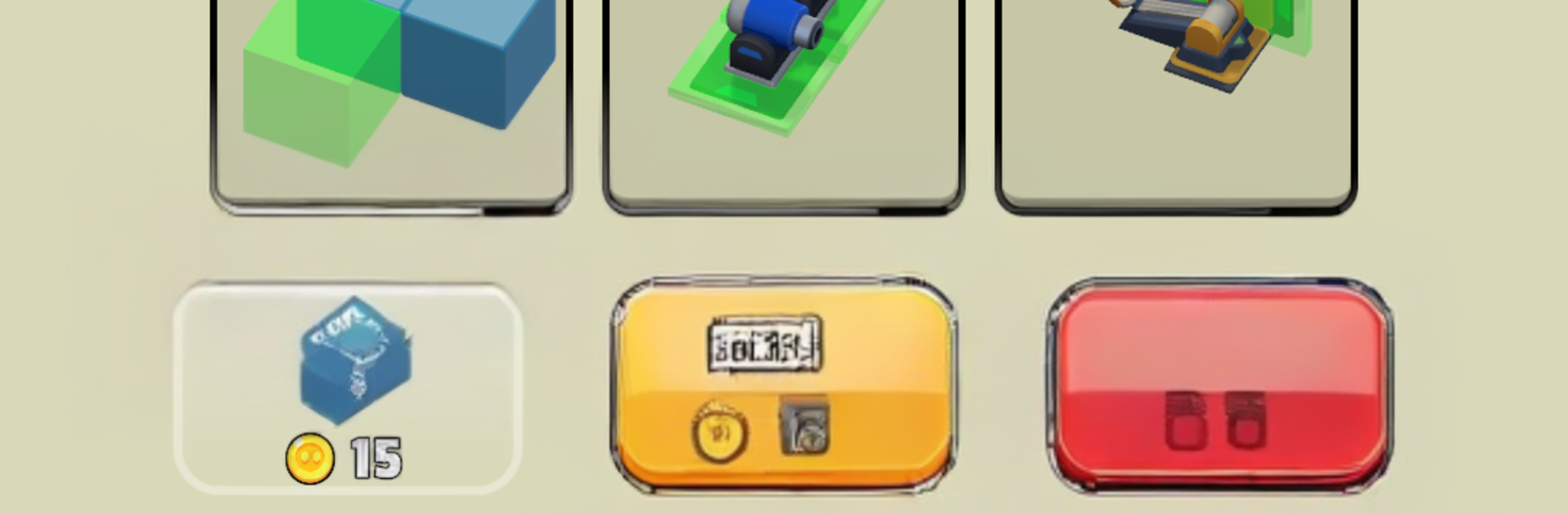
  • Build Your Own Beast: Snap together blocks in different shapes and materials to craft anything from a nimble buggy to a rolling fortress. If it has wheels and a plan, it can fight.

  • Weapons Your Way: Mount machine guns, rockets, and cannons, then arrange them how you like. Go for speed, armor, firepower—or a weird mix that somehow just works.

  • Strategy Under the Hood: Think about weight, armor placement, and firing arcs. A clever layout can turn a janky-looking rig into a battlefield bully.

  • Swarms and Boss Fights: Plow through red stickman armies, break down their defenses, and square up against oversized bosses that demand new tactics.

  • Parts to Unlock: Clear stages to earn tougher frames, better wheels, smarter weapons, and more. Every new piece opens another way to build.

  • Tinker, Test, Tweak: Rebuild between runs, experiment with loadouts, and fine-tune until your creation finally clicks.

  • New Maps, New Problems: Different arenas change how you fight—tight corridors, open fields, unexpected hazards—so your design has to adapt.

  • Smooth on PC with BlueStacks: Prefer mouse aiming and keyboard driving? War Machine plays comfortably on BlueStacks without getting in your way.

Ready to top the leaderboard? We bet you do. Let precise controls and sharp visuals optimized on BlueStacks lead you to victory.


Game Features

Enhancements

  • Macros
  • Multi Instance
  • Multi Instance Sync
  • Eco Mode
  • Enhancements
Macros

Macros

Skip the boring parts of a game. Play War Machine with Macros and get the edge. Simply record a sequence of commands and execute them at any moment.
Multi Instance

Multi Instance

Why limit to one game on your phone when you can play many on your PC? Open multiple instances of War Machine at once with Multi-Instance. Leverage the power of different accounts by doing more.
Multi Instance Sync

Multi Instance Sync

Get the best out of War Machine with Multi-Instance Sync. Play the game from different accounts and build your own empire. Use Multi-instance sync to repeat the action in the main BlueStacks instance on all other instances.
Eco Mode

Eco Mode

Find the rarest heroes by making multiple summons in War Machine. And while you are at it, reduce your PC’s resource consumption with the Eco Mode. Farm efficiently. Get the best results.
Read More

How to Download and Play War Machine on PC or Mac

  • Download and install BlueStacks on your PC or Mac

  • Complete Google sign-in to access the Play Store, or do it later

  • Look for War Machine in the search bar at the top right corner

  • Click to install War Machine from the search results

  • Complete Google sign-in (if you skipped step 2) to install War Machine

  • Click the War Machine icon on the home screen to start playing

video
Watch Video

Minimum System Requirements

With BlueStacks 5, you can get started on a PC that fulfills the following requirements.

  • Operating System

    Microsoft Windows 7 or above, macOS 11 (Big Sur) or above

  • Processor

    Intel, AMD or Apple Silicon Processor

  • RAM

    at least 4GB

  • HDD

    10GB Free Disk Space

Note:

* You must be an Administrator on your PC. Up to date graphics drivers from Microsoft or the chipset vendor.

War Machine - FAQs

  • How to play War Machine on Windows PC & Mac?

    Play War Machine on your PC or Mac by following these simple steps.

    • Click on 'Play War Machine on PC’ to download BlueStacks
    • Install it and log-in to Google Play Store
    • Launch and play the game.
  • Why is BlueStacks the fastest and safest platform to play games on PC?

    BlueStacks respects your privacy and is always safe and secure to use. It does not carry any malware, spyware, or any sort of additional software that could harm your PC.

    It is engineered to optimize speed and performance for a seamless gaming experience.

  • What are War Machine PC requirements?

    Minimum requirement to run War Machine on your PC

    • OS: Microsoft Windows 7 or above MacOS 11 (Big Sur) or above
    • Processor: Intel, AMD or Apple Silicon Processor
    • RAM: Your PC must have at least 4GB of RAM. (Note that having 4GB or more disk space is not a substitute for RAM)
    • HDD: 10GB Free Disk Space.
    • You must be an Administrator on your PC.