



What’s better than using Accelerometer by Microsys Com Ltd.? Well, try it on a big screen, on your PC or Mac, with BlueStacks to see the difference.
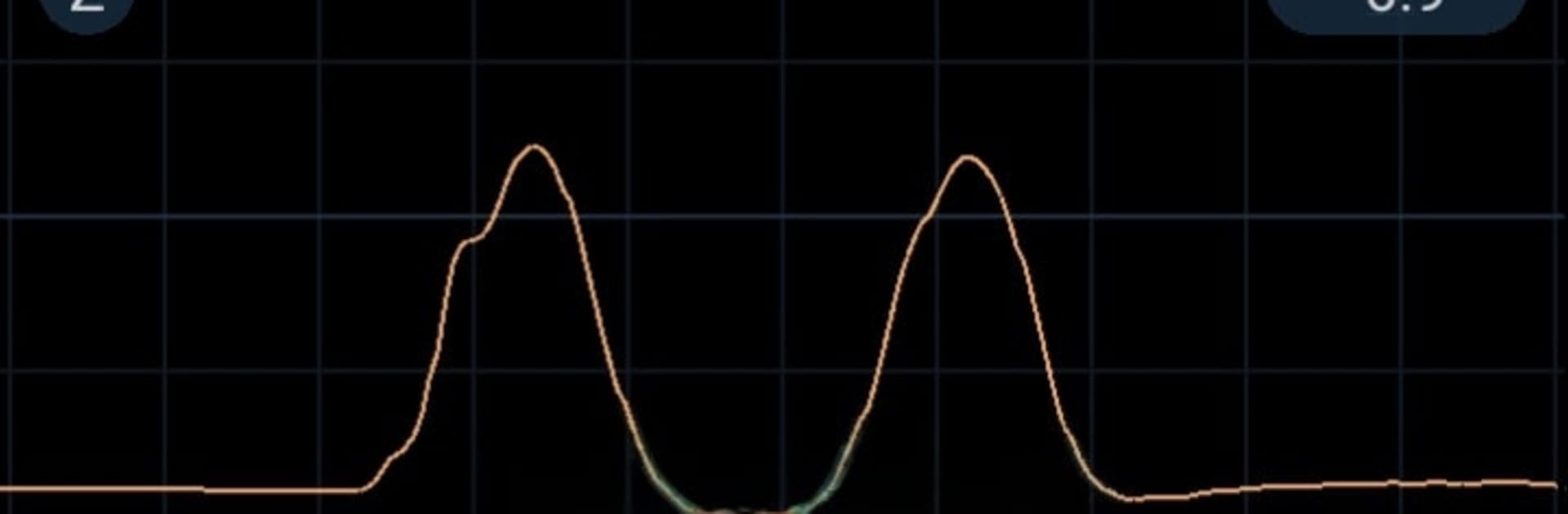
Accelerometer is one of those super straightforward tools that does exactly what the name says. It shows a live graph of acceleration over time, with X, Y, and Z lines that can sit on one grid or be split so each axis is easier to read. The whole thing feels like a tiny lab on the screen, very no-nonsense. On a PC through BlueStacks, the bigger window makes the traces easier to track and compare, and dragging sliders with a mouse feels precise. It is portrait only, but the layout still makes sense on a monitor, almost like a narrow oscilloscope.
There are three sensor modes to pick from: standard gravity, global acceleration, or linear acceleration, so it can focus on Earth’s pull, total movement, or movement without gravity mixed in. That makes it useful for quick checks on vibrations from a 3D printer or a small motor, watching a car’s starts and stops, or just seeing how calm the room is when there is a tiny seismic tremor. Sampling rate can be tuned from 10 to 100 samples per second, and the grid range can be set from 100 mm/s² up to 100 m/s², so tiny jitters or big jolts both show cleanly. It keeps the screen on, has a simple sound alert when a level gets crossed, and asks for no special permissions. It is free, with no ads poking around. Only catch is it needs a phone with an accelerometer and Android 6 or newer. Running it in BlueStacks is nice for viewing and testing controls while the device feeds the data, especially if someone wants to watch long recordings without squinting. The interface is plain in a good way, labels are clear, and nothing gets in the way of the graph.
BlueStacks gives you the much-needed freedom to experience your favorite apps on a bigger screen. Get it now.





